> ## Documentation Index
> Fetch the complete documentation index at: https://docs.ycloud.com/llms.txt
> Use this file to discover all available pages before exploring further.
# Agent Takeover
“Agent takeover” represents **agent taking over the conversation**. When connected to the “Agent takeover” component, the conversation between the customer and the Rule-based Agent will be assigned to an online agent for handling.
In "Agent takeover," you can choose the assignment rules:
1. Consistent with the assignment rules set for the current number.
2. Assign to a specific team for handling
3. Assign to a specific agent/sale for handling.
 ## Applicable Scenarios
It is used to handle complex conversations that the Rule-based Agent cannot resolve, or it is recommended to place it towards the later stages of the Rule-based Agent's process.
*For example: When the Rule-based Agent's dialogue task has progressed to the later stages, you can add a component asking if the customer's needs have been met. When the customer indicates that the Rule-based Agent has not solved the problem, you can connect the “Agent Takeover” component, allowing the agent to take over the current conversation to continue handling more complex issues.*
## Applicable Scenarios
It is used to handle complex conversations that the Rule-based Agent cannot resolve, or it is recommended to place it towards the later stages of the Rule-based Agent's process.
*For example: When the Rule-based Agent's dialogue task has progressed to the later stages, you can add a component asking if the customer's needs have been met. When the customer indicates that the Rule-based Agent has not solved the problem, you can connect the “Agent Takeover” component, allowing the agent to take over the current conversation to continue handling more complex issues.*
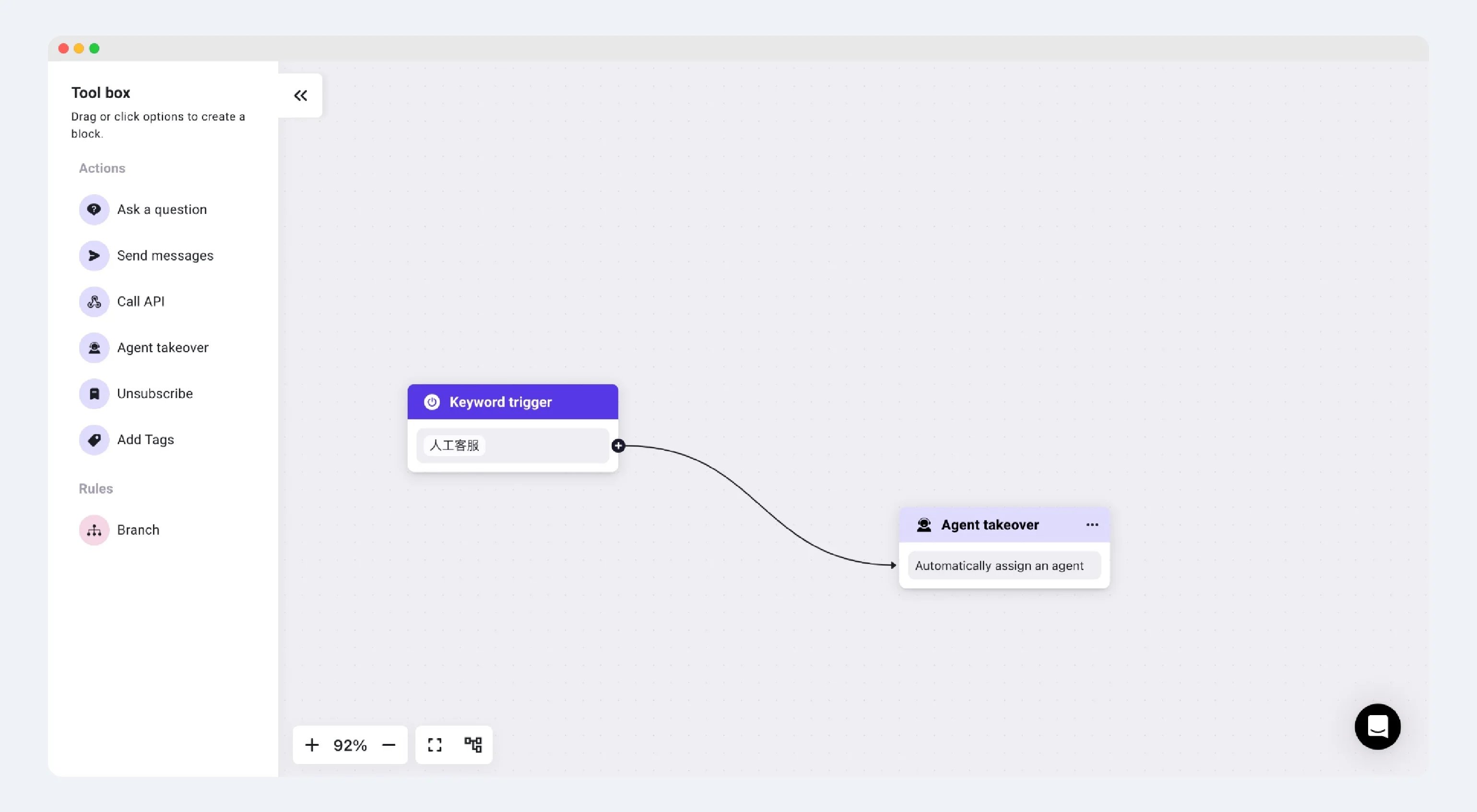
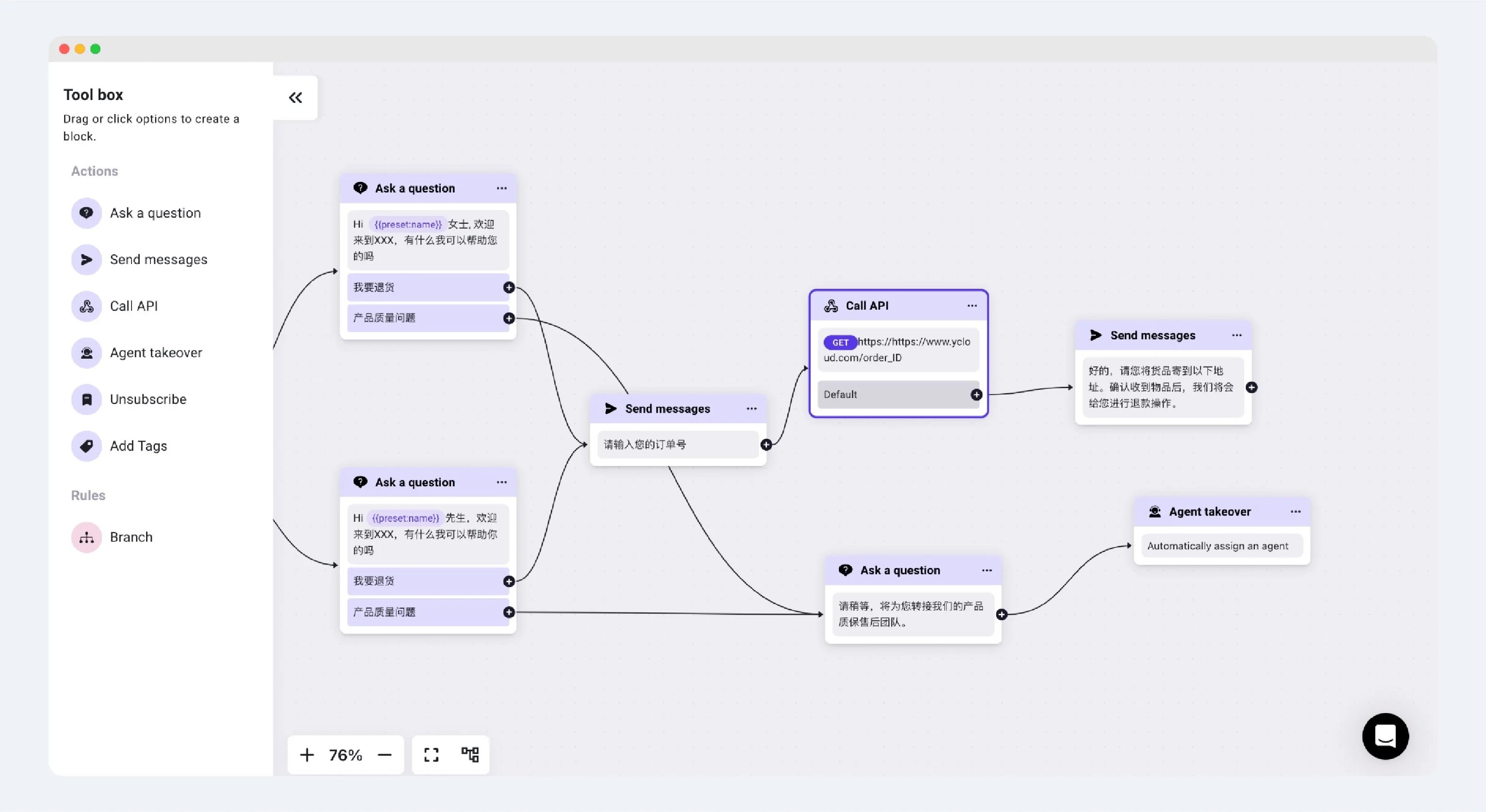 Alternatively, you can also set up specific keywords that trigger human customer service. Once the corresponding Rule-based Agent is triggered, the conversation will automatically be transferred to an agent.
 This documentation is built and hosted on [Mintlify](https://mintlify.com), a developer documentation platform.