> ## Documentation Index
> Fetch the complete documentation index at: https://docs.ycloud.com/llms.txt
> Use this file to discover all available pages before exploring further.
# Rule-based Agent Analytics
> Review flow triggers and button replies for a rule-based agent.
Use analytics to understand how customers interact with a rule-based agent.
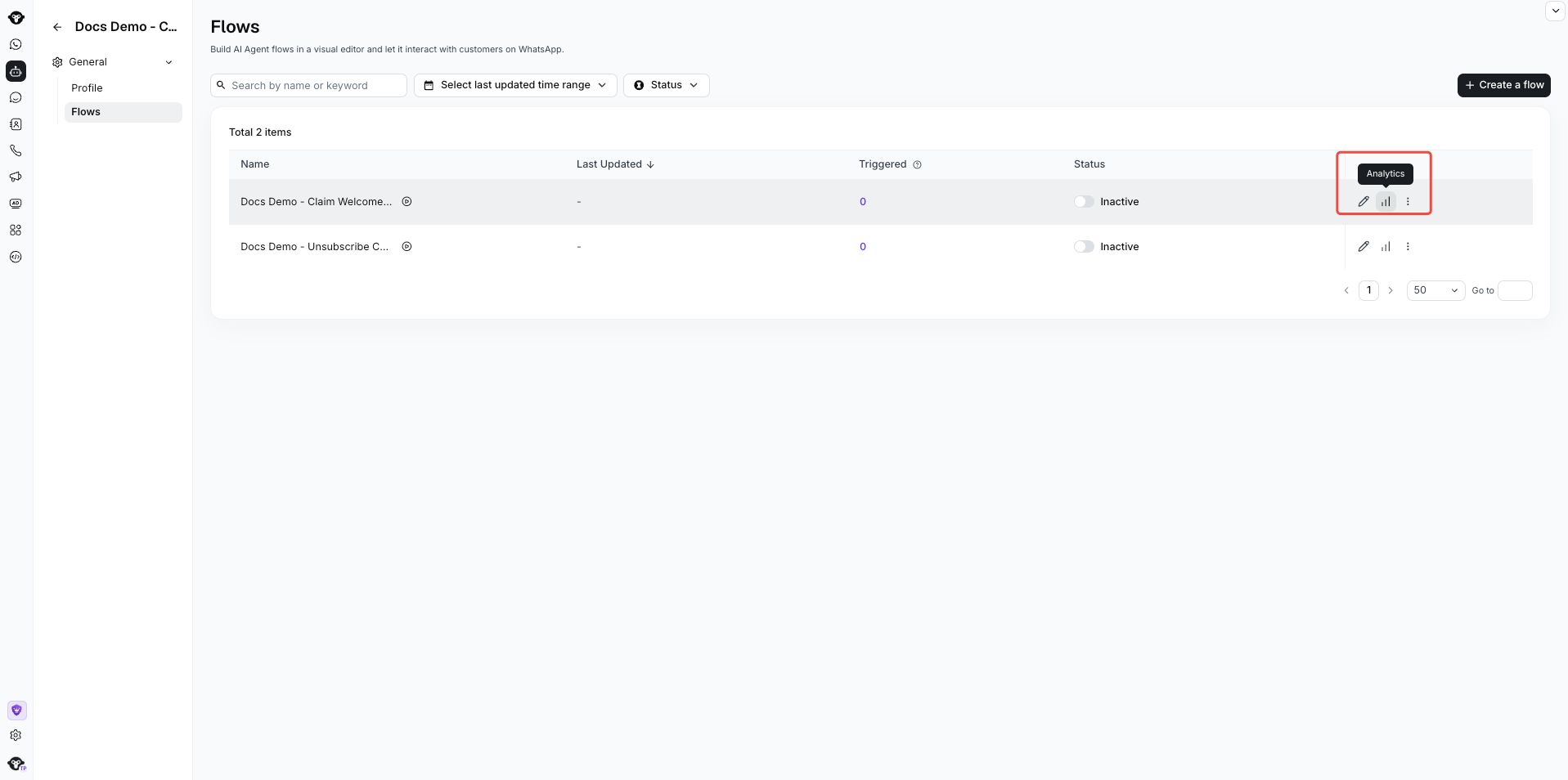
Open your rule-based agent, select **Flows**, open a flow, then select **Analysis**.
 You can review two types of data:
## View flow triggers
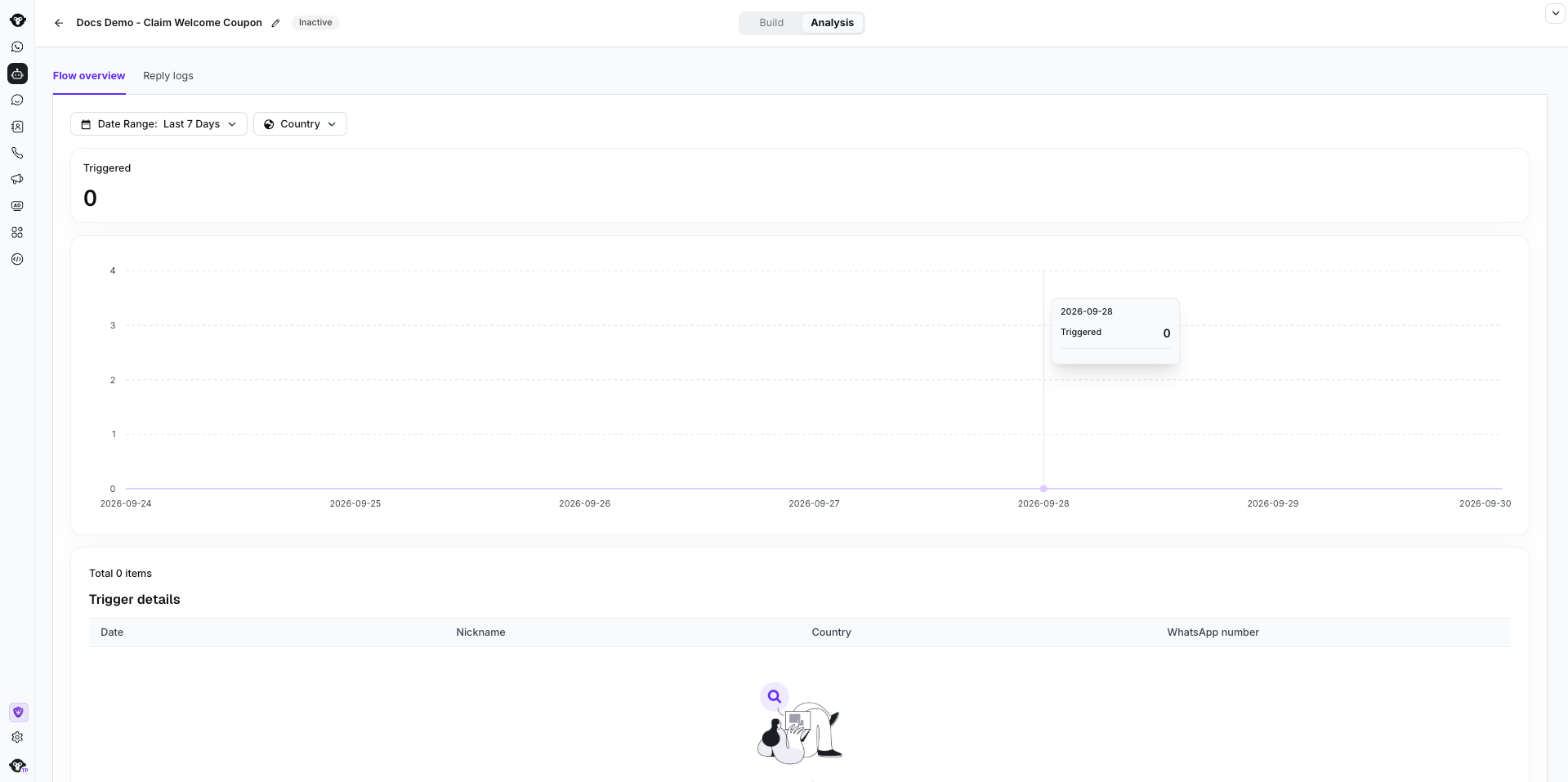
In **Flow overview**, use filters such as time and customer country to see how often the flow was triggered. The line chart shows trigger trends and the customers who entered the flow.
You can review two types of data:
## View flow triggers
In **Flow overview**, use filters such as time and customer country to see how often the flow was triggered. The line chart shows trigger trends and the customers who entered the flow.
 ## View button replies
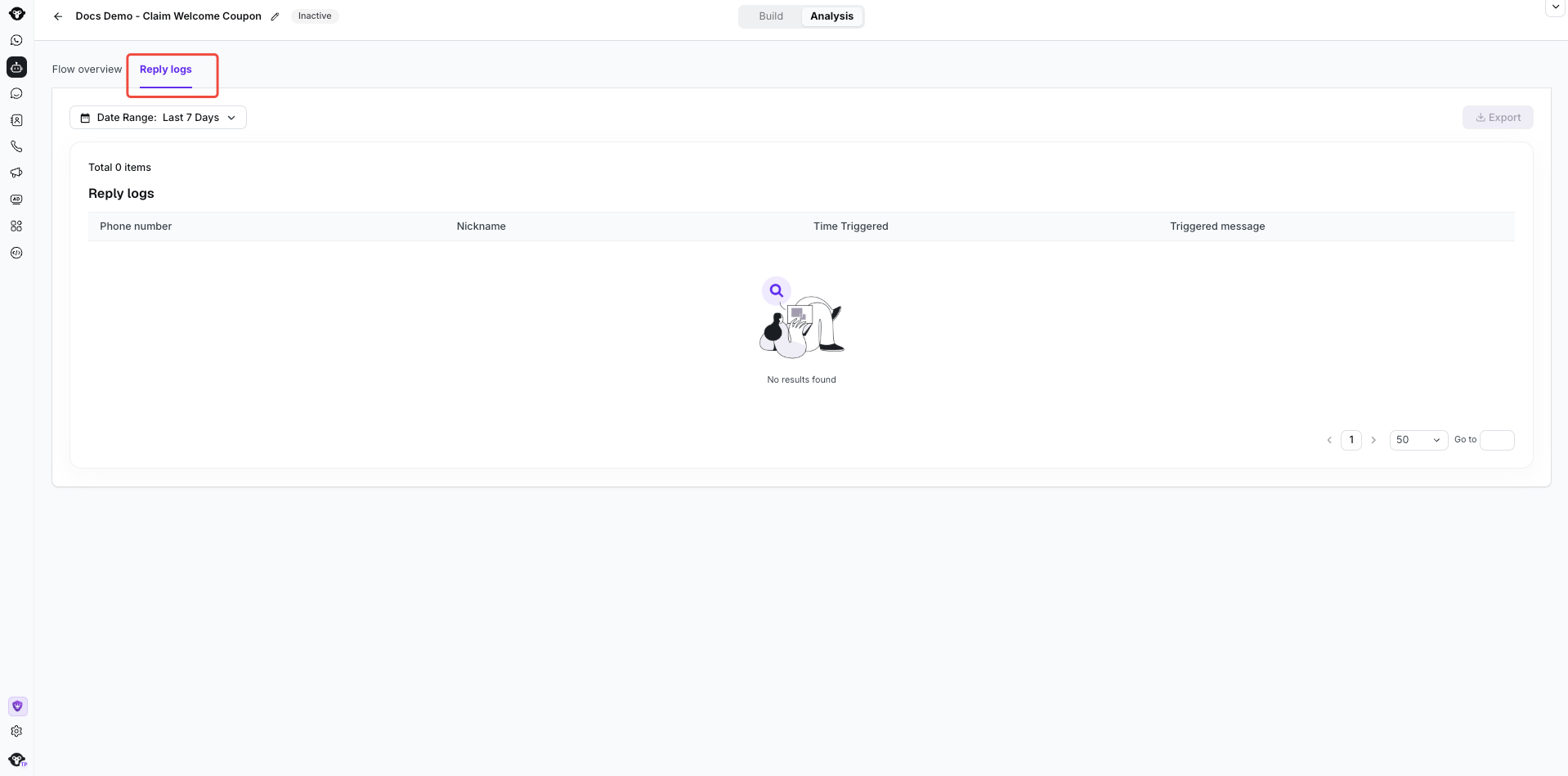
In **Reply logs**, review which buttons customers selected in the **Ask a question** component. Select **Export** to analyze the results outside YCloud.
## View button replies
In **Reply logs**, review which buttons customers selected in the **Ask a question** component. Select **Export** to analyze the results outside YCloud.
 This documentation is built and hosted on [Mintlify](https://mintlify.com), a developer documentation platform.