> ## Documentation Index
> Fetch the complete documentation index at: https://docs.ycloud.com/llms.txt
> Use this file to discover all available pages before exploring further.
# Domain Configuration
To use this service, you must configure your own sending domain on the YCloud platform and obtain DNS records for verification. After obtaining the DNS records, you need to apply them to your hosting provider to verify your domain. This is an important step to ensure email security and authenticity.
## Step 1: Add Domain
Go to the [Domain Configuration page](https://www.ycloud.com/console/#/app/integrations/email/domains) and click the add button.
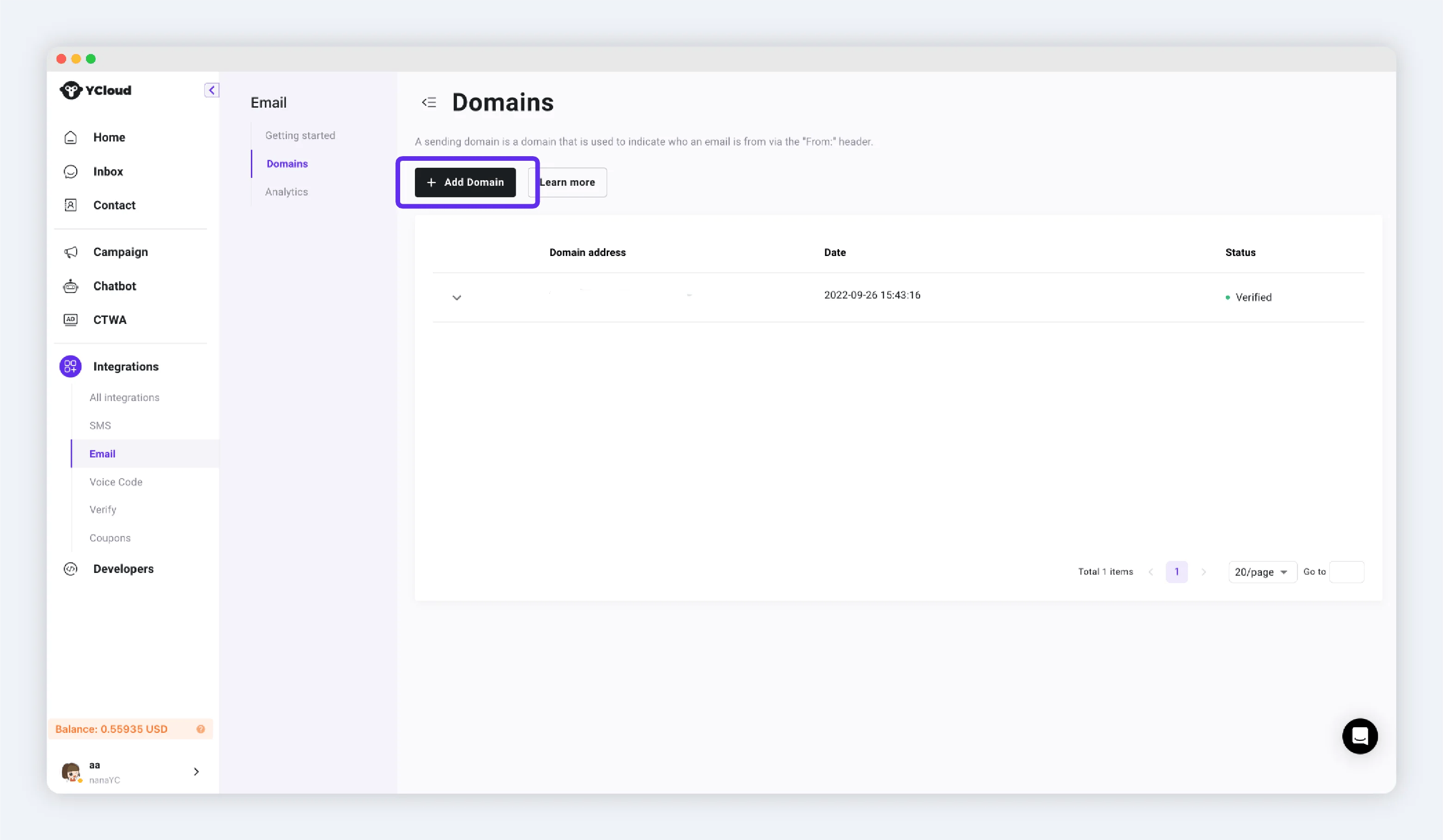 Enter your domain, for example: ycloud.com. Click submit after entering.
 ## Step 2: Configure DNS
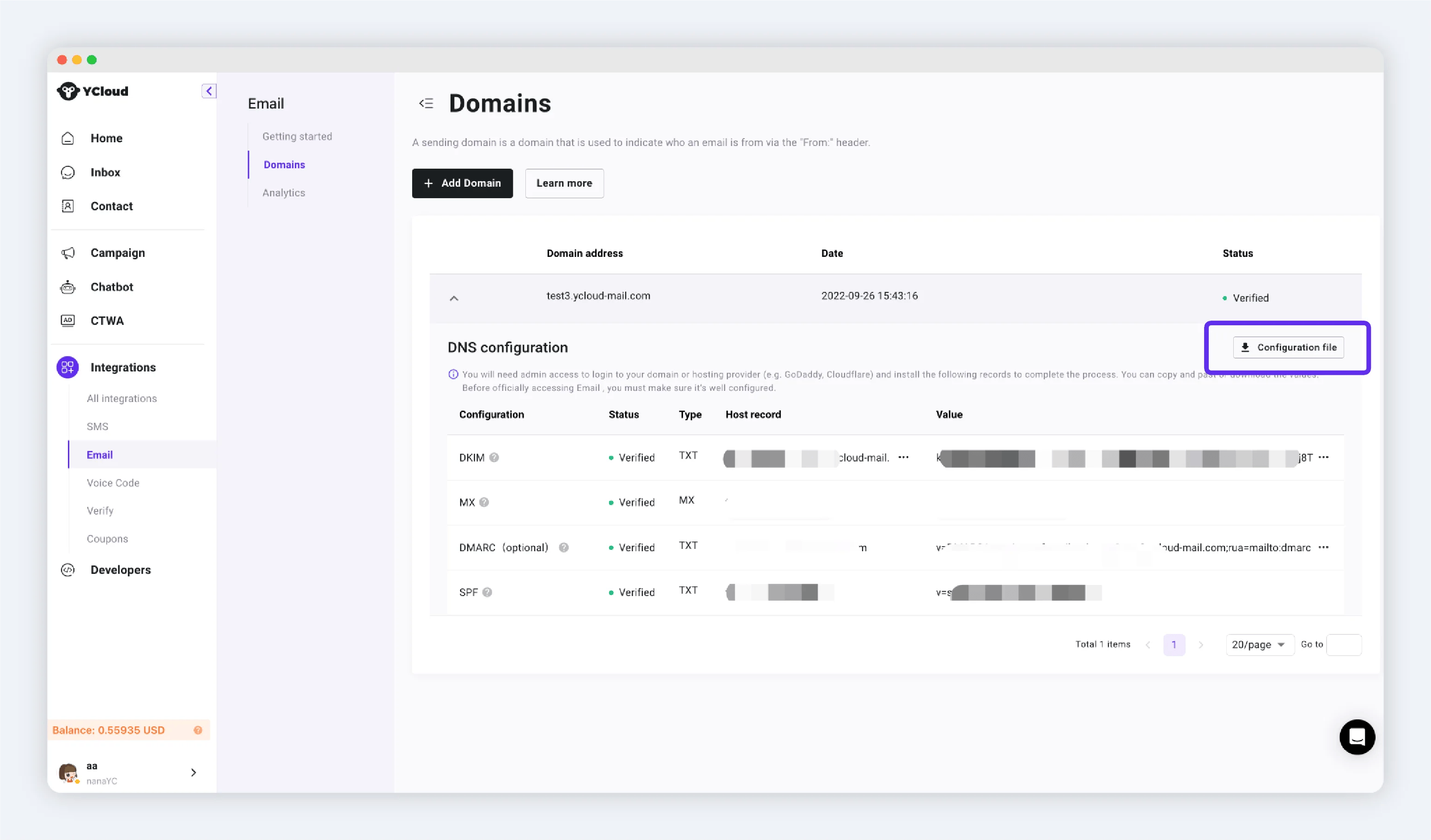
You need to add all TXT records to your DNS host. If you do not have the authority to modify your company's DNS records, you can click the "Download Data" button and send the file to your colleague.
## Step 2: Configure DNS
You need to add all TXT records to your DNS host. If you do not have the authority to modify your company's DNS records, you can click the "Download Data" button and send the file to your colleague.
 ## Step 3: Verify Domain
After completing the configuration, click the verify button to verify. When the domain status changes to "Active", you can use this domain to send emails.
This documentation is built and hosted on [Mintlify](https://mintlify.com), a developer documentation platform.
## Step 3: Verify Domain
After completing the configuration, click the verify button to verify. When the domain status changes to "Active", you can use this domain to send emails.
This documentation is built and hosted on [Mintlify](https://mintlify.com), a developer documentation platform.