> ## Documentation Index
> Fetch the complete documentation index at: https://docs.ycloud.com/llms.txt
> Use this file to discover all available pages before exploring further.
# Создание шаблона с WhatsApp Pay
Обратите внимание: создавать шаблоны со ссылками WhatsApp Pay в аккаунте YCloud можно только после успешной привязки аккаунта BM к стороннему платежному аккаунту.
## Шаг 1:
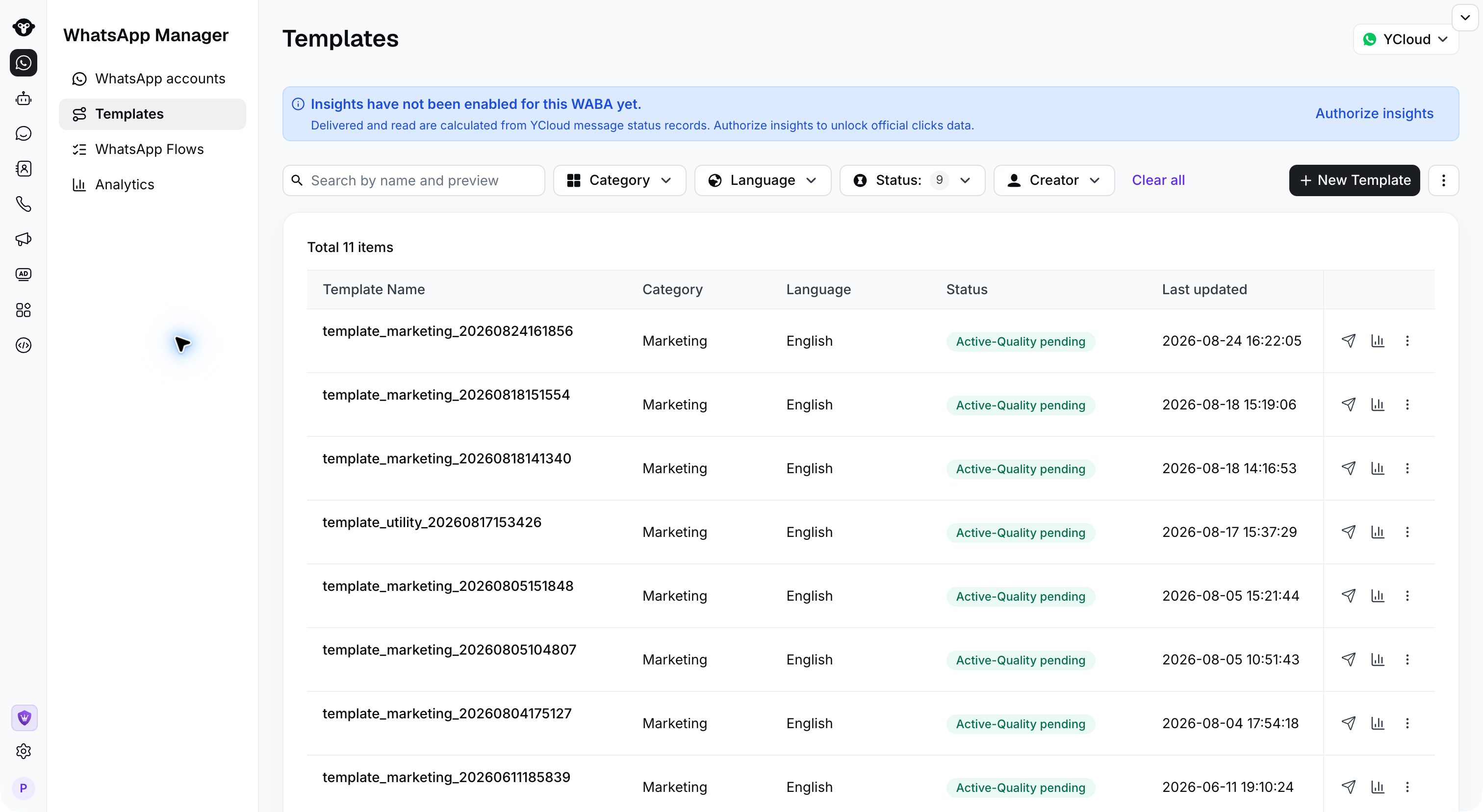
Войдите в YCloud, откройте раздел **Шаблоны** и нажмите **Новый шаблон**.
 ## Шаг 2:
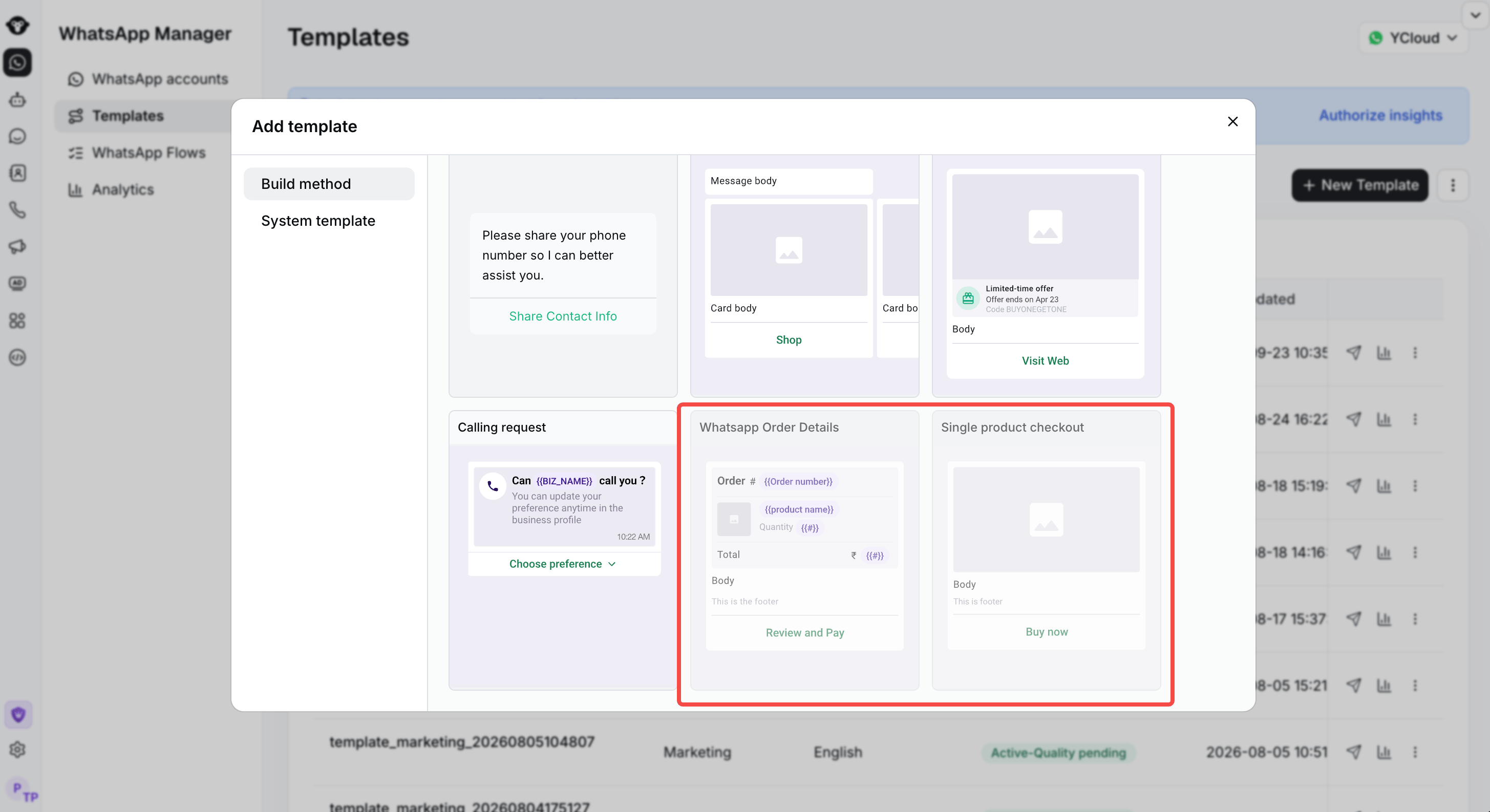
Выберите тип шаблона, который вы хотите создать с поддержкой WhatsApp Pay. Затем следуйте подсказкам на странице, чтобы заполнить необходимую информацию в шаблоне сообщения, и нажмите «Отправить», чтобы завершить процесс.
## Шаг 2:
Выберите тип шаблона, который вы хотите создать с поддержкой WhatsApp Pay. Затем следуйте подсказкам на странице, чтобы заполнить необходимую информацию в шаблоне сообщения, и нажмите «Отправить», чтобы завершить процесс.
 This documentation is built and hosted on [Mintlify](https://mintlify.com), a developer documentation platform.