> ## Documentation Index
> Fetch the complete documentation index at: https://docs.ycloud.com/llms.txt
> Use this file to discover all available pages before exploring further.
# 创建 WhatsApp Pay 模板
请注意:仅在 BM 账户成功关联第三方支付账户后,您的 YCloud 账户才能创建包含 WhatsApp Pay 链接的模板。
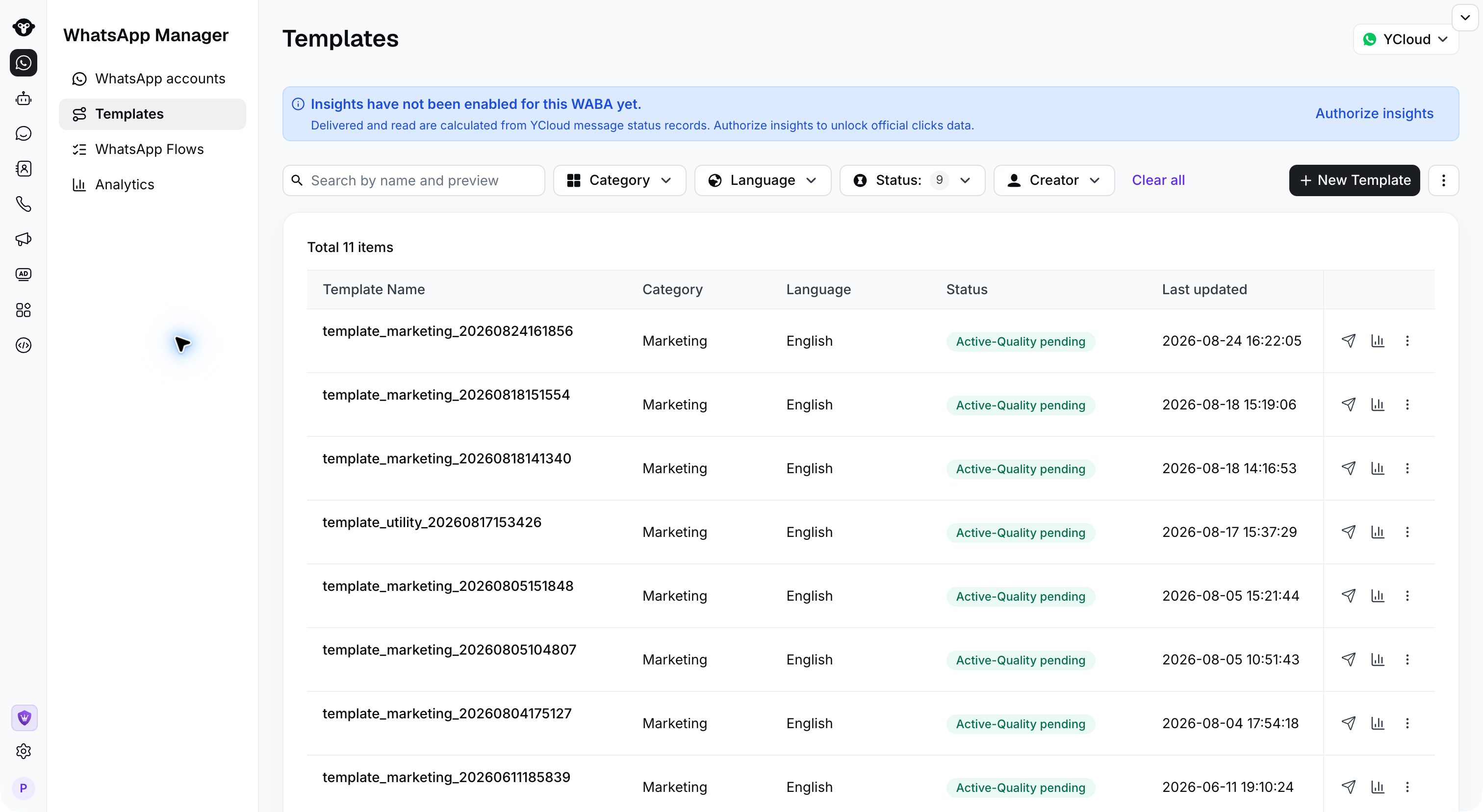
## 步骤 1:
登录 YCloud,打开 **模板**,然后点击 **新建模板**。
 ## 步骤 2:
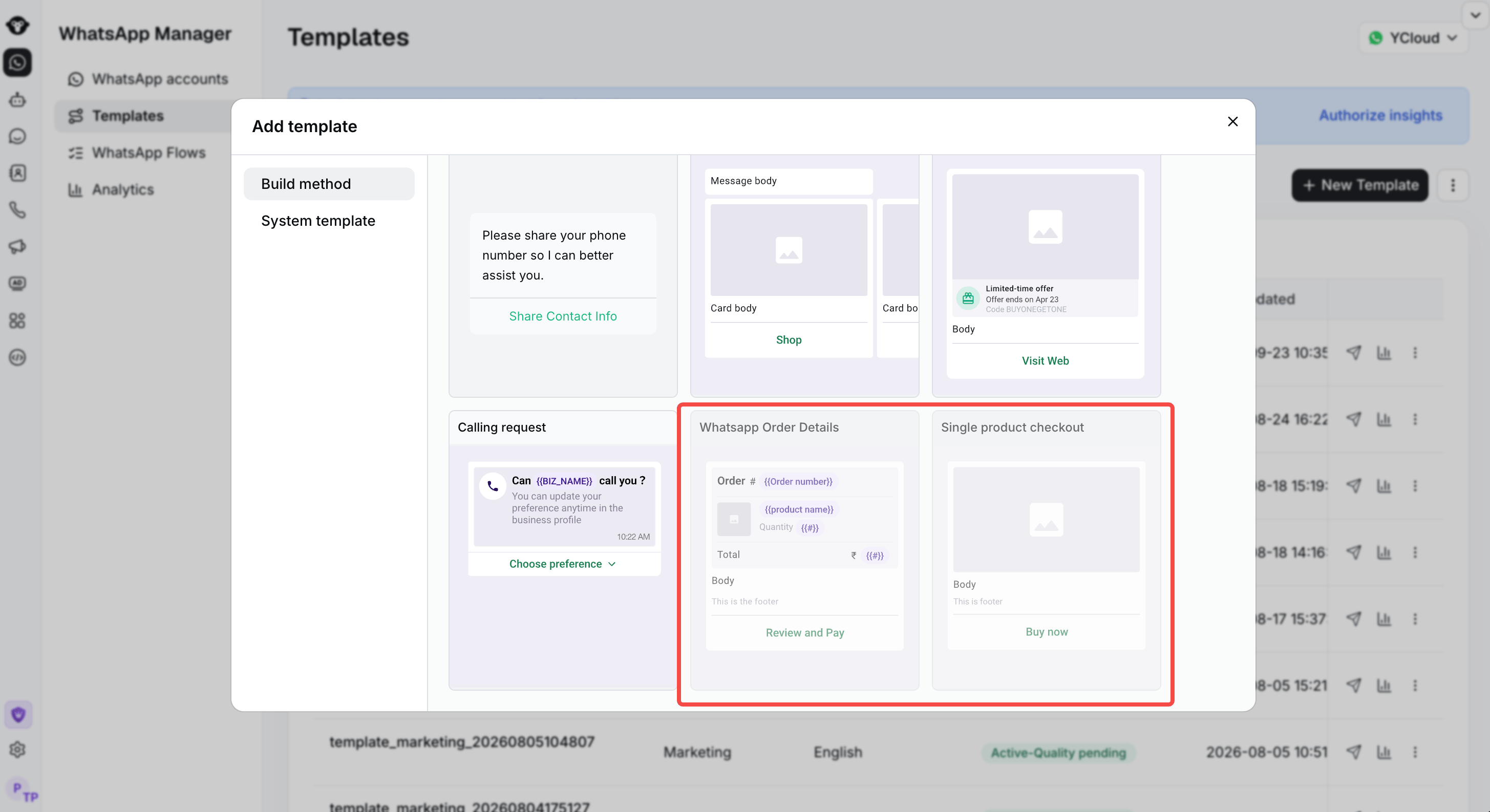
选择您要创建的包含 WhatsApp Pay 的模板类型。然后,按照页面提示在消息模板中填写所需信息,并点击“提交”以完成操作。
## 步骤 2:
选择您要创建的包含 WhatsApp Pay 的模板类型。然后,按照页面提示在消息模板中填写所需信息,并点击“提交”以完成操作。
 This documentation is built and hosted on [Mintlify](https://mintlify.com), a developer documentation platform.