> ## Documentation Index
> Fetch the complete documentation index at: https://docs.ycloud.com/llms.txt
> Use this file to discover all available pages before exploring further.
# Email
YCloud Email 是一种更快、更简单的规模化发送方式,适用于发送交易邮件和营销邮件。相比使用个人邮箱地址,您可以拥有无限制的发送配额,并避免被标记为垃圾邮件。\
如果您正在构建应用程序,那么您将主要与 Web API 进行交互,这是我们提供的最快、最灵活且最安全的选项。集成我们的 Web API 后,您将通过 API 密钥获得快速的邮件投递、高度可配置的设置、数据能力以及账户安全性。
## 开始之前
如需了解邮件的定价,请查看我们网站上的价格:[https://www.ycloud.com/en/price](https://www.ycloud.com/en/price)
### 入门指南
要使用任何 YCloud 产品,您需要[注册](https://www.ycloud.com/console/#/entry/register)一个免费账户。
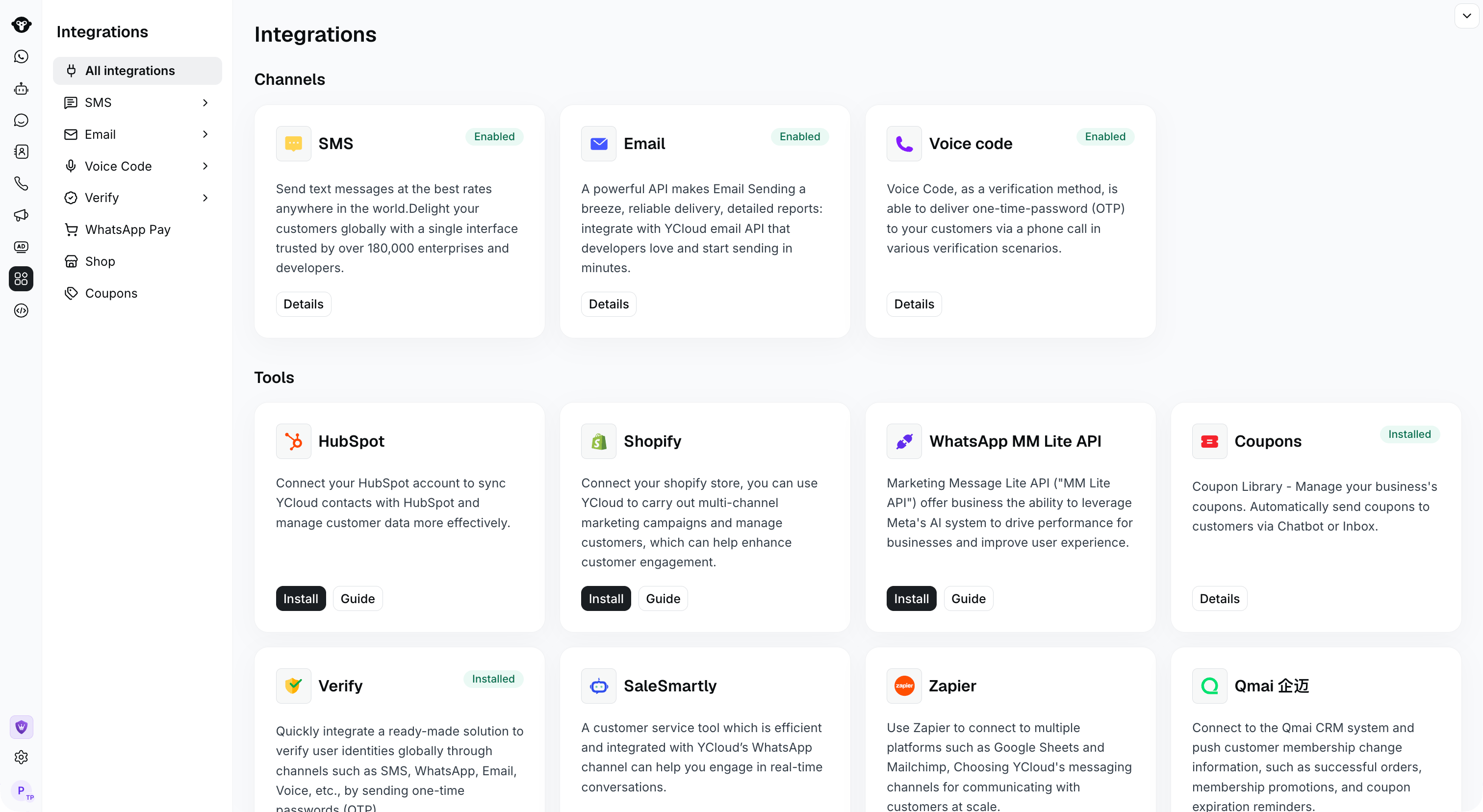
要激活 Email 功能,请在[集成](https://www.ycloud.com/console/#/app/integrations/all)页面上点击“启用”按钮。
 ## 试用账户须知
您需要了解一些限制:
* 试用账户仅支持发送至您自己注册时使用的邮箱。
* 每日最大发送量为 50 封邮件。
* YCloud 提供了一个测试地址 [ycloud@ycloud-mail.com](mailto:ycloud@ycloud-mail.com),但无论您是否升级账户,该地址都仅支持发送至您自己注册的邮箱。
## 设置您的域名
添加并验证您的官方域名。您需要准备一个用于发送邮件的域名。通过您的 DNS 服务商(例如 GoDaddy、Rackspace、Cloudflare、Route53 等),您可以将 YCloud 提供的 DNS 记录添加到您的 DNS 条目中。这些条目称为 SPF 和 DKIM 记录。\
该域名将作为显示在收件人字段中的地址。
## 通过充值升级账户
您可以随时结束免费试用并[升级您的账户。](https://www.ycloud.com/console/#/app/billing/buyCredits)
## 使用与测试
现在可以集成 [Email Send API](/api-reference/emails/send-an-email) 并进行测试,向一个或多个目标地址发送包含附件的一封或多封邮件。
This documentation is built and hosted on [Mintlify](https://mintlify.com), a developer documentation platform.
## 试用账户须知
您需要了解一些限制:
* 试用账户仅支持发送至您自己注册时使用的邮箱。
* 每日最大发送量为 50 封邮件。
* YCloud 提供了一个测试地址 [ycloud@ycloud-mail.com](mailto:ycloud@ycloud-mail.com),但无论您是否升级账户,该地址都仅支持发送至您自己注册的邮箱。
## 设置您的域名
添加并验证您的官方域名。您需要准备一个用于发送邮件的域名。通过您的 DNS 服务商(例如 GoDaddy、Rackspace、Cloudflare、Route53 等),您可以将 YCloud 提供的 DNS 记录添加到您的 DNS 条目中。这些条目称为 SPF 和 DKIM 记录。\
该域名将作为显示在收件人字段中的地址。
## 通过充值升级账户
您可以随时结束免费试用并[升级您的账户。](https://www.ycloud.com/console/#/app/billing/buyCredits)
## 使用与测试
现在可以集成 [Email Send API](/api-reference/emails/send-an-email) 并进行测试,向一个或多个目标地址发送包含附件的一封或多封邮件。
This documentation is built and hosted on [Mintlify](https://mintlify.com), a developer documentation platform.