> ## Documentation Index
> Fetch the complete documentation index at: https://docs.ycloud.com/llms.txt
> Use this file to discover all available pages before exploring further.
# 邮件模板示例
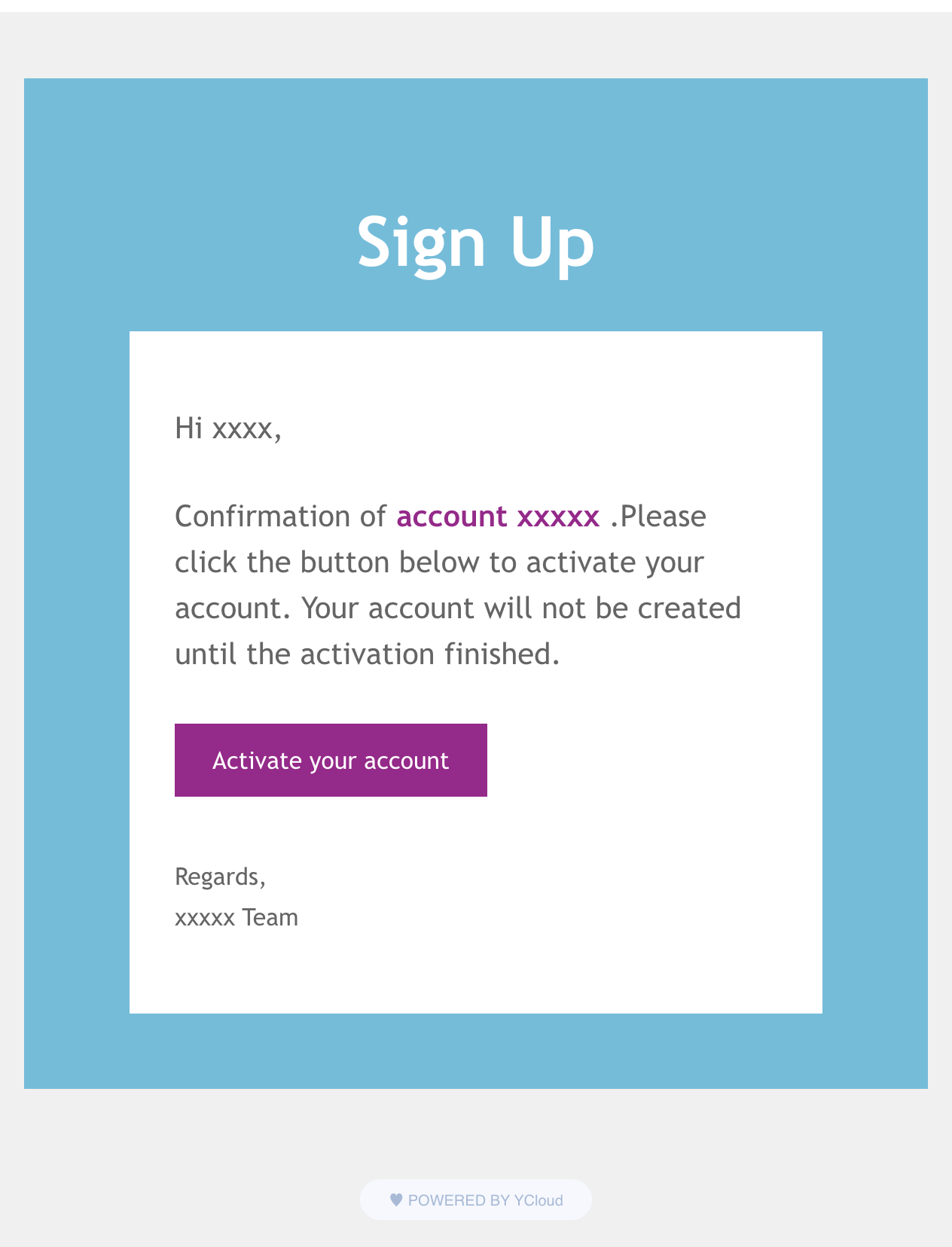
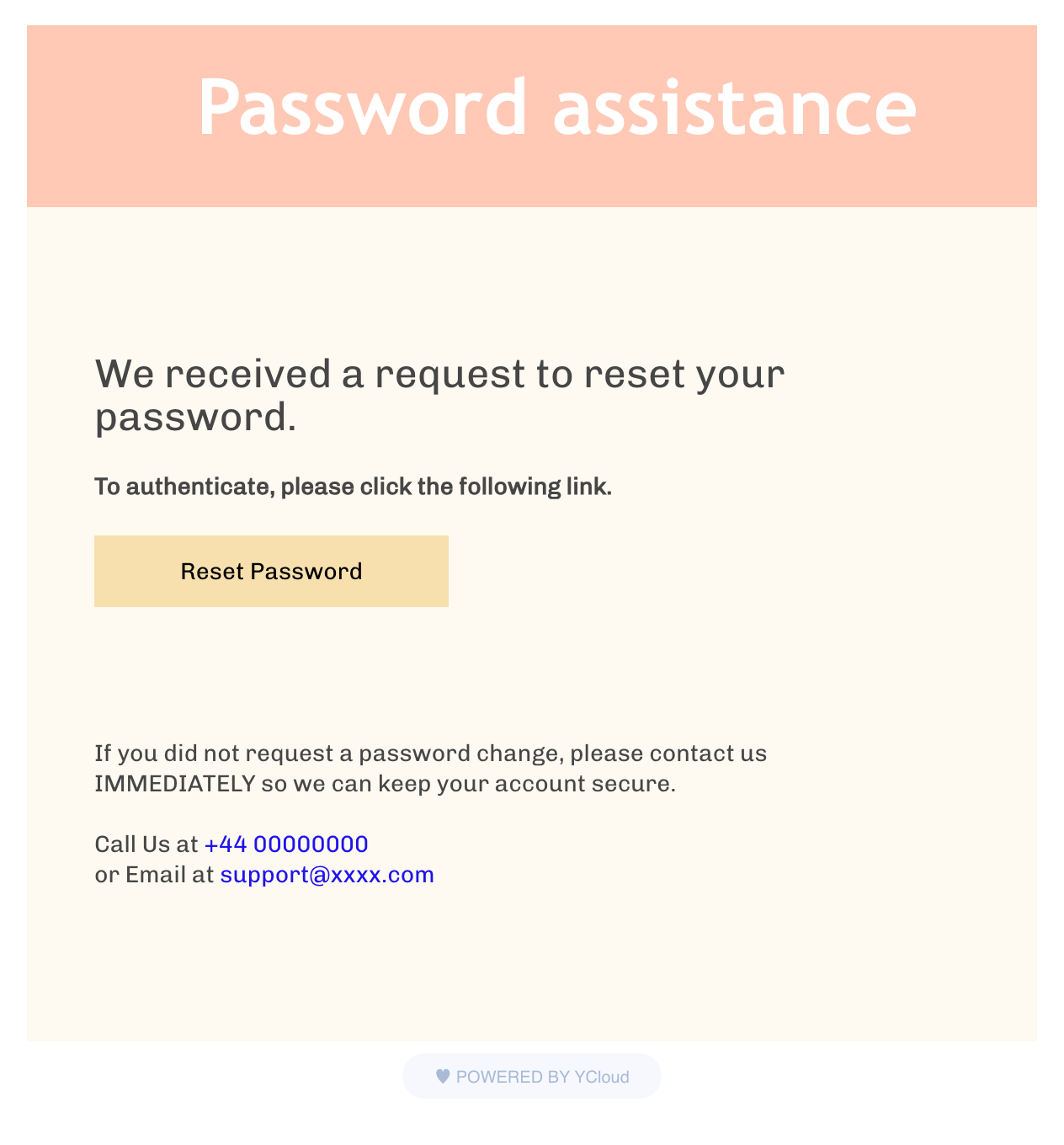
YCloud 提供了两个用于测试的 HTML 模板。请使用下方链接下载示例,替换其中的占位符内容,并在 `content` 参数中传入该 HTML。
1. [注册](https://oss-publicread.oss-cn-hangzhou.aliyuncs.com/yunpian/ycloud/webfront/email/template-samples/SignUp.txt)。
 2. [密码重置](https://oss-publicread.oss-cn-hangzhou.aliyuncs.com/yunpian/ycloud/webfront/email/template-samples/Password.txt)
 This documentation is built and hosted on [Mintlify](https://mintlify.com), a developer documentation platform.