> ## Documentation Index
> Fetch the complete documentation index at: https://docs.ycloud.com/llms.txt
> Use this file to discover all available pages before exploring further.
# 等待
> 将下一个 Journey 步骤延迟指定的时间。
# 等待
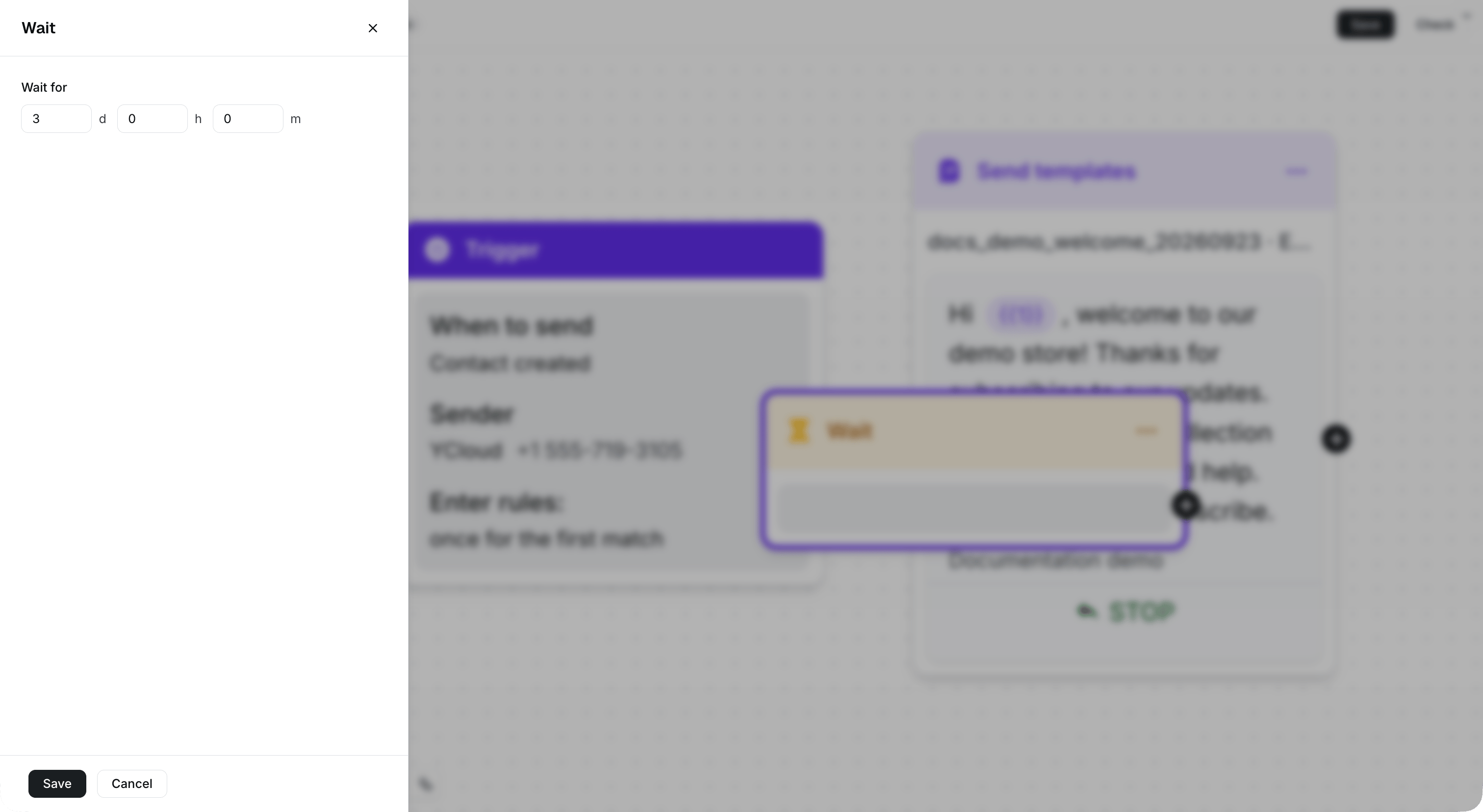
使用 **等待** 延迟 Journey 中的下一个步骤。
例如,您可以在发送跟进消息或检查联系人是否已回复之前进行等待。
## 配置等待时间
1. 向 Journey 中添加一个 **等待** 组件。
2. 设置运行下一步骤前的等待时长。
3. 将“等待”组件连接到流程中的下一步骤。
您可以将等待时间设置为 1 分钟到 100 天之间。
 ## 在跟进流程中使用“等待”
1. 发送模板消息。
2. 等待指定的时间。
3. 发送跟进消息、添加标签或继续使用其他 Journey 组件。
对于基于回复的路由,请改用 [消息状态规则](/zh/documentation/journey/components-and-features-introduction/message-status-rule)。
This documentation is built and hosted on [Mintlify](https://mintlify.com), a developer documentation platform.
## 在跟进流程中使用“等待”
1. 发送模板消息。
2. 等待指定的时间。
3. 发送跟进消息、添加标签或继续使用其他 Journey 组件。
对于基于回复的路由,请改用 [消息状态规则](/zh/documentation/journey/components-and-features-introduction/message-status-rule)。
This documentation is built and hosted on [Mintlify](https://mintlify.com), a developer documentation platform.