

Before you begin
Check eligibility before asking the business owner to complete setup. Terms acceptance and billing setup happen outside the YCloud API. YCloud cannot complete those actions on behalf of the business owner.
Store the API key and Phone Number ID
Keep the API key on your server and set the Phone Number ID separately from the customer-facing phone number.Check eligibility
Eligibility is evaluated for the individual WhatsApp Business phone number. API reference: GET Check EligibilityDecide whether to continue
Accept the terms in WhatsApp Manager
After eligibility is confirmed, open WhatsApp Manager and select the business account that owns the phone number. Under Account tools, open Meta Business Agent.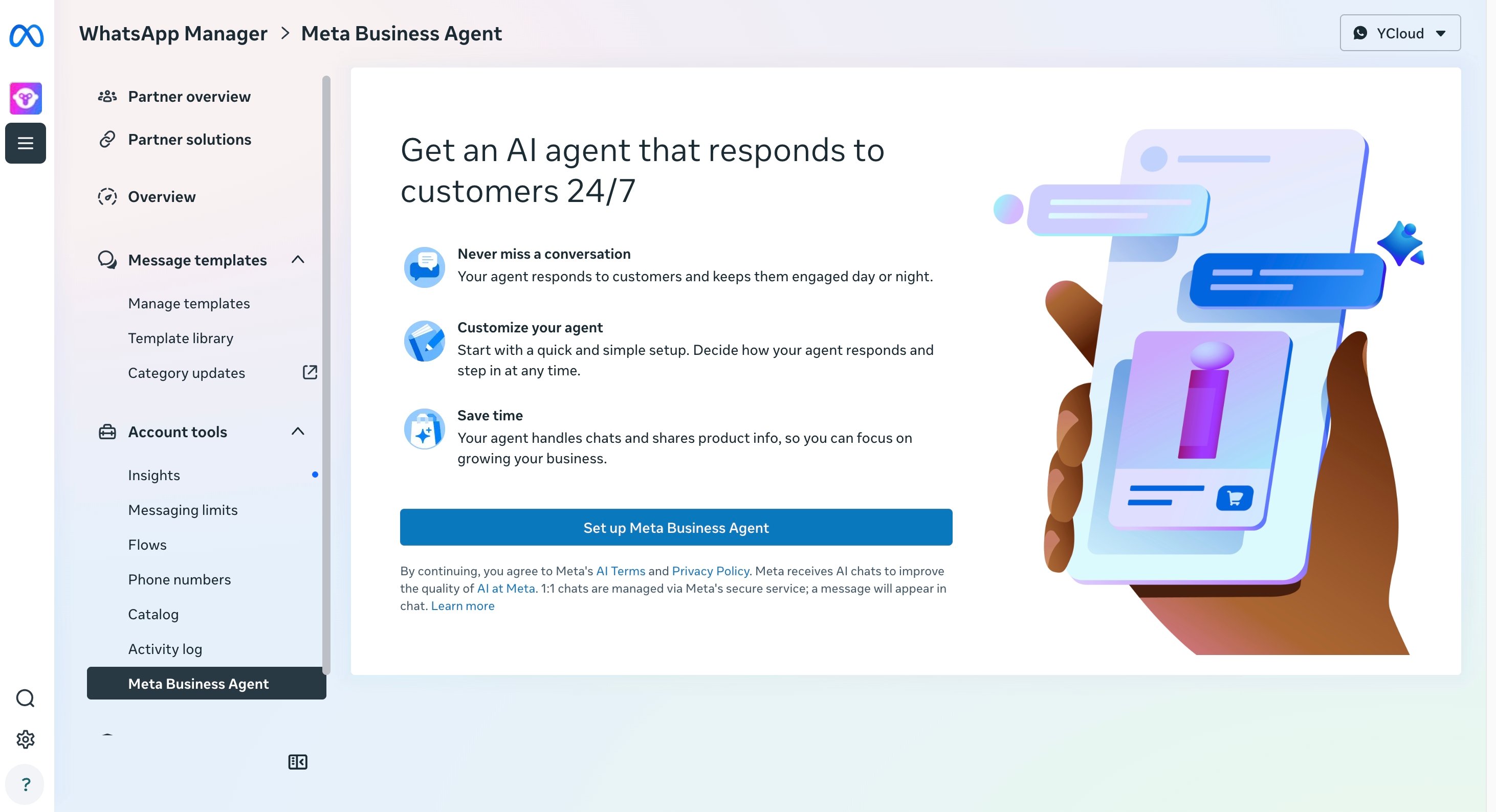
Add a payment method
Meta requires a client credit line for Meta Business Agent usage. Before onboarding, configure it in the owning business’s Billing Hub:- Sign in as a business administrator or finance user who can manage billing for the business that owns the WABA.
- Open Billing Hub, then open Credit lines.
- If the business already has a client credit line, add the Meta Business Agent account to that credit line. Otherwise, apply for a client credit line.
- Confirm that the credit line is available to the Meta Business Agent account before onboarding the phone number.
Check end-user number support
Do not cache eligibility indefinitely. Check it again when onboarding a different phone number or after a previously ineligible number becomes available.Next: Onboard and configure
Create the agent, keep rollout restricted, and add its initial configuration.