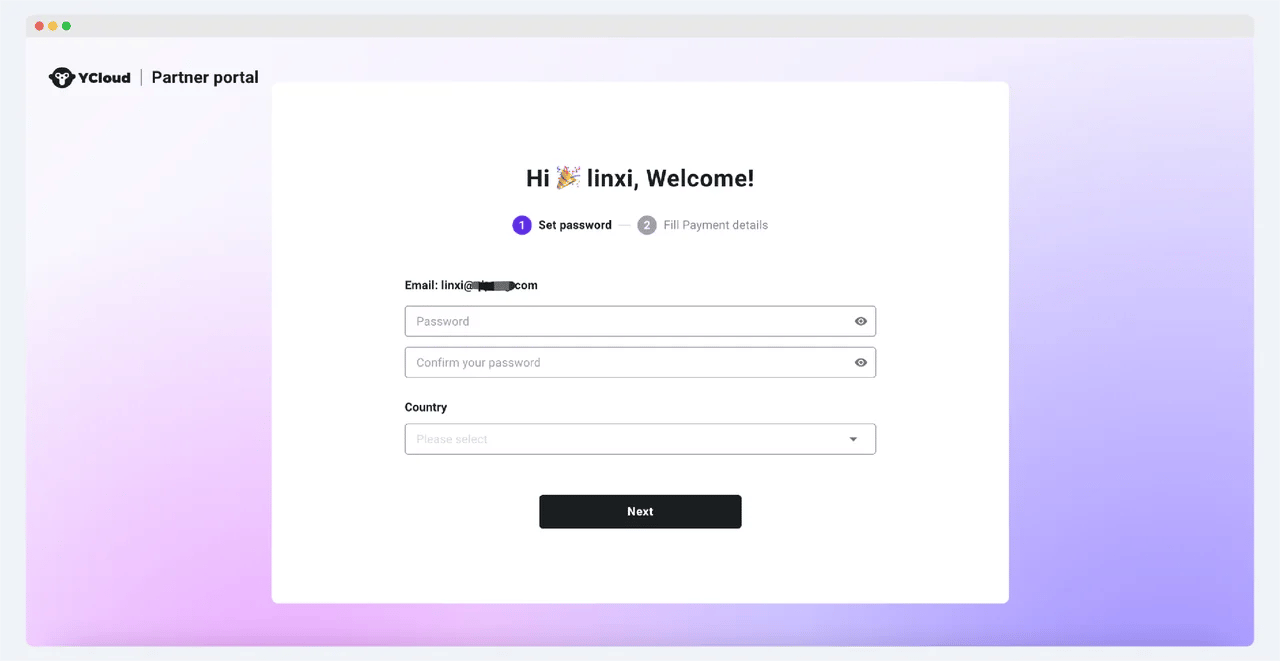
- After receiving the registration invitation email, click the button to enter the registration page of the affiliate partner platform
- Set your login password, select your country and region
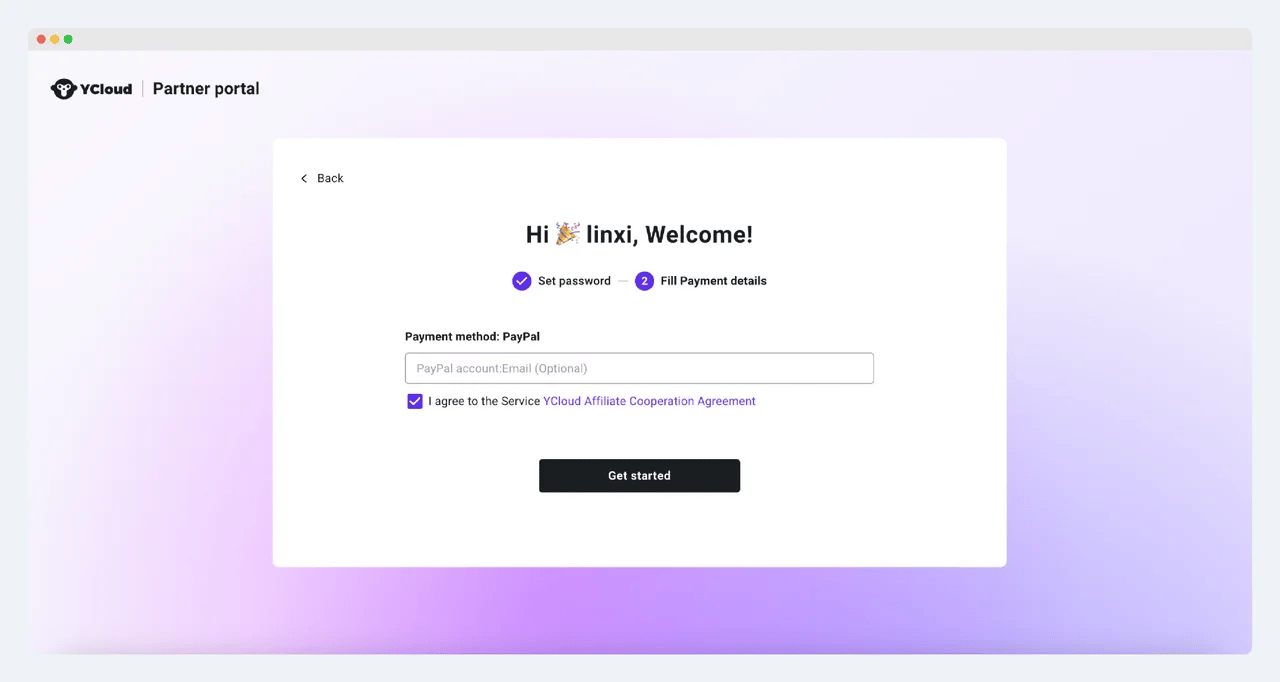
- Please fill in your payment information (optional, you can add this information after completing the registration)
- Please read the agreement carefully and check the box to start your journey!
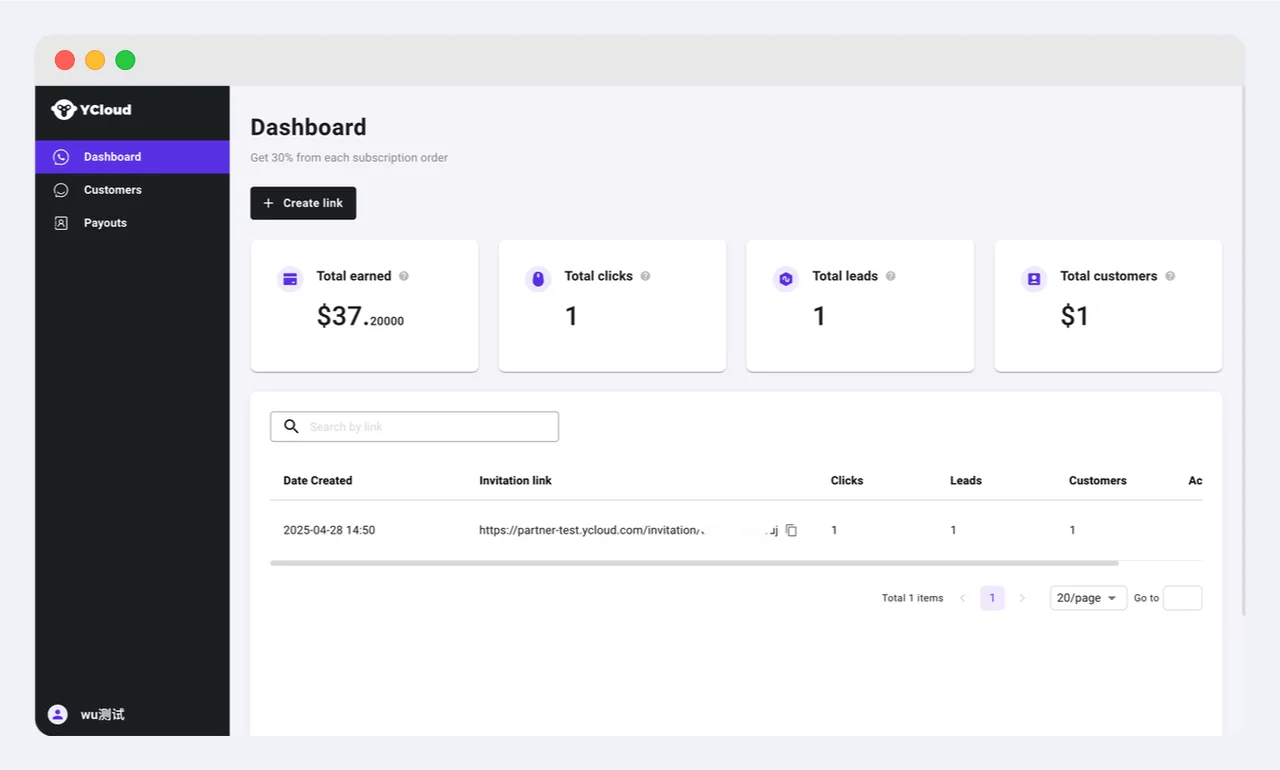
- After completing the registration, you can log in to the partner platform and create and share your exclusive referral links through the Dashboard menu. You can also view the performance of each referral link, including the number of clicks, leads, and customers. In the “total earned” data module, you can check how much commission you have earned in total
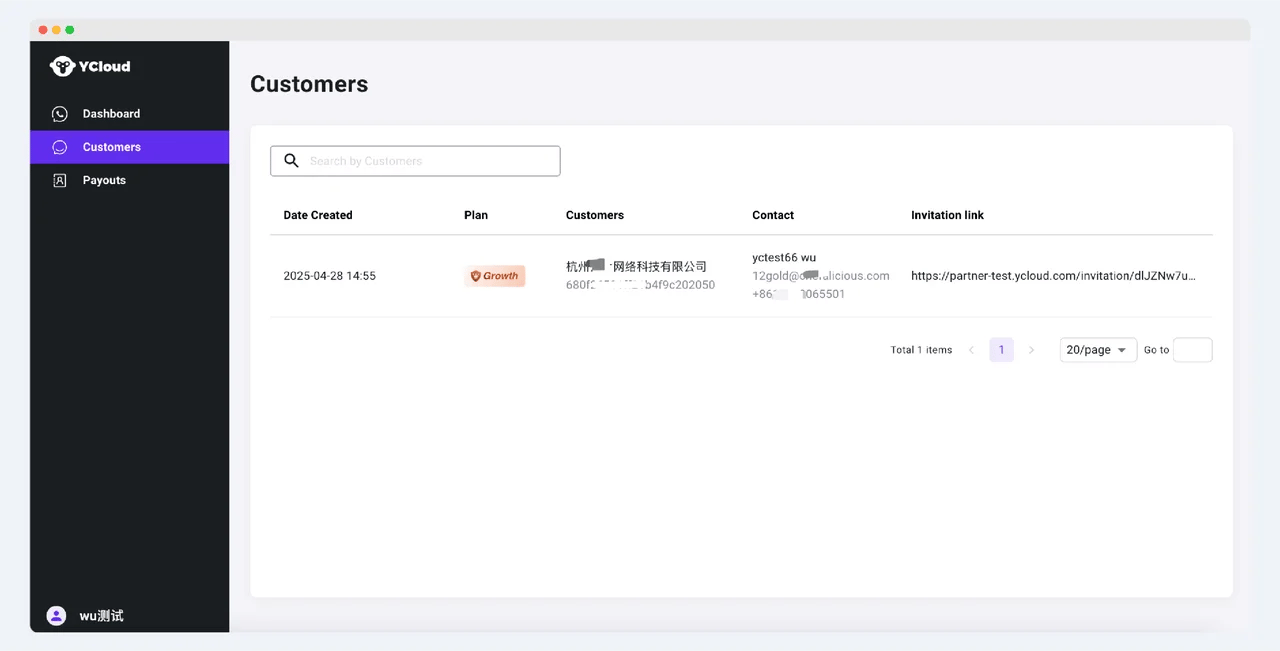
- In the Customer menu, keep track of the customers who have completed the conversion through your link, and view their contact information
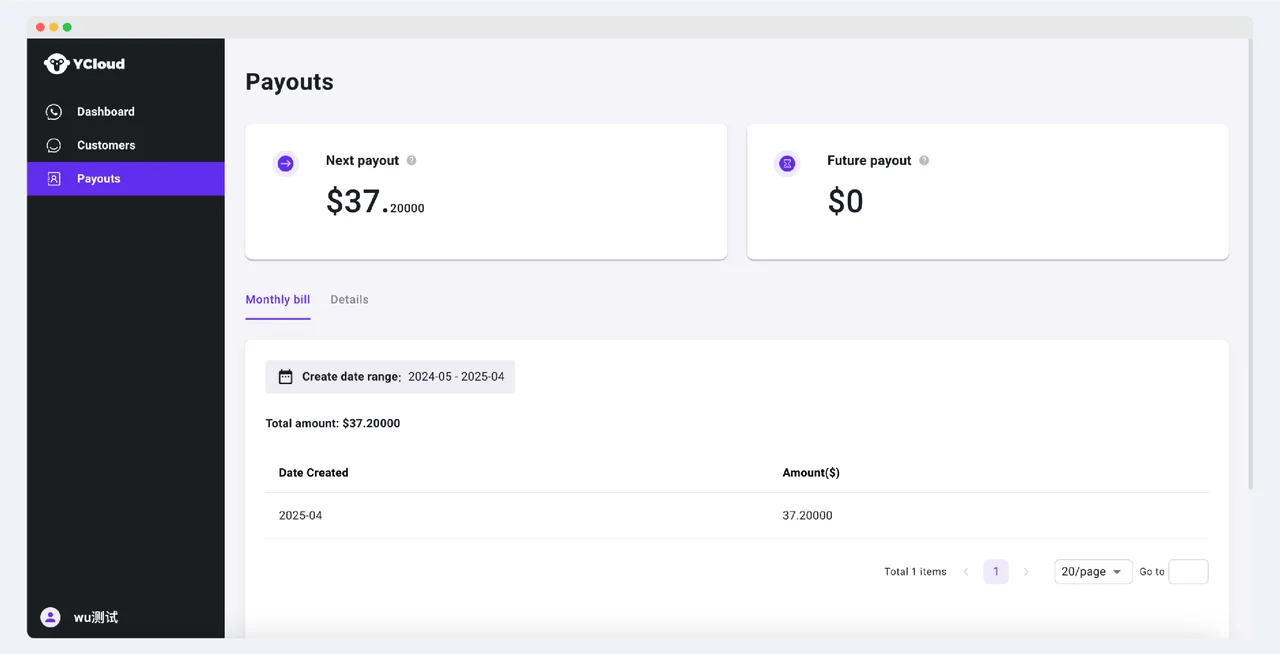
- Under the Payouts menu, you can view your monthly outgoing transactions and the details of your commission orders. The commissions to be paid in this and future periods can be viewed in the upper statistics panel
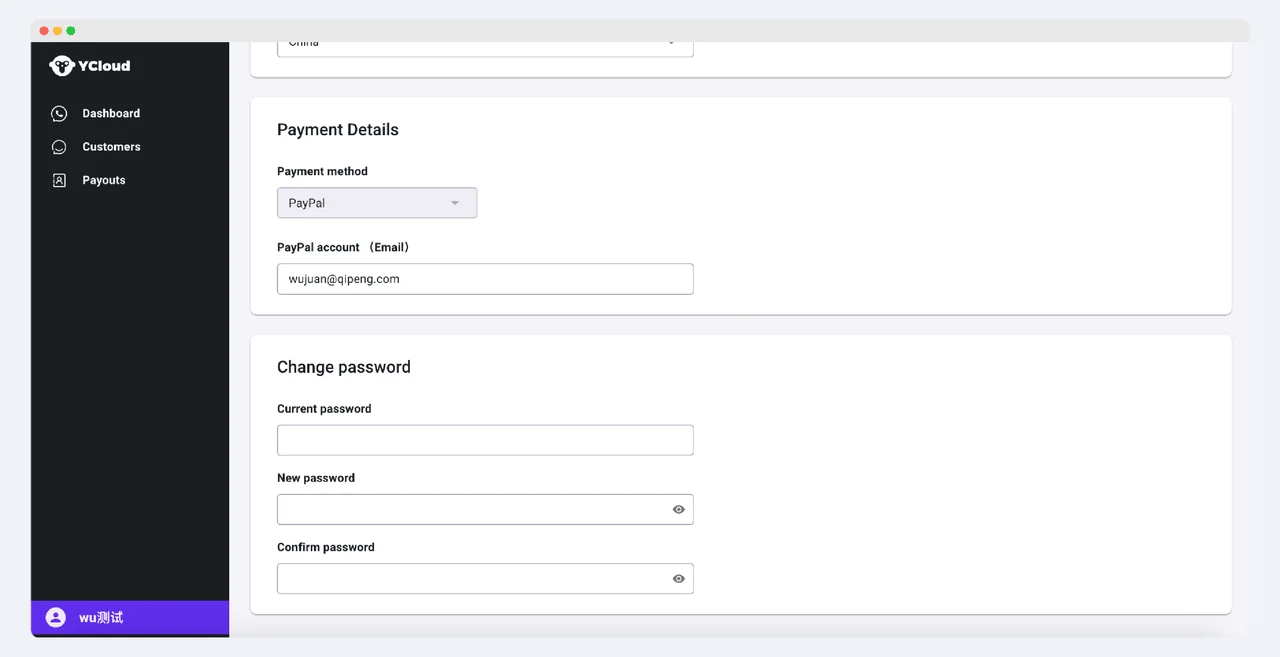
- Click the avatar in the lower left corner to enter the settings page through the gear button. Here, you can set your display name, avatar, and other basic information, including updating your payment method and changing your system password