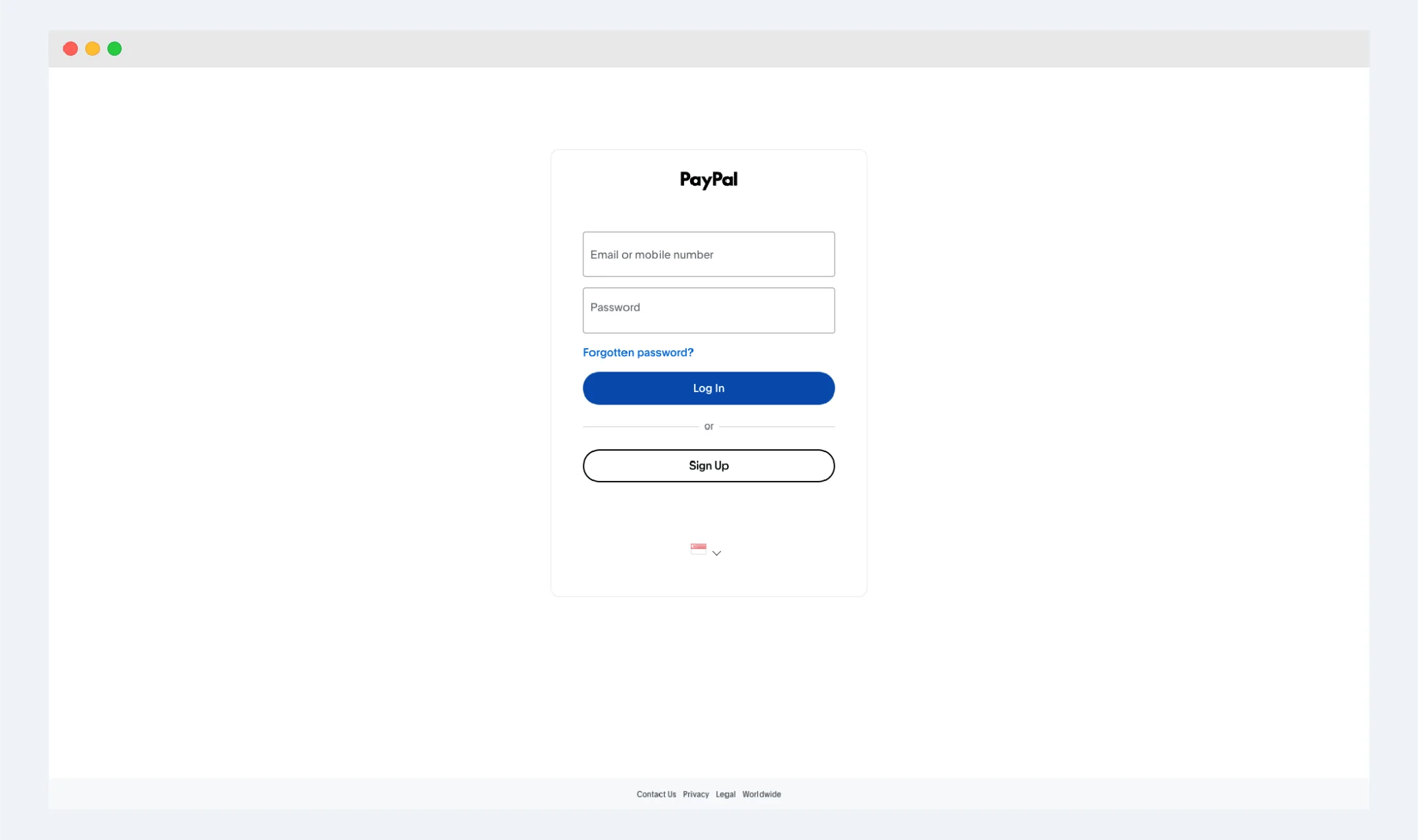
- Log in to your PayPal account
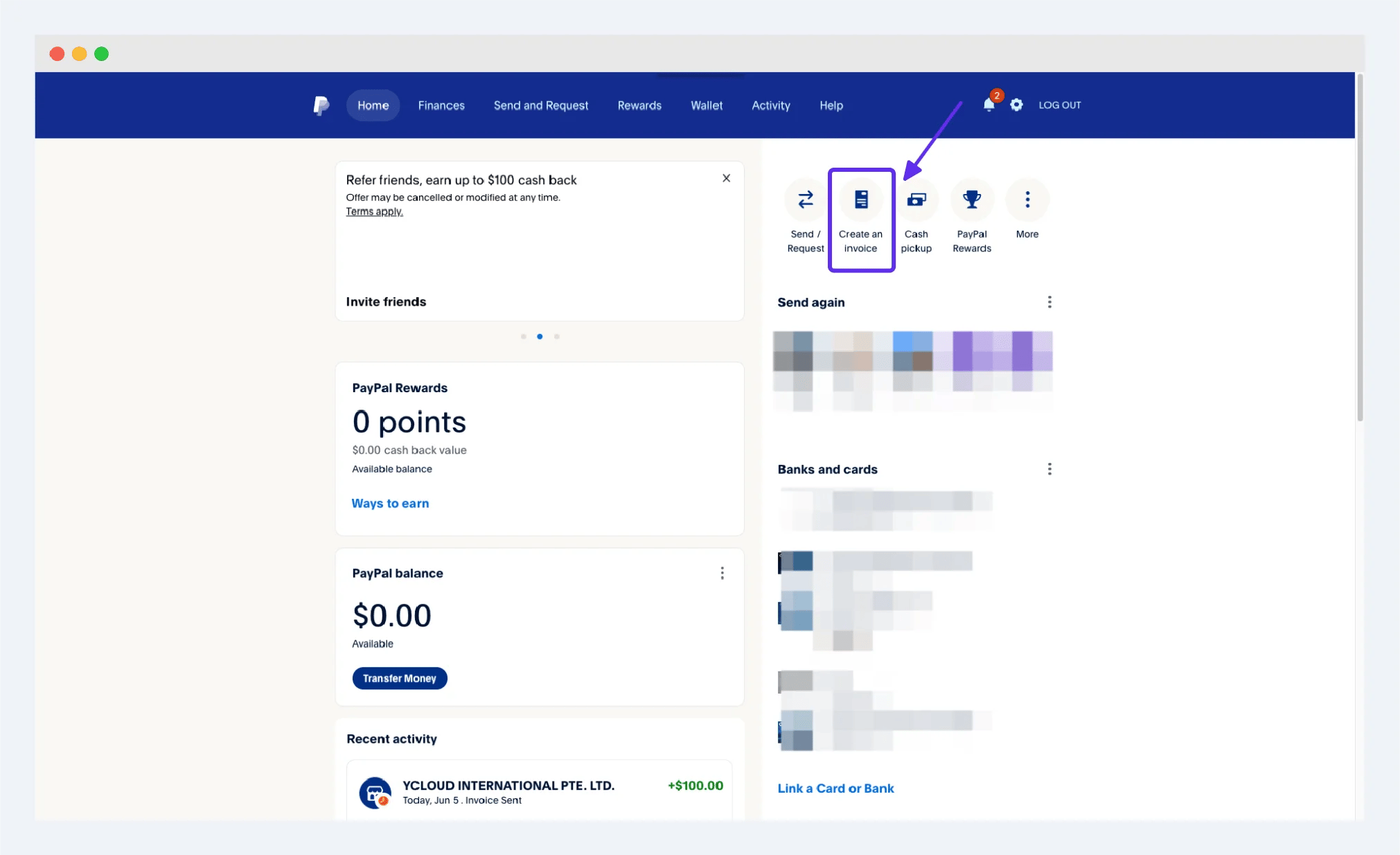
- Click the button of 【create an invoice】 on the right side, or enter the creation of invoice from the navigation bar of 【send and request】 above
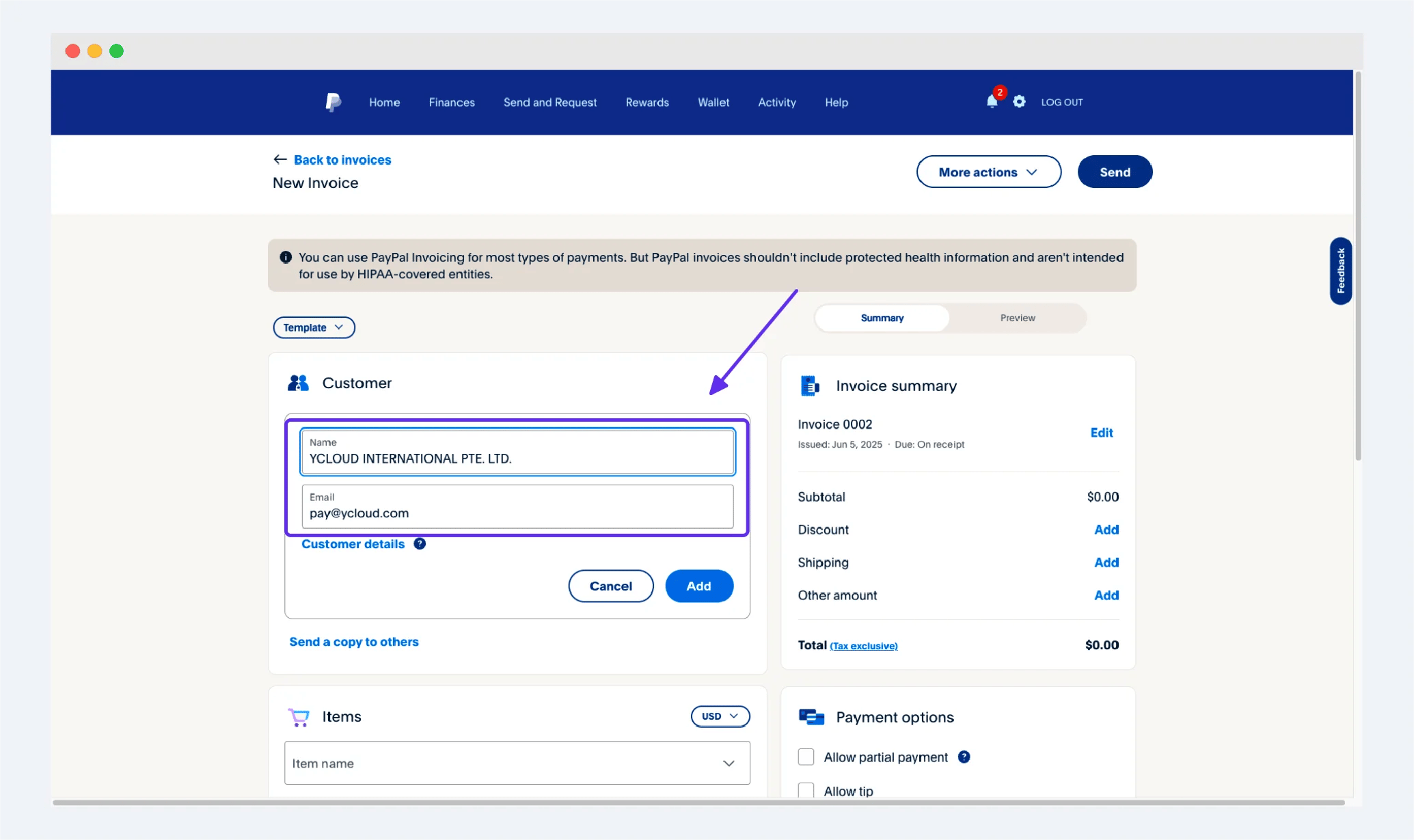
- Fill in YCloud’s information on the Invoice creation interface
- Create an item named “Affiliate Partner Commission” in the Items section and enter your commission amount in US dollars
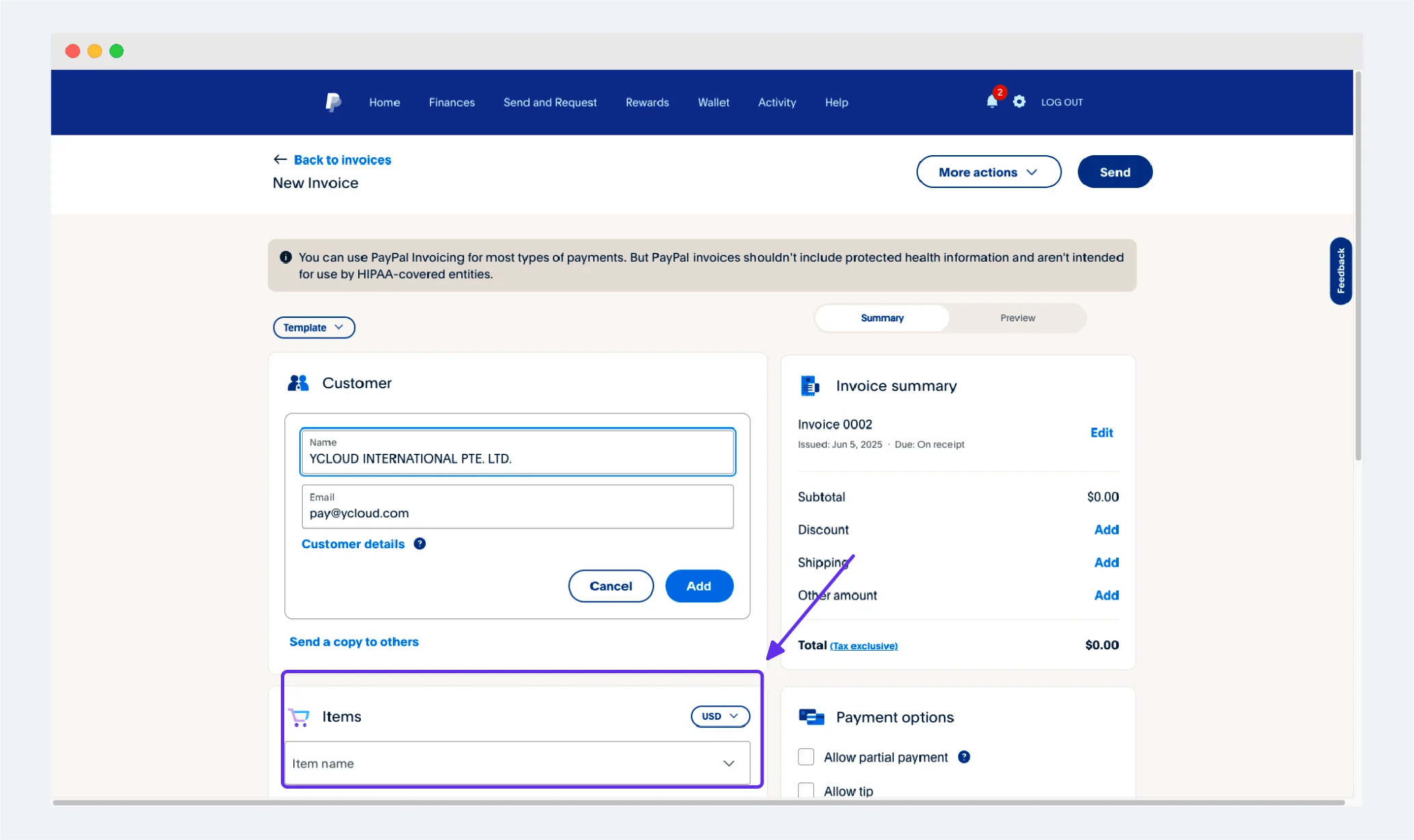
- Click the [preview] tab on the right to preview and view
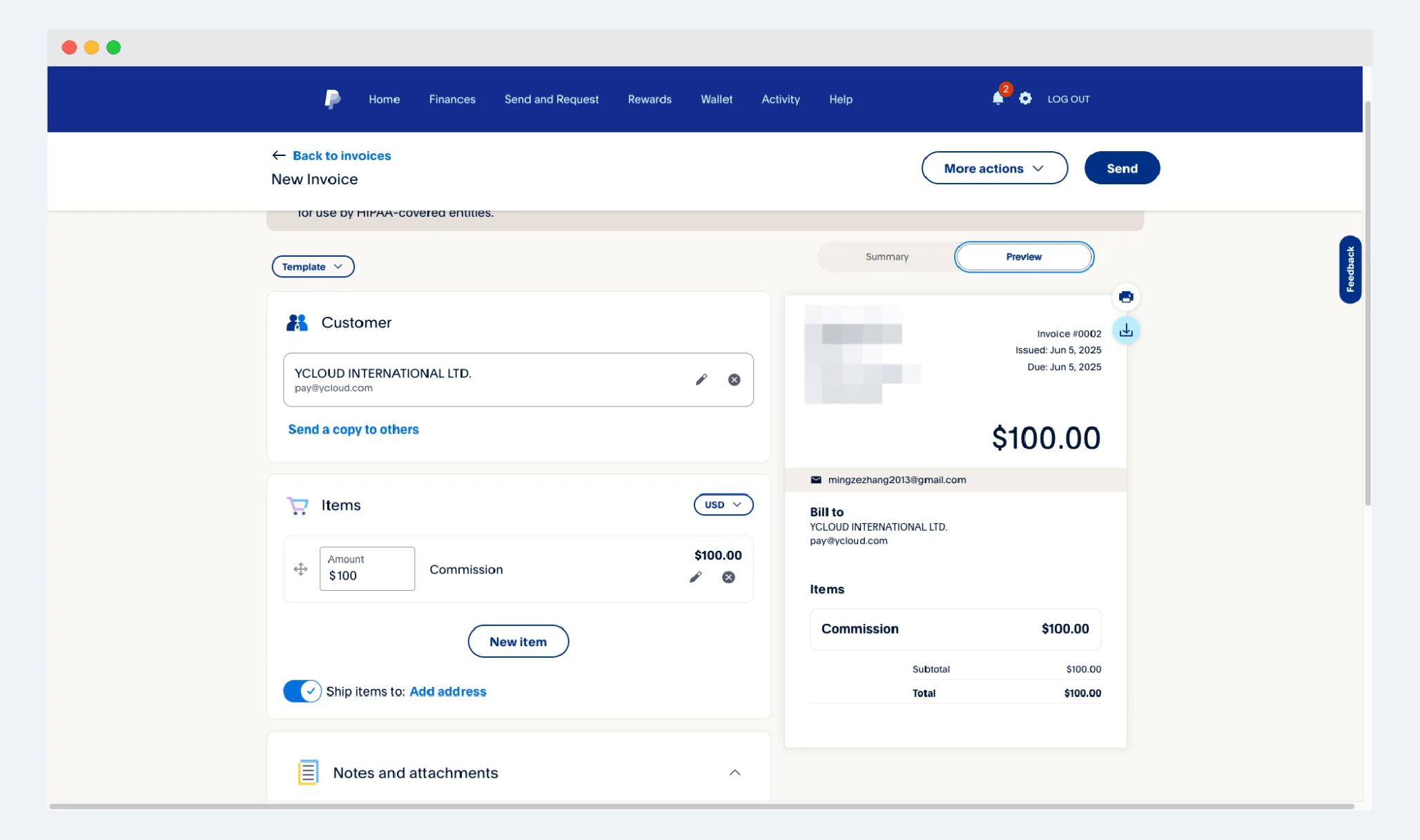
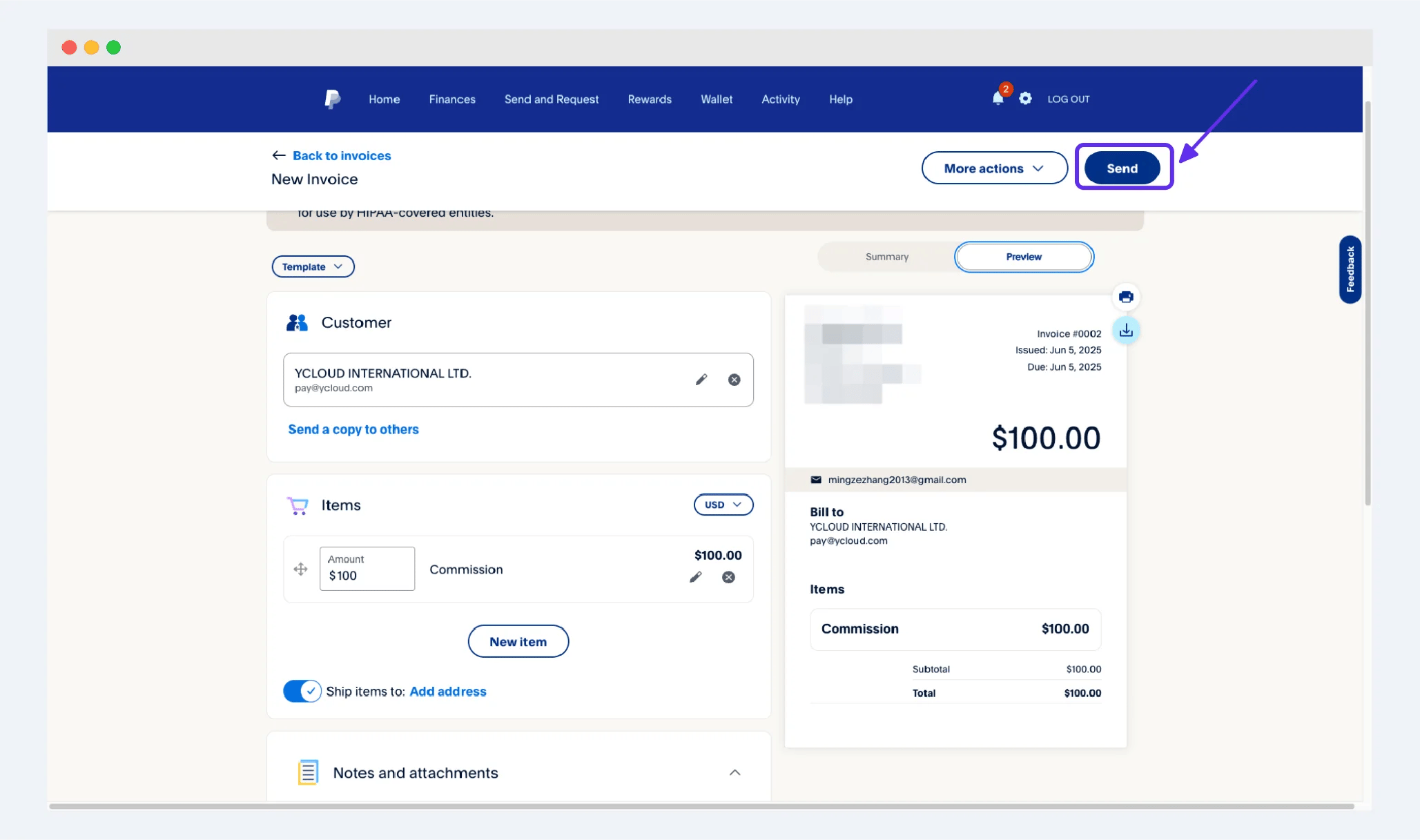
- After you confirm that the information you filled in, the commission amount and other important information are correct, you can directly click the [send] button in the upper right corner to send the Invoice to our email address. We will check your commission information after receiving your Invoice and make payment to you