

View customer accounts and numbers in the dashboard
Open WhatsApp Accounts to view the WABAs and phone numbers for your customers.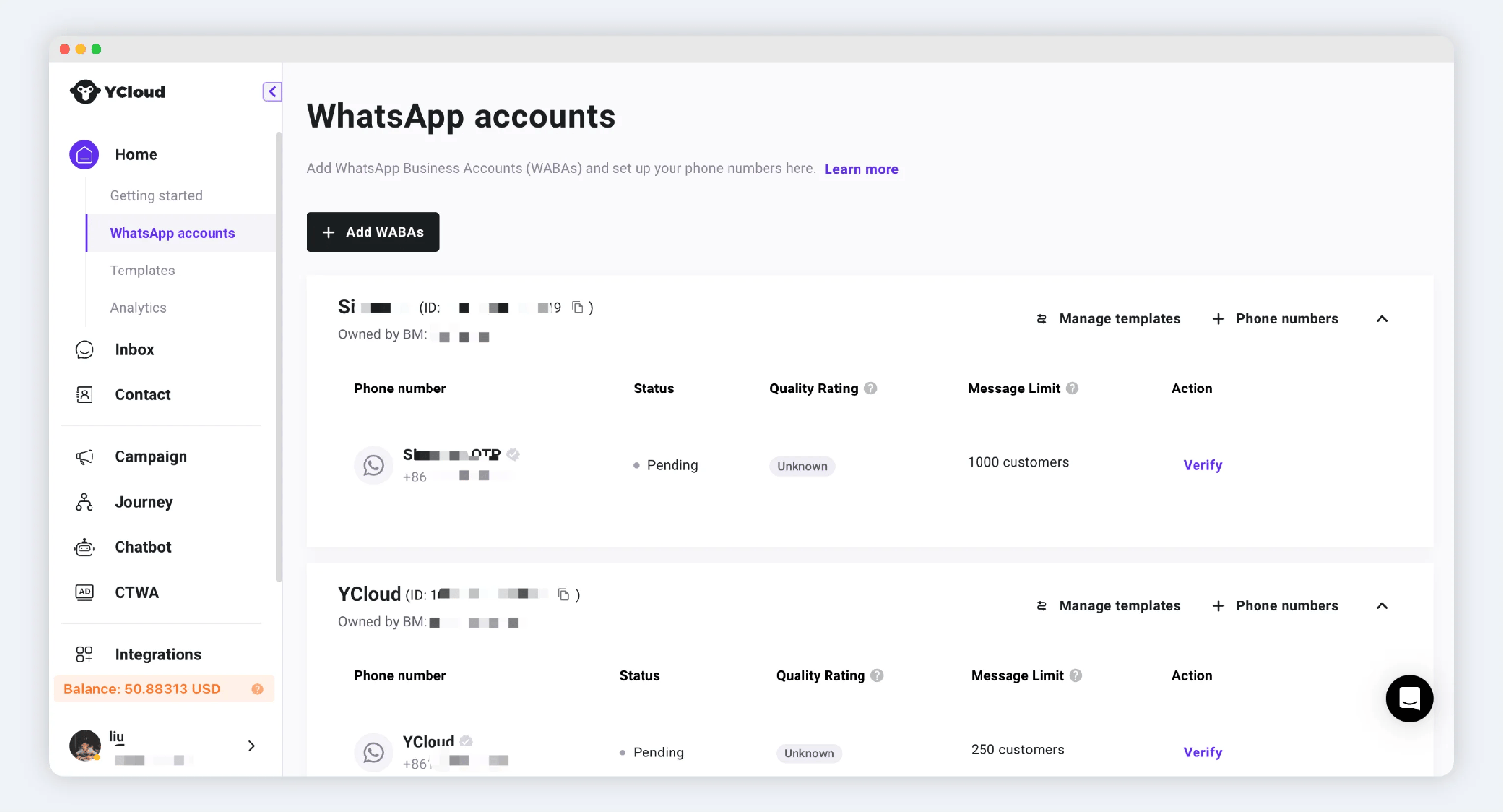
The WhatsApp Accounts page lists customer WABAs and phone numbers.
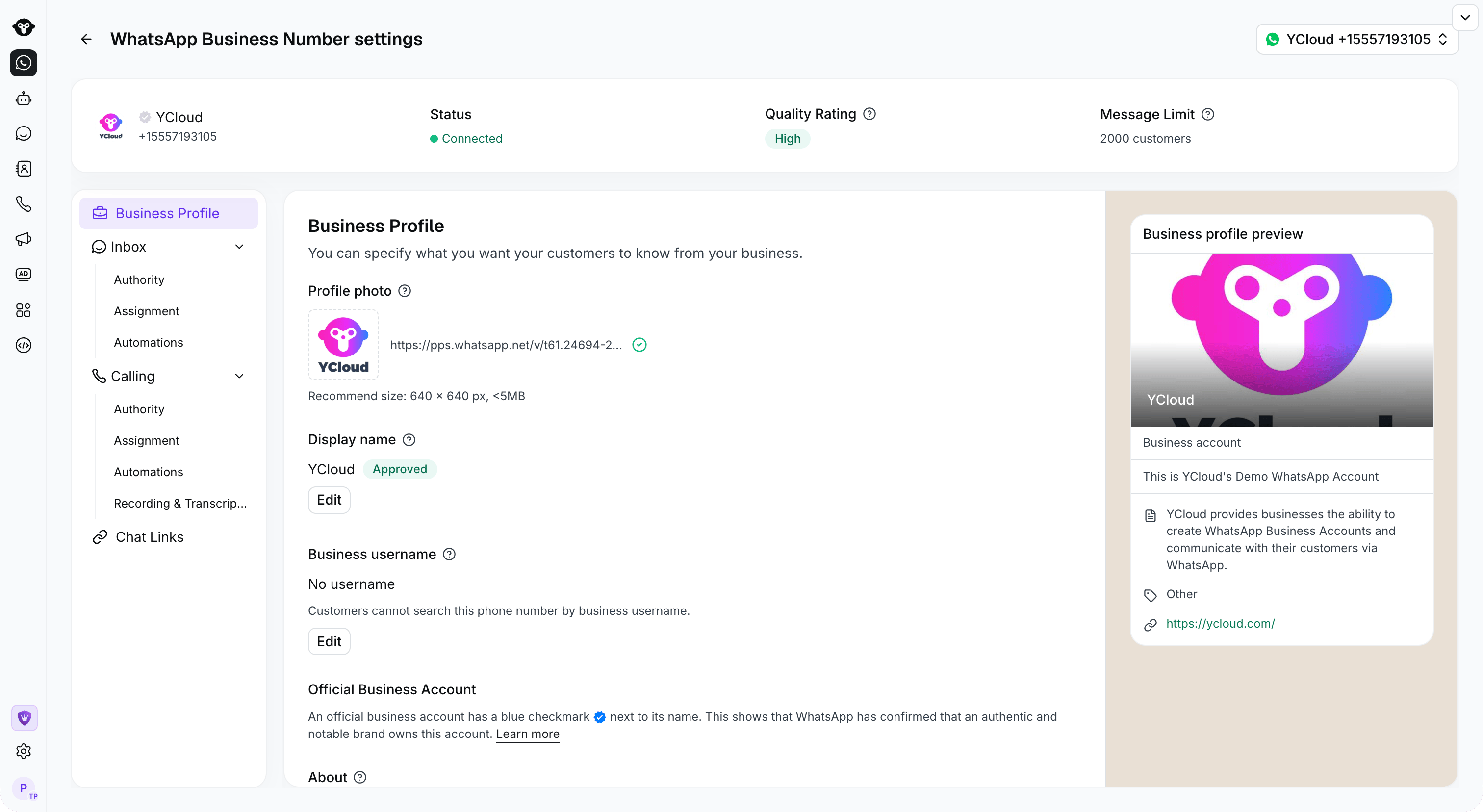
The YCloud demo number settings show its status, quality rating, and business profile.
Retrieve customer accounts and numbers with the API
Use these API endpoints in your integration:- List WABAs to retrieve your customers’ WhatsApp Business Accounts.
- List phone numbers to retrieve the phone numbers associated with those accounts.