

Before you start
Read Tech Partner guide to understand the options YCloud offers.Step 1: Sign in to the YCloud console
Sign in to the YCloud console If you do not have an account, register a YCloud account first.Step 2: Submit your Tech Partner application
Go to the YCloud Tech Partner application page. Select Become a Tech Partner, complete the form, and submit it.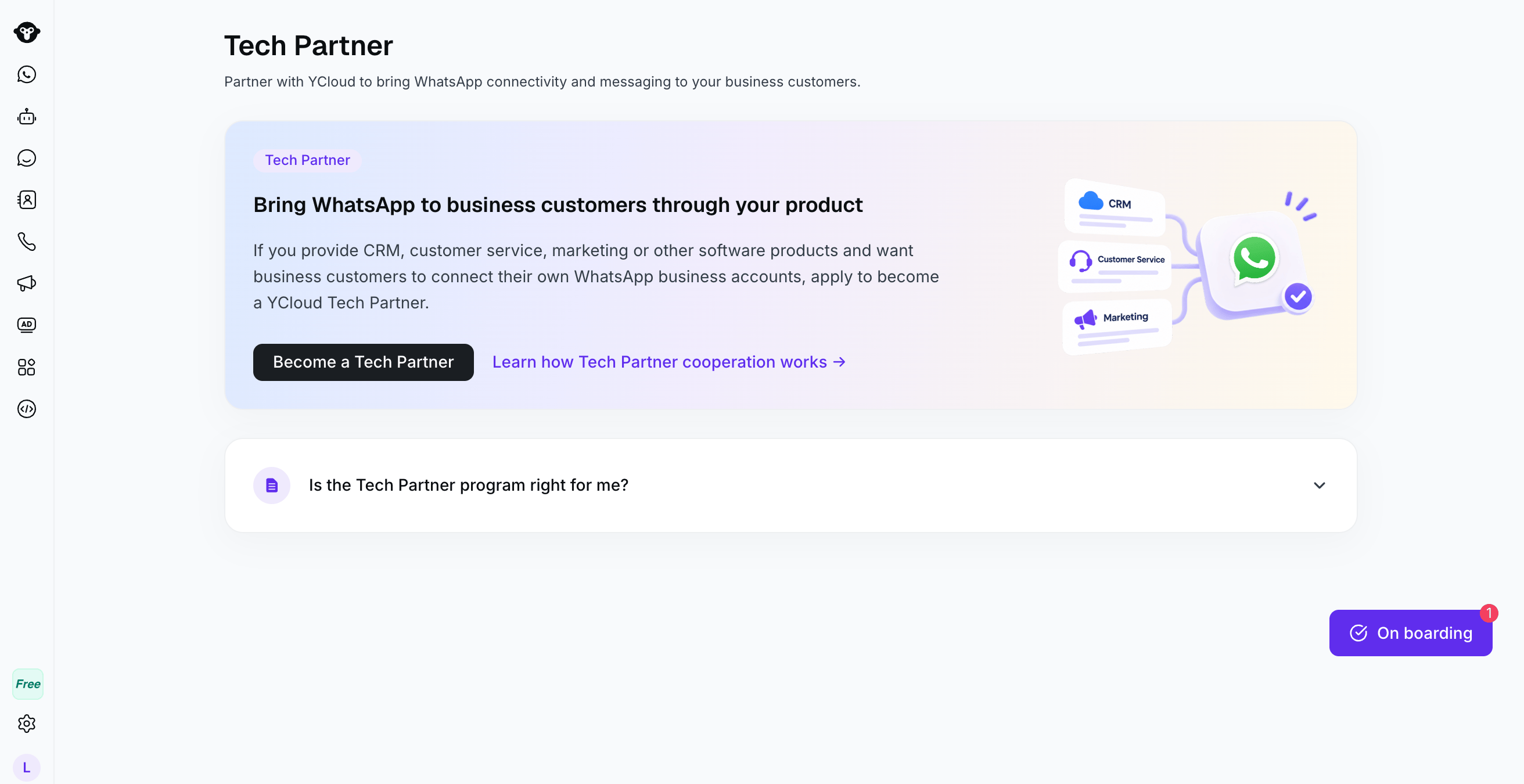
Application entry: select Become a Tech Partner, complete the form, and submit it.
Step 3: Check the review result
YCloud sends the review result to the contact email address in your application. After approval, Partner > Tech Partner appears in the YCloud console. This confirms that you are a YCloud Tech Partner.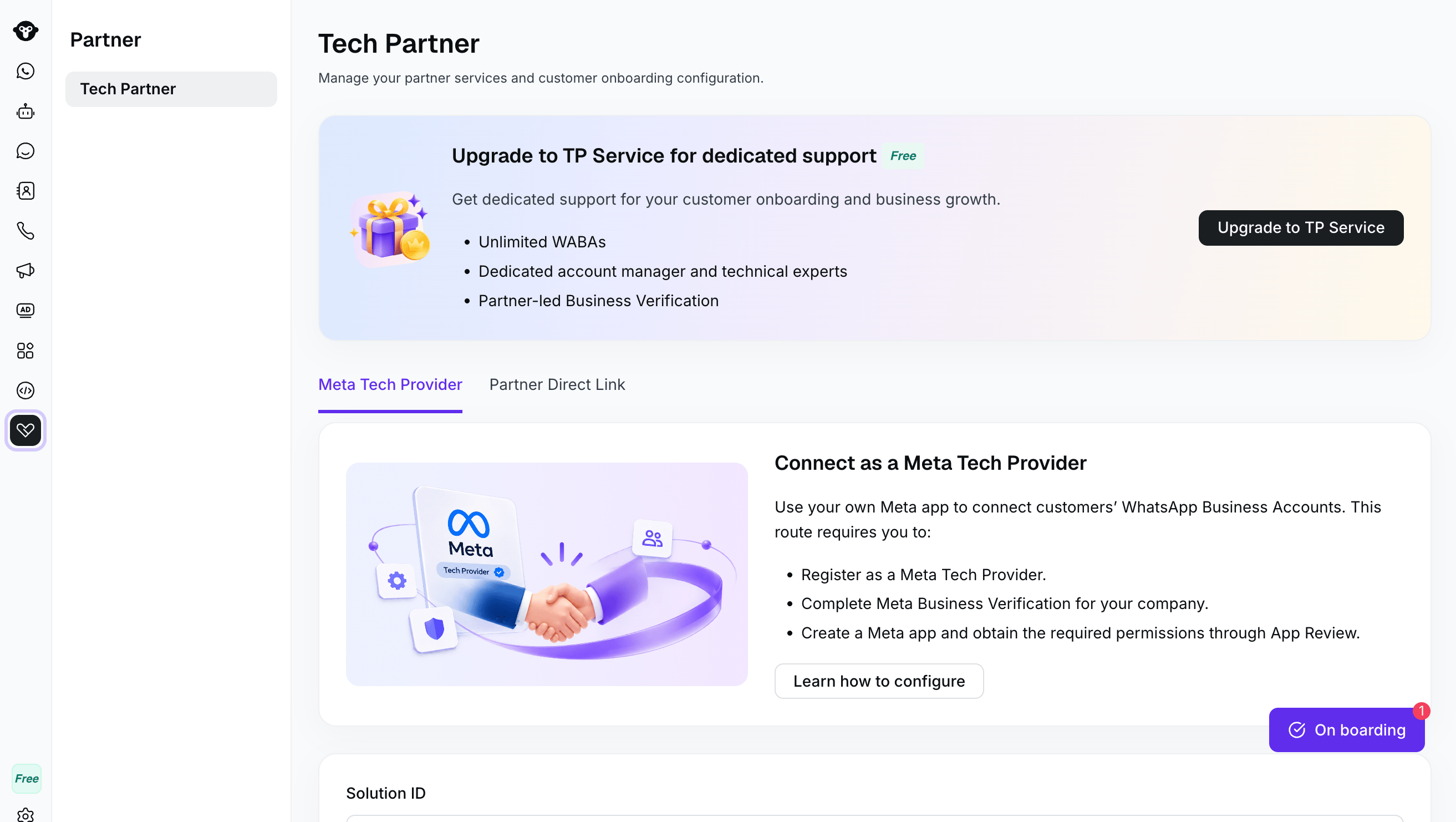
After approval, open the Tech Partner page to choose an integration option.
Next steps
Integrate Partner Direct Link
Planning to use Partner Direct Link?
Become a Meta Tech Provider
Planning to use your own Meta App?