

单条手动导入
步骤 1
登录您的 YCloud 账户,打开 联系人,然后选择 新建联系人。
Open Contact and select New contacts.
步骤 2
选择 添加新联系人,输入联系人详细信息,然后选择 提交。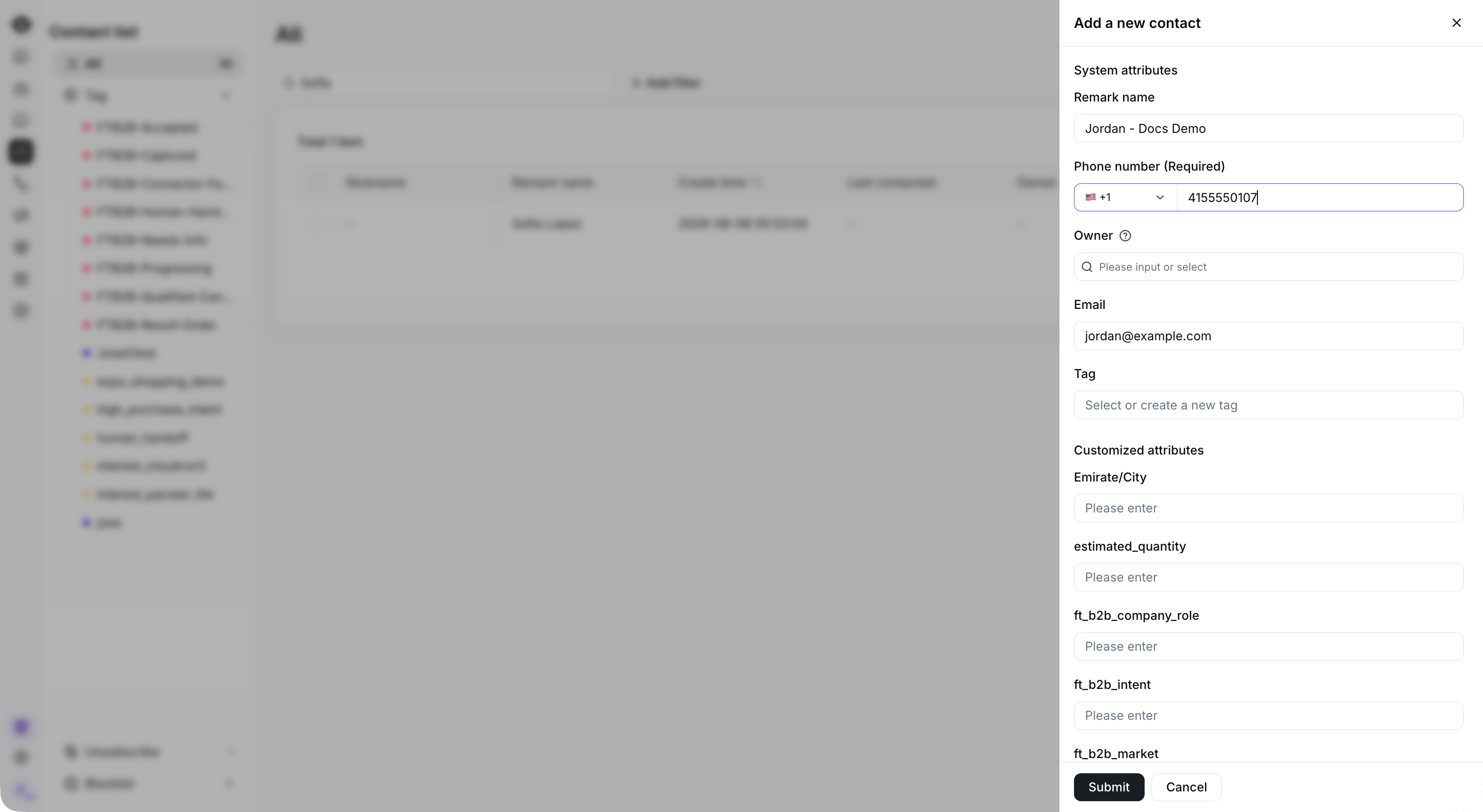
Enter the required phone number and optional contact details, then select Submit. This example has not been submitted.
批量手动导入
步骤 1
登录您的 YCloud 账户,打开 联系人,然后选择 新建联系人。
Start a bulk import from New contacts.
步骤 2
选择 上传文件,选择您的联系人电子表格,然后选择 下一步。
Download the template, prepare your contact data, and select Upload the file.