

支付设置
首次开通 Shop 时,所有支付选项默认处于禁用状态。 您可以根据需要启用它们。
添加支付方式
- 前往 集成 > Shop,然后在 支付 部分点击 添加 。
- 选择您希望启用的支付方式。

Select Add in the Payments section to choose a payment method.

Choose a payment method in Integrations > Shop > Payments. Selecting an option does not activate it.
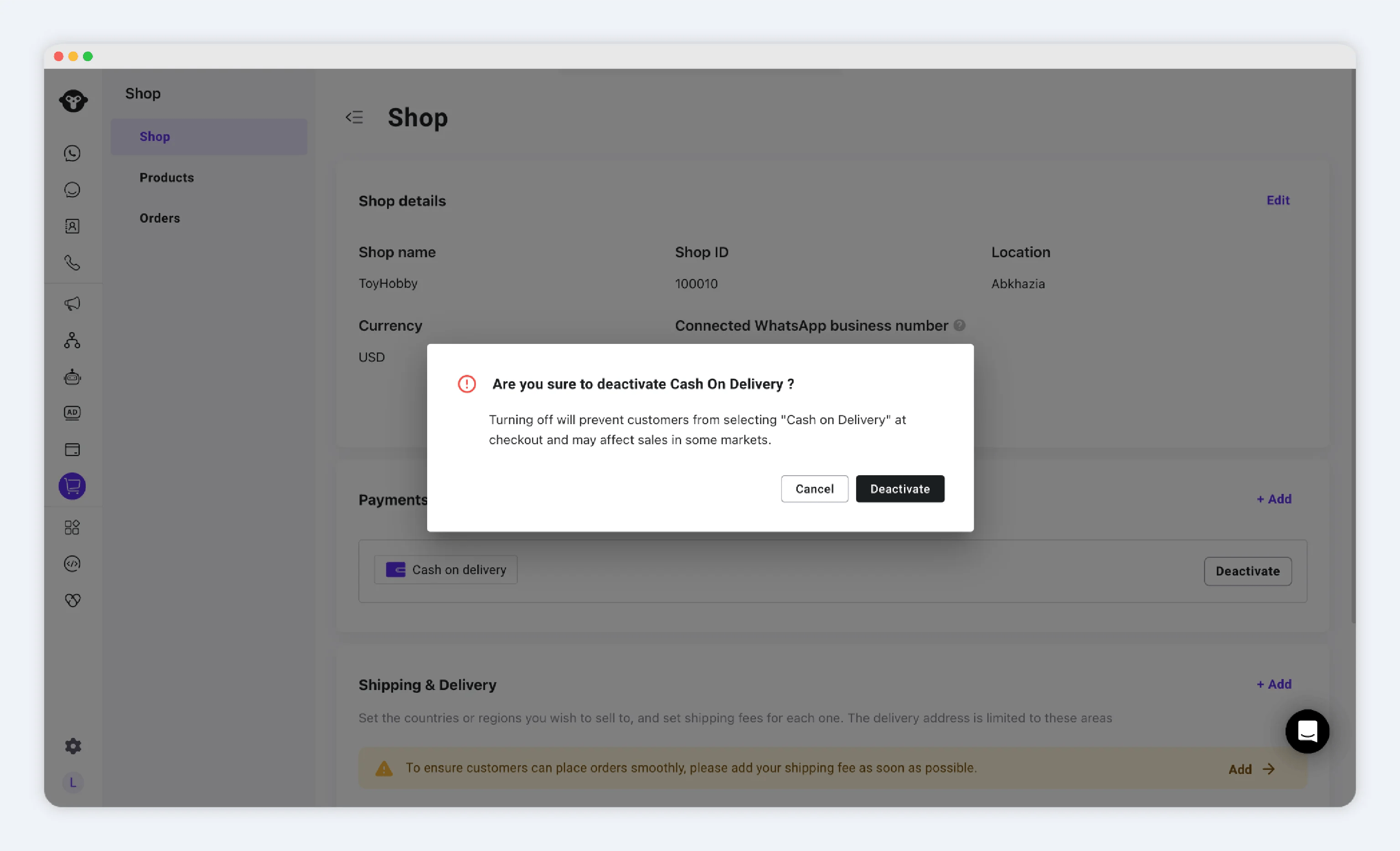
货到付款 (COD)
启用步骤:- 选择 货到付款。
- 在弹窗中,选择 启用。

Select Cash on delivery, then Activate when you are ready to enable it. This example has not been activated.
-
启用后:
- COD 将作为可用的支付选项显示在结账页面。
- 客户无需预先付款即可下单。
- 您发货,客户在收到商品时付款。
PayPal 钱包
启用步骤:- 选择 PayPal。
- 选择 启用。
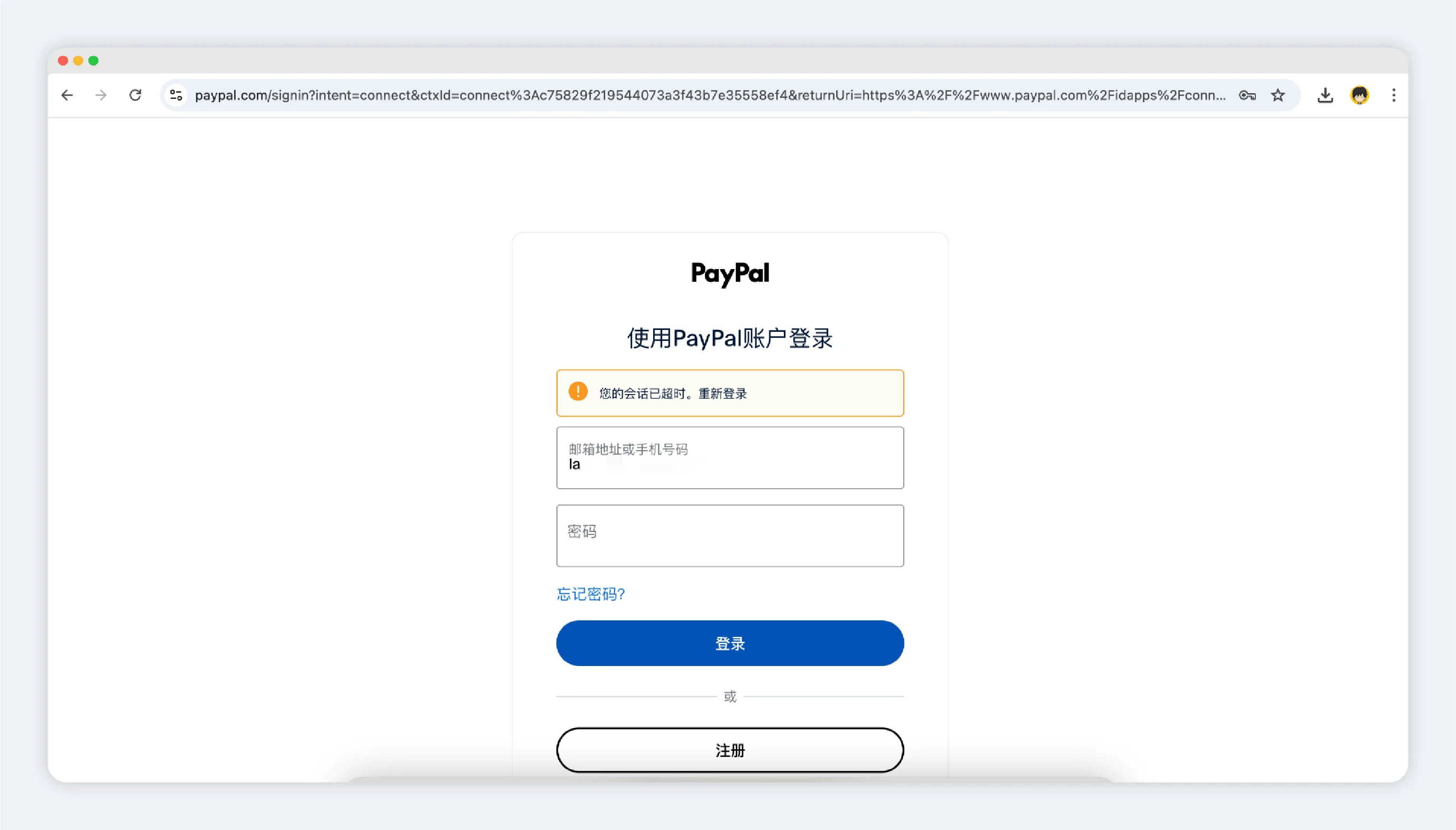
- 系统将跳转至 PayPal,供您登录并授权连接:
- 必须使用 企业 (Business) PayPal 账户(无法连接个人账户)。
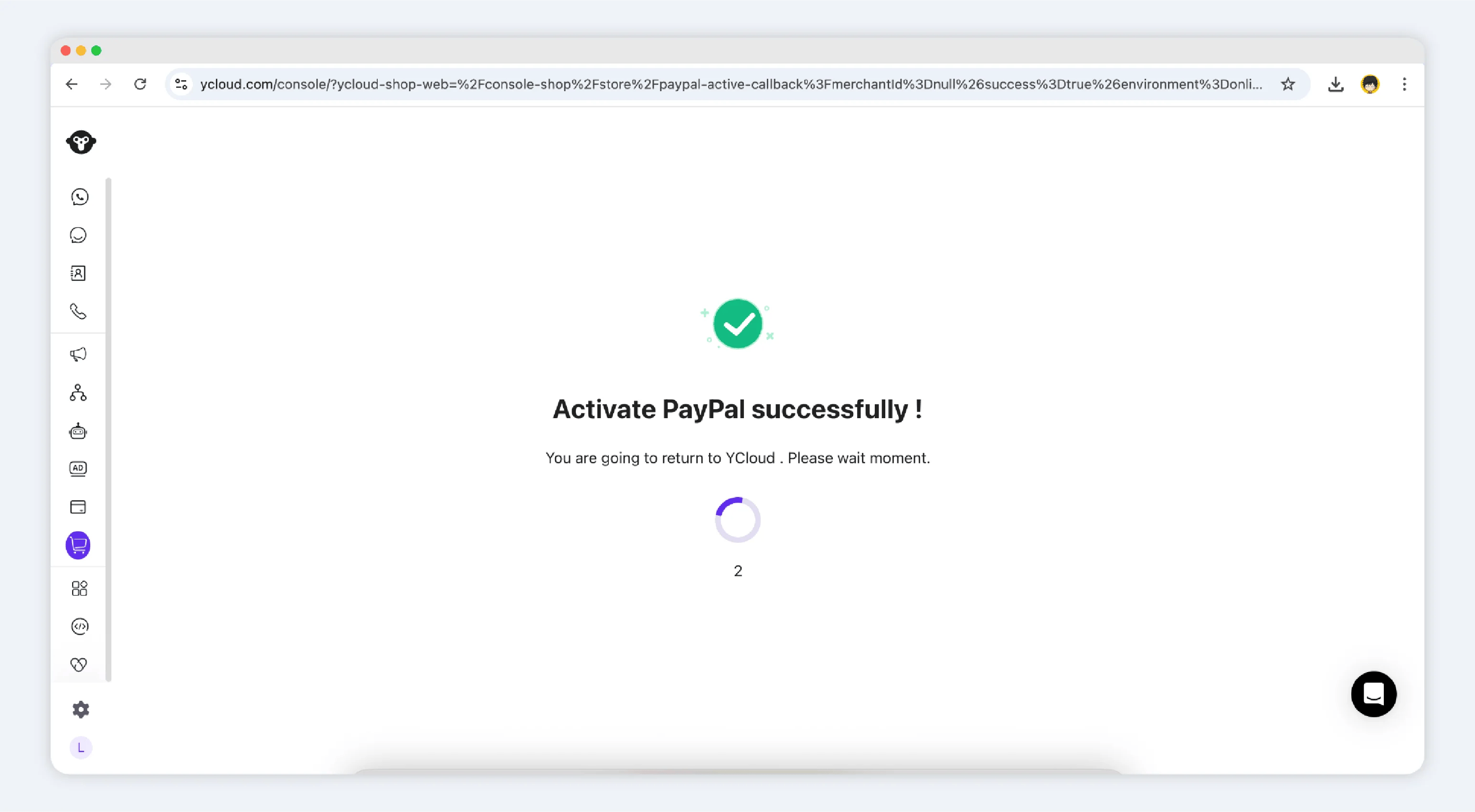
- 授权完成后,您将返回 Shop 后台,并看到绑定成功的确认信息。
- 您将在支付部分看到已列出的 PayPal 企业账户。
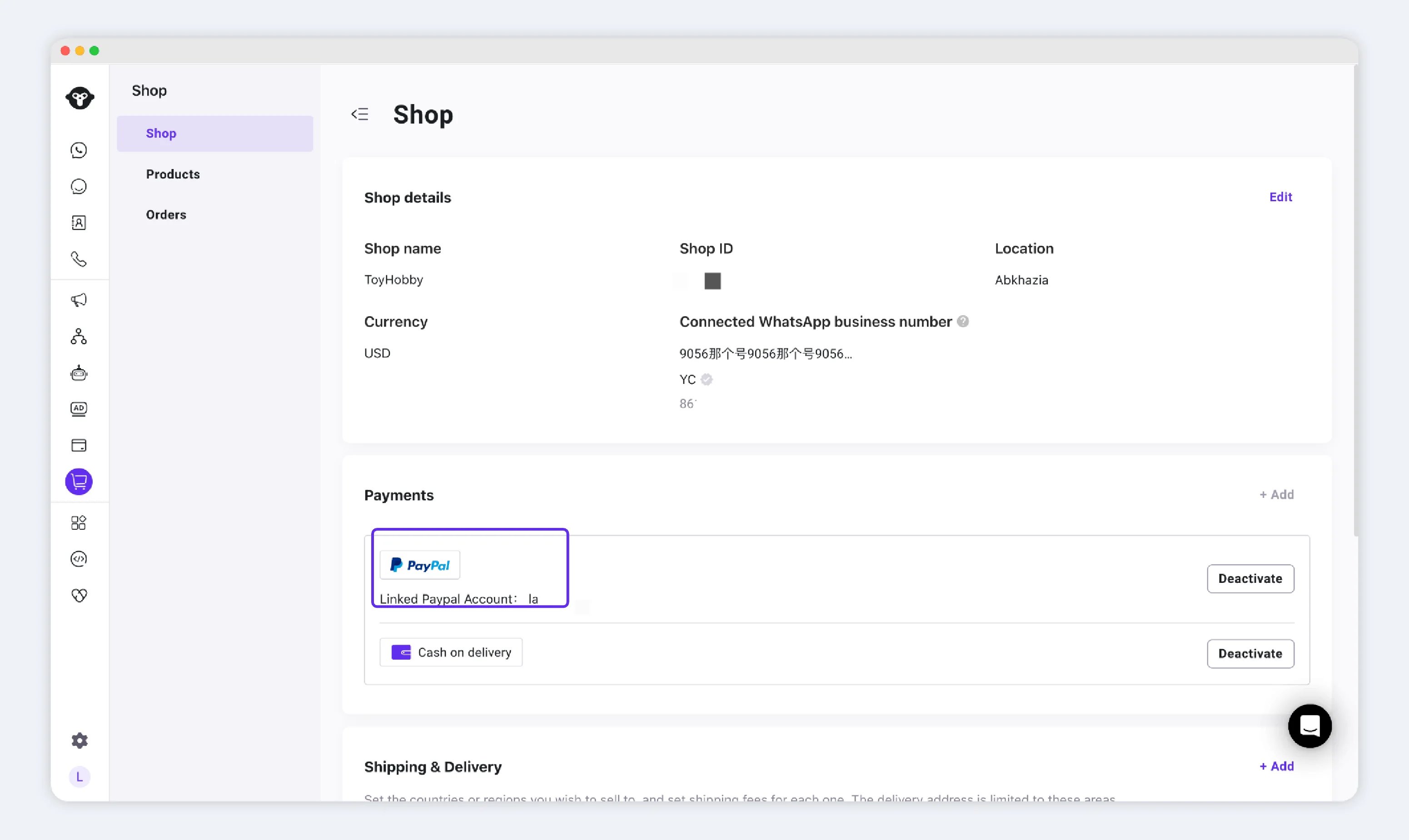
- 启用后,PayPal 将作为可用支付选项显示在结账页面。