

使用场景
扫码领券:客户通过扫描二维码在您的商业账户中领取优惠券。使用教程
步骤 1:创建优惠券活动
步骤 1.1:启用优惠券功能
入口:Integrations,点击 Install 按钮以启用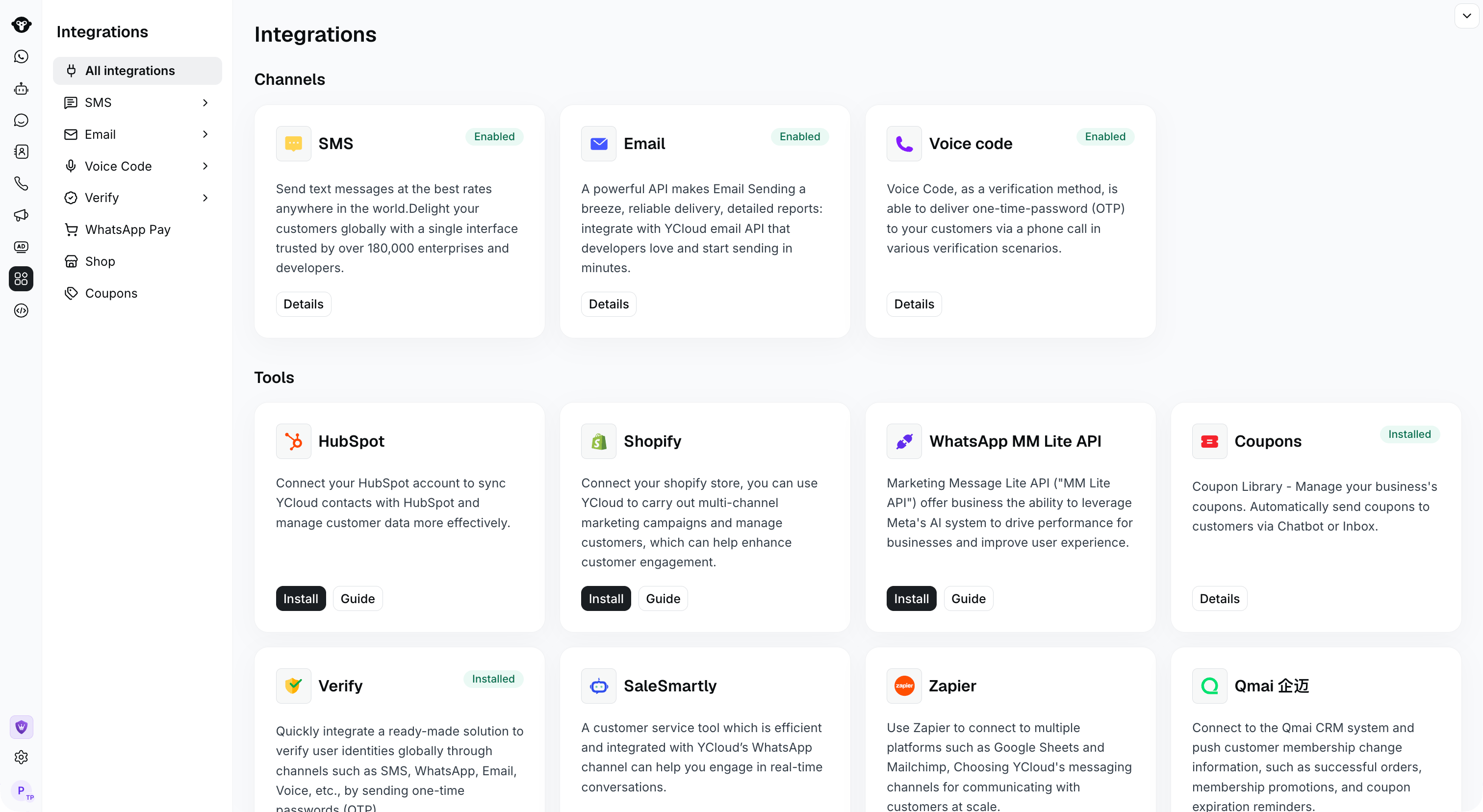
Find Coupons in Integrations. This example shows the installed state.
步骤 1.2:创建优惠券活动
从左侧边栏 Integrations > Coupons 进入 Coupons 页面 点击 [+ New Coupons]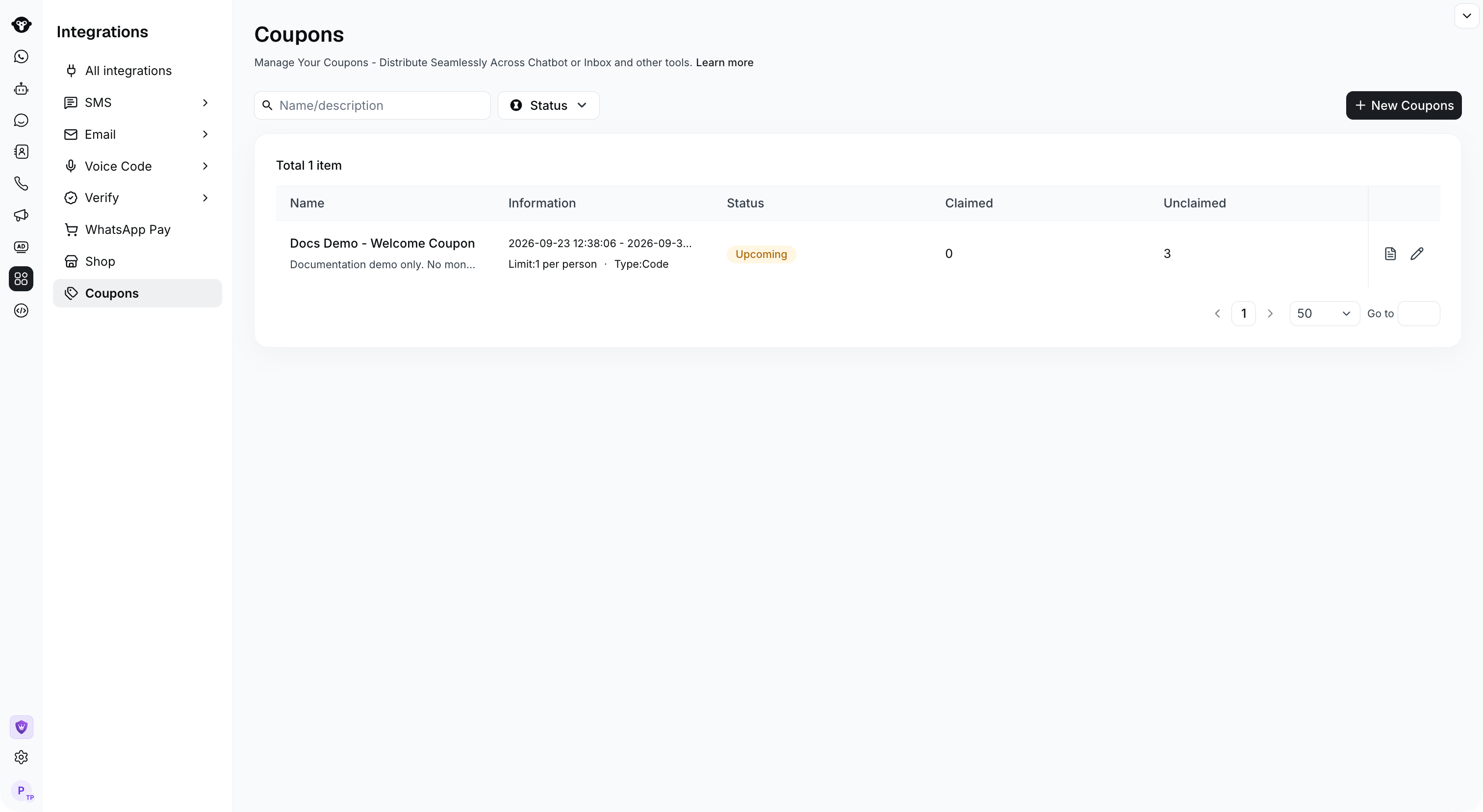
Select New Coupons to create a campaign.
步骤 1.3:配置活动信息
- Coupon Type(优惠券类型):Code type(优惠码)。目前仅支持该类型;如需其他类型,请联系我们。
- Campaign Name(活动名称):优惠券活动的名称
- Campaign Notes(活动备注):关于活动的备注,选填。
- Claim Limit(领取限制):每人仅限领取一次。
- Campaign Duration(活动时间):设置活动时间。超出此时间范围将停止发放优惠券。
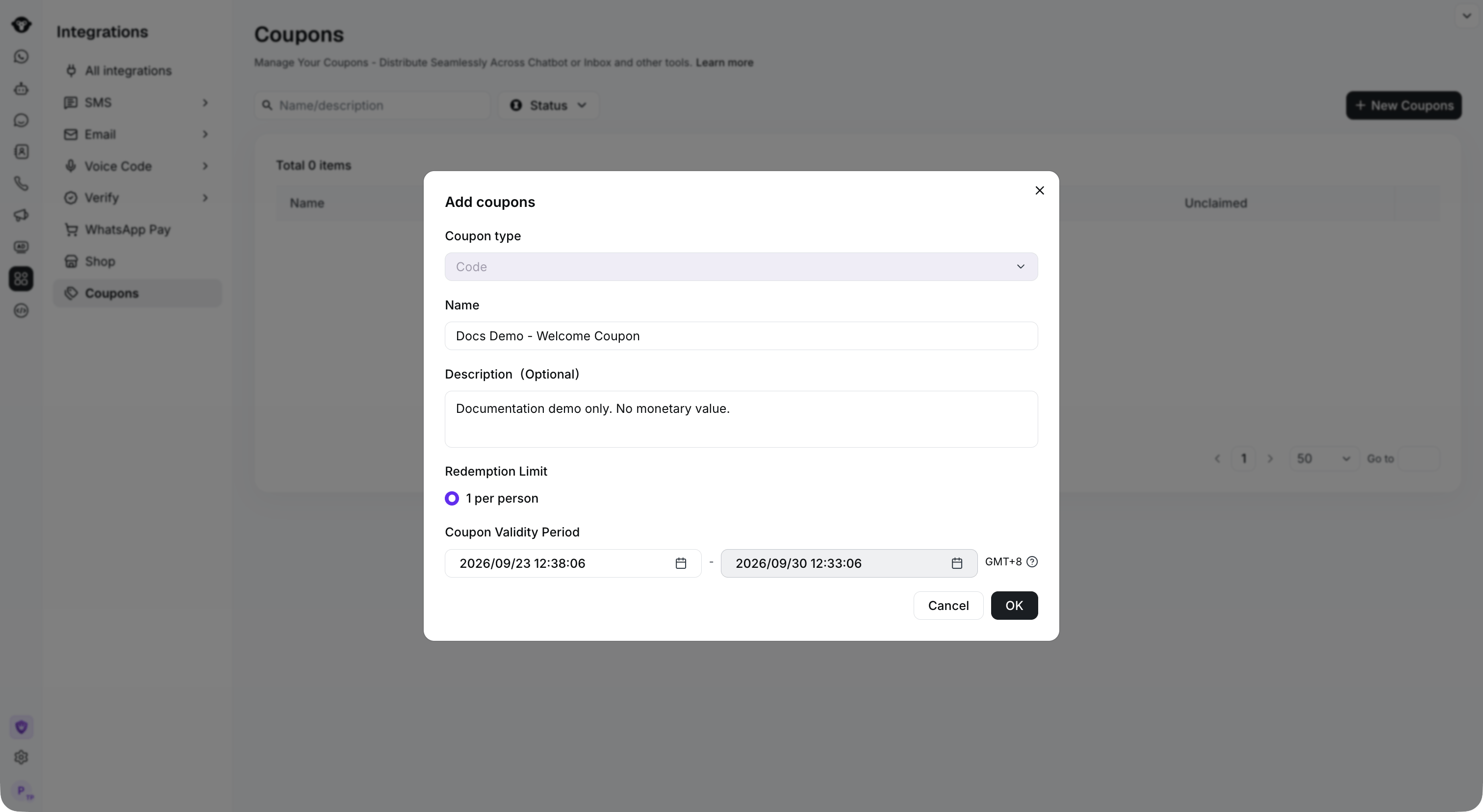
Set the campaign name, description and validity period, then click OK.
步骤 1.4:上传优惠券码
点击上传按钮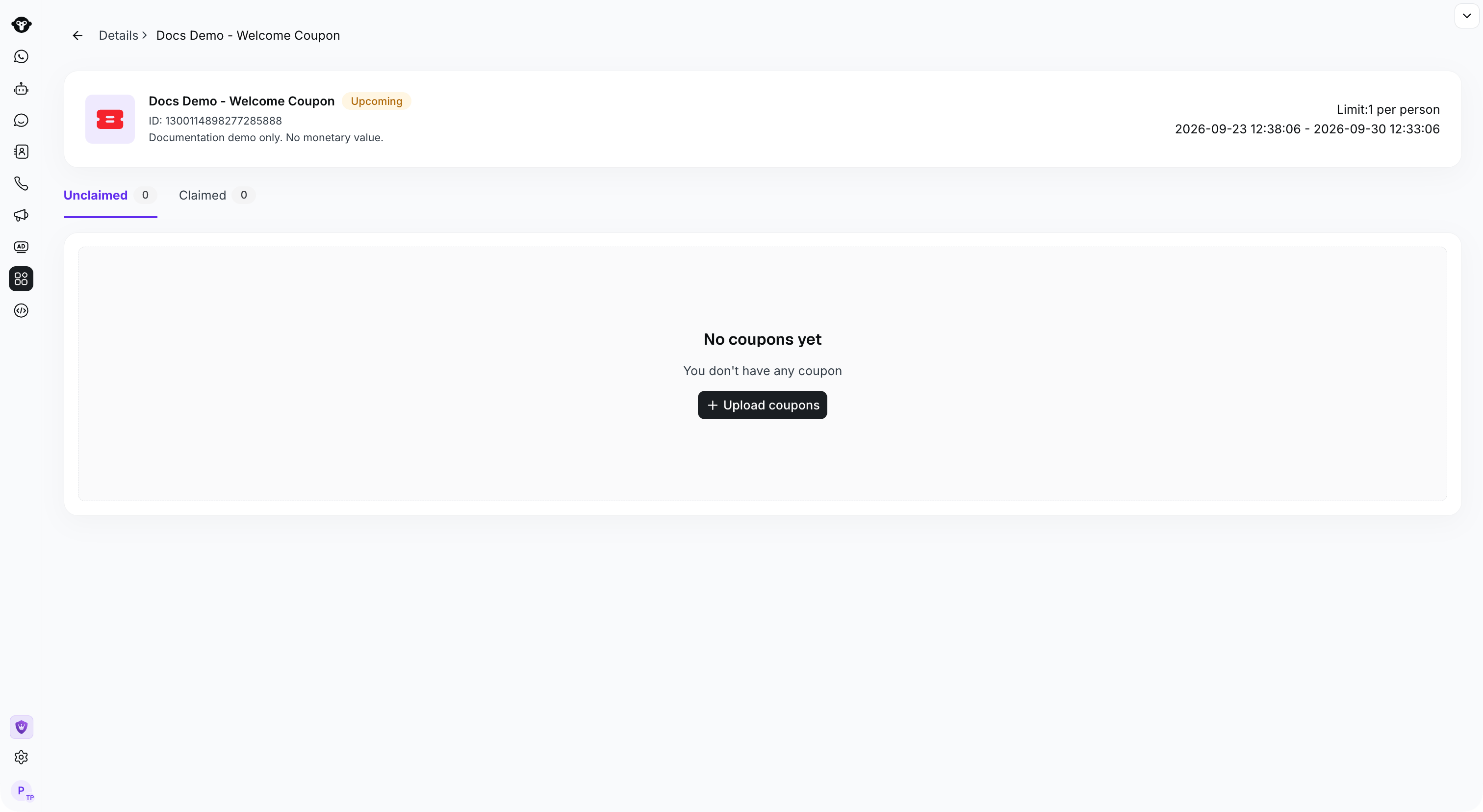
Open the campaign and click Upload coupons.
注意:在上传的 Excel 电子表格中,Code(券码)必须位于第一列。YCloud 将自动去除重复的优惠券码。
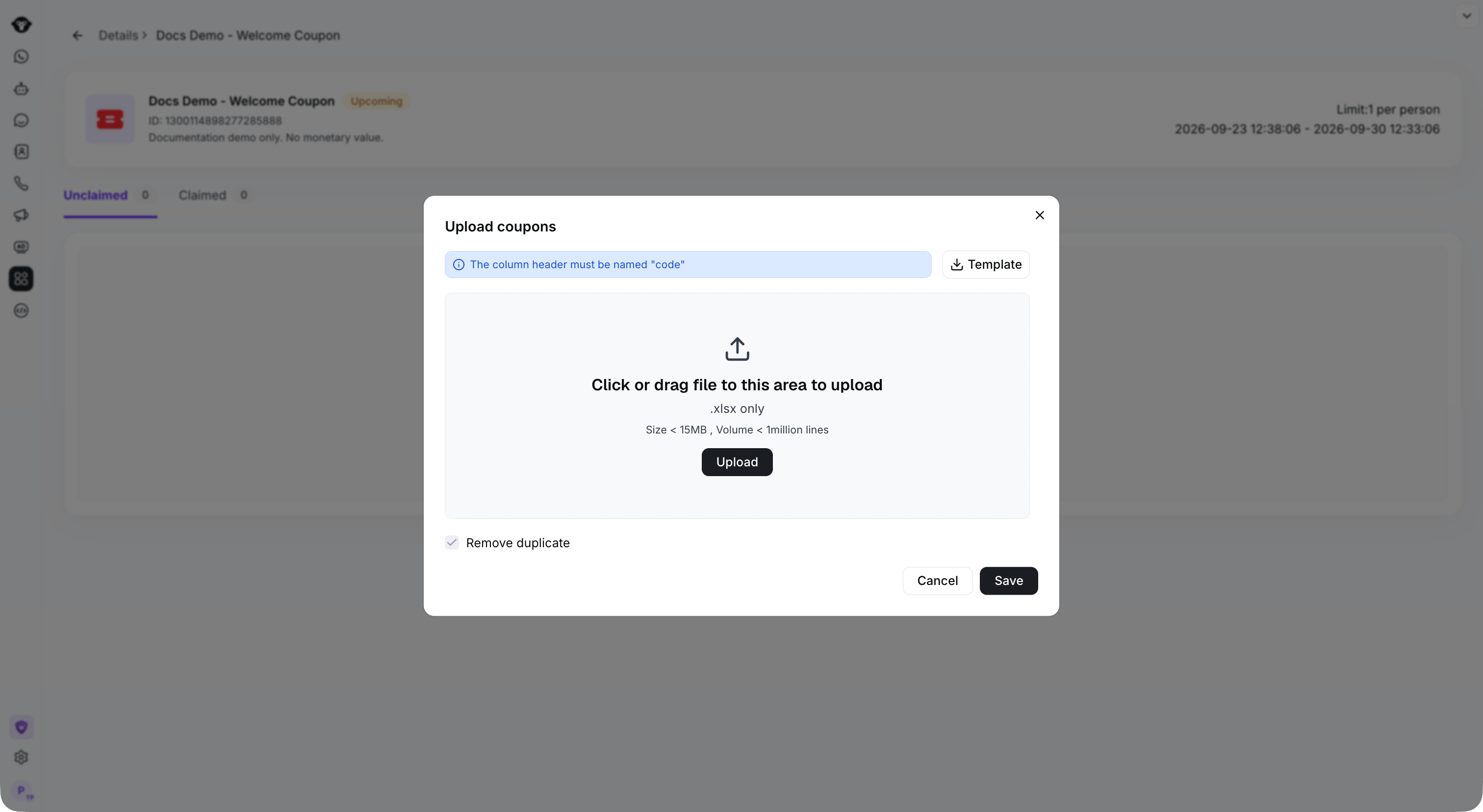
Use an XLSX file with a code column.
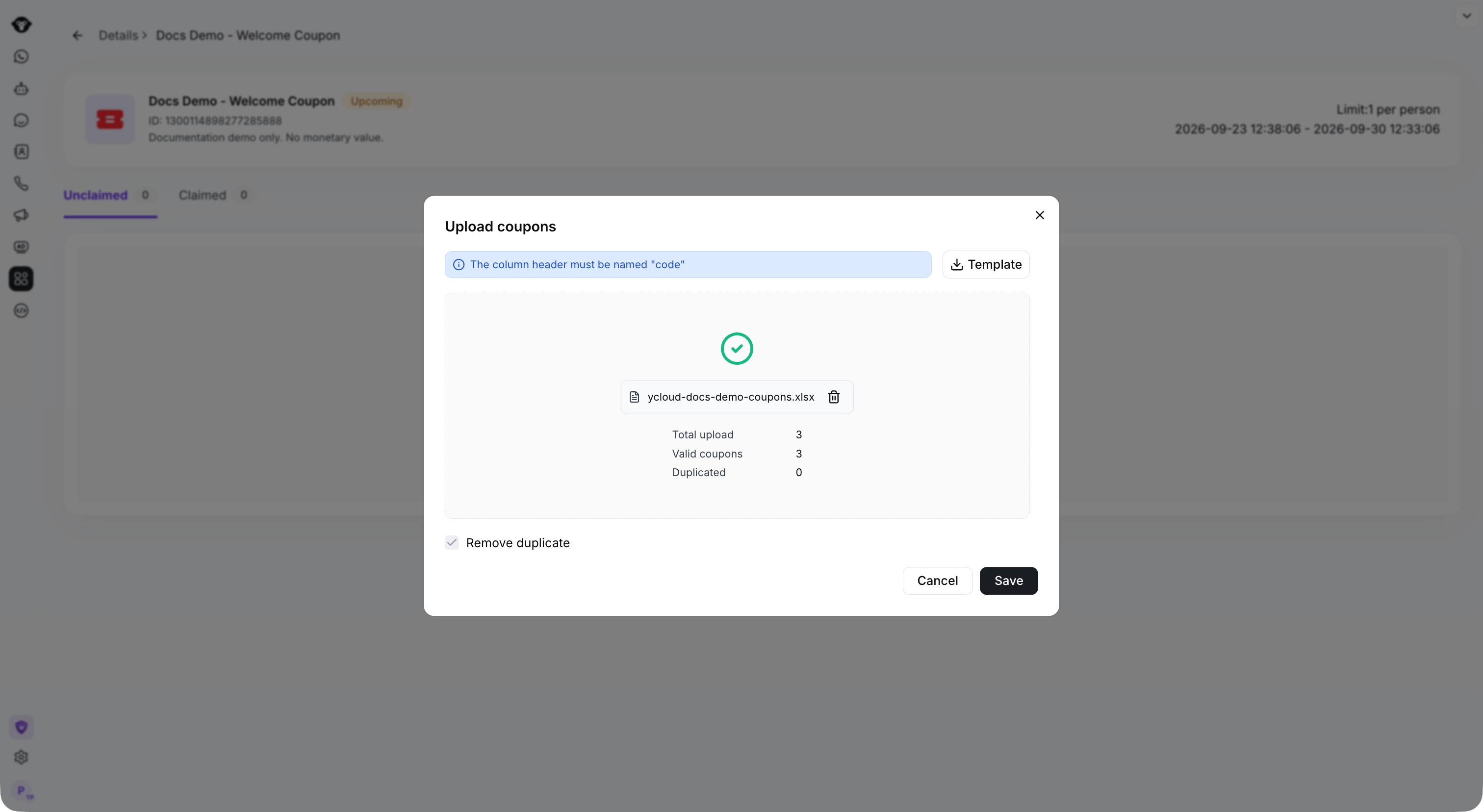
Check the valid and duplicate counts, then click Save.
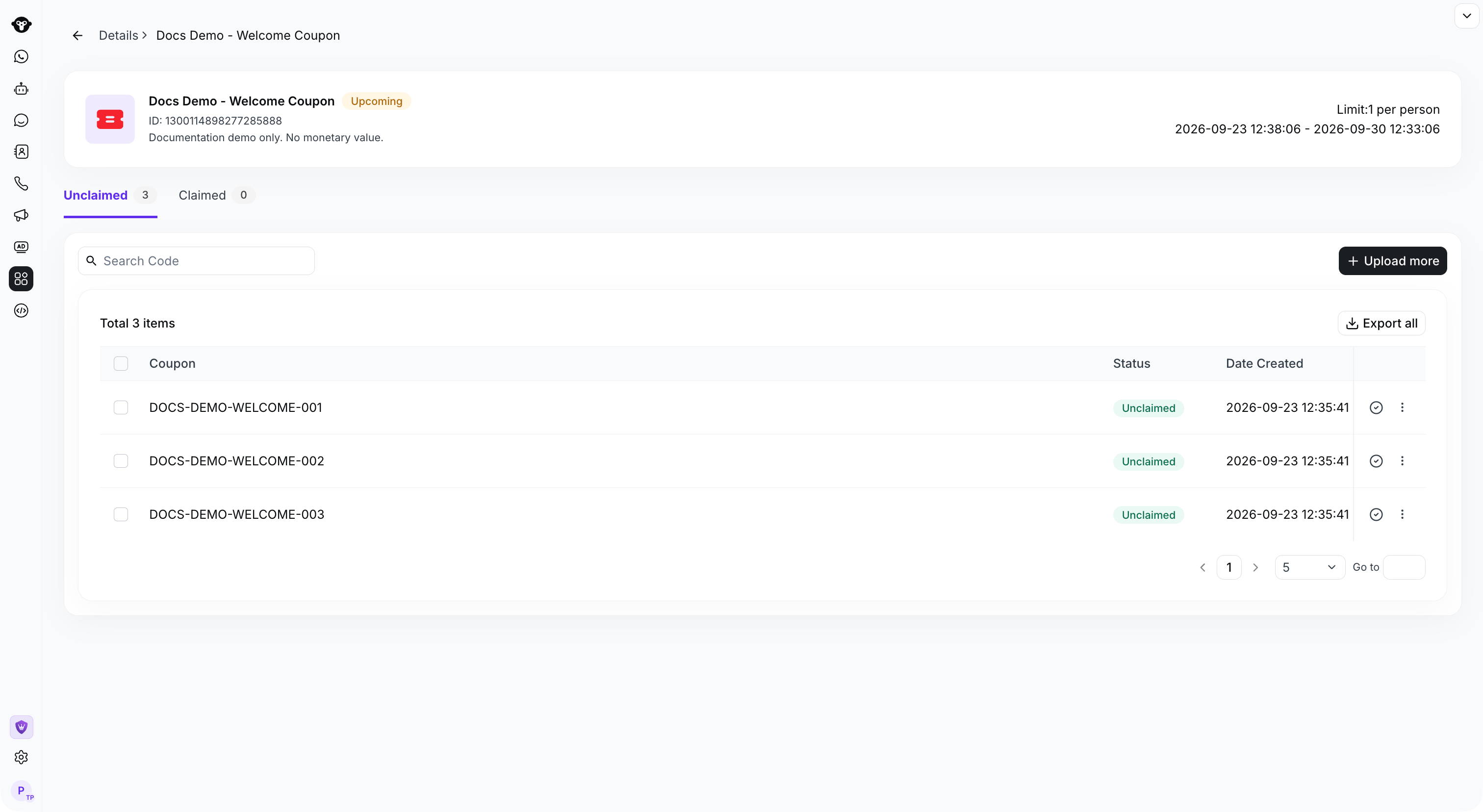
Saved codes appear in the Unclaimed tab.
步骤 2:在规则型 Agent 中配置领取流程
步骤 2.1:创建规则型 Agent
打开现有的规则型 Agent,或参阅 Create a Flow 进行配置。步骤 2.2:创建 Flow
选择该规则型 Agent,然后选择 Create Flow。
Open the rule-based agent and click Create a flow.
步骤 2.3:配置 Flow 关键词
将 Keyword 设置为领券关键词。 示例:如果您希望客户触发“Claim New User Coupon”时收到优惠券,请将 Keyword 设置为 Claim New User Coupon。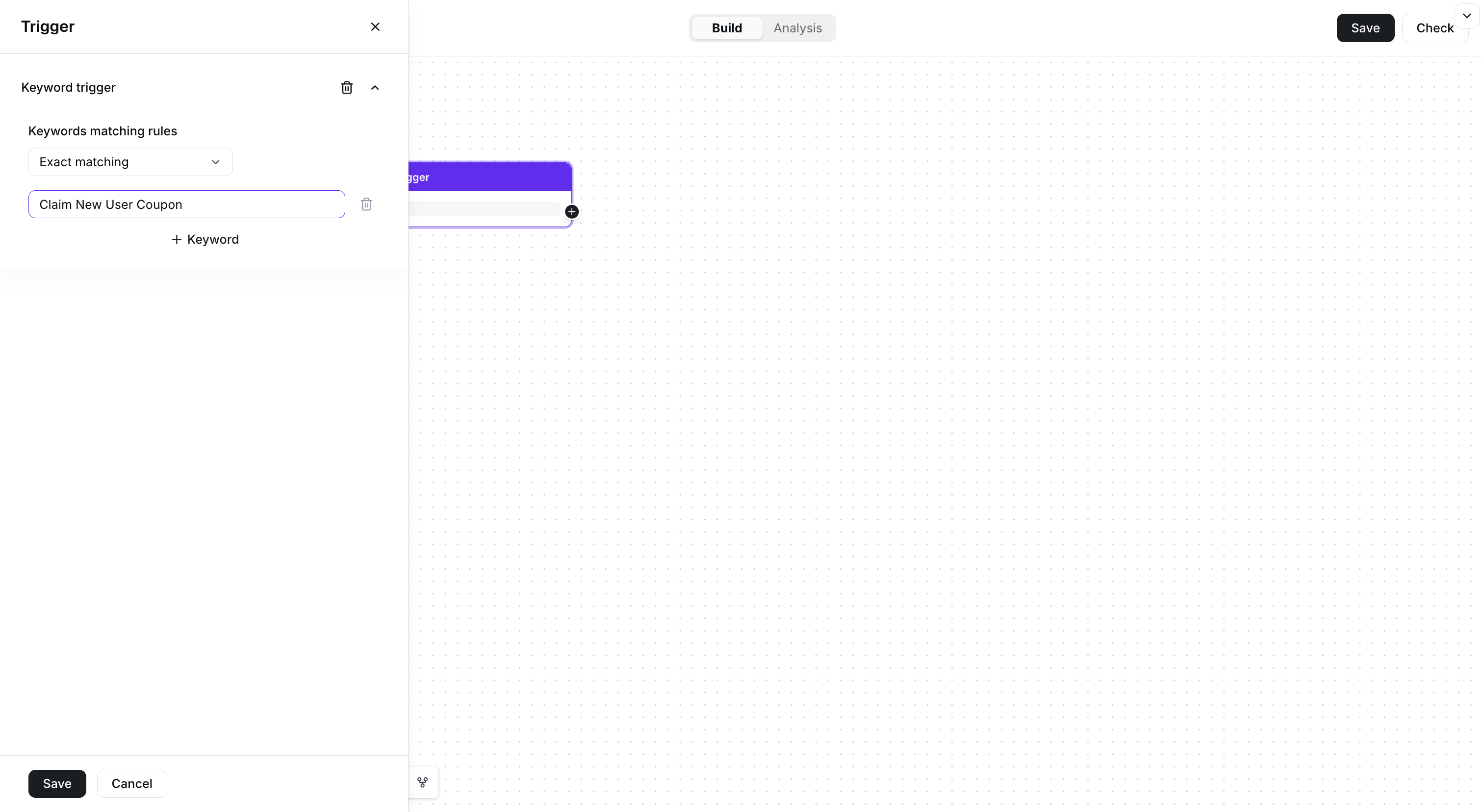
Set the claim keyword in the trigger.
步骤 2.4:配置发送的优惠券
在 Flow 中添加 Send message 组件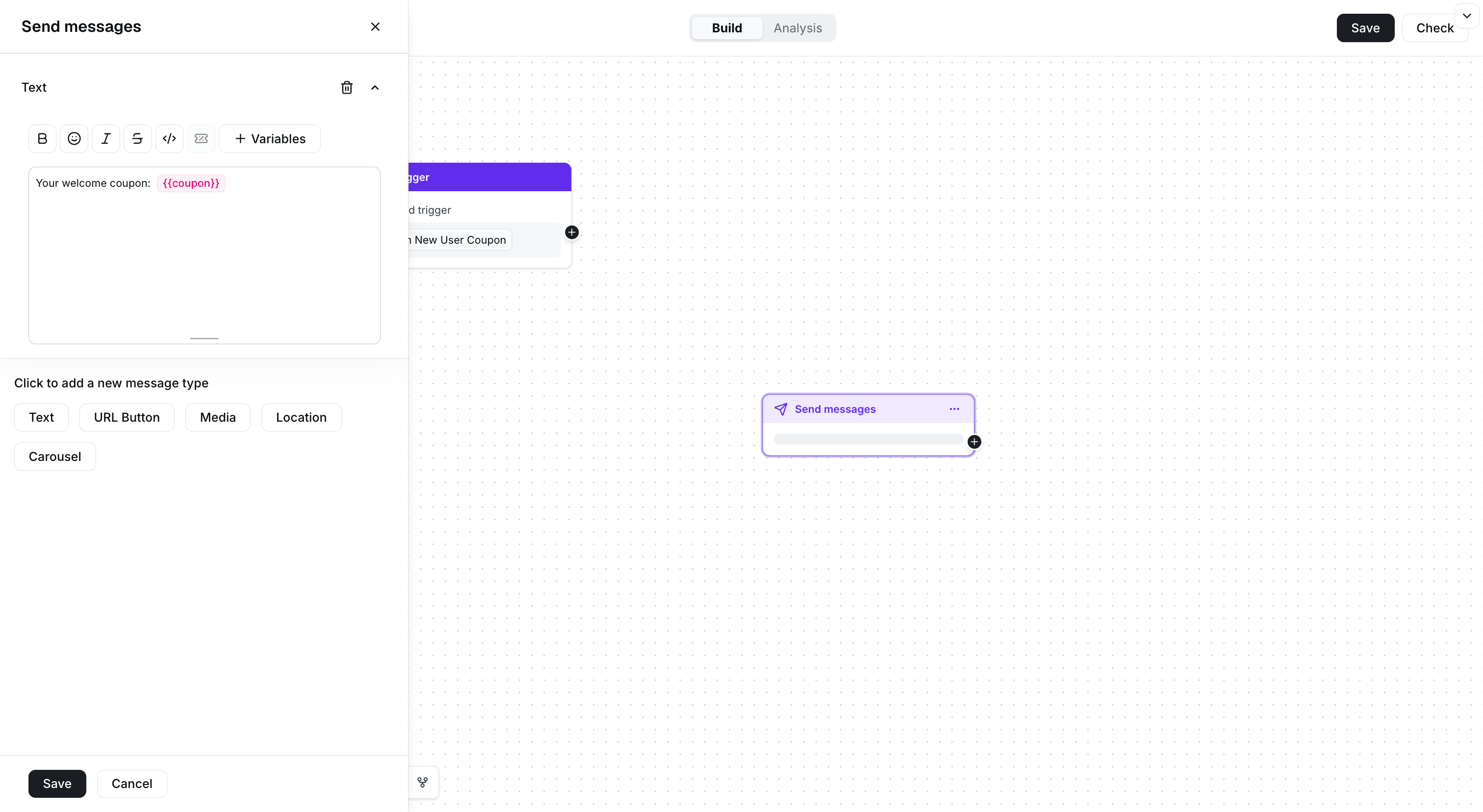
Add a text message and insert the coupon variable.
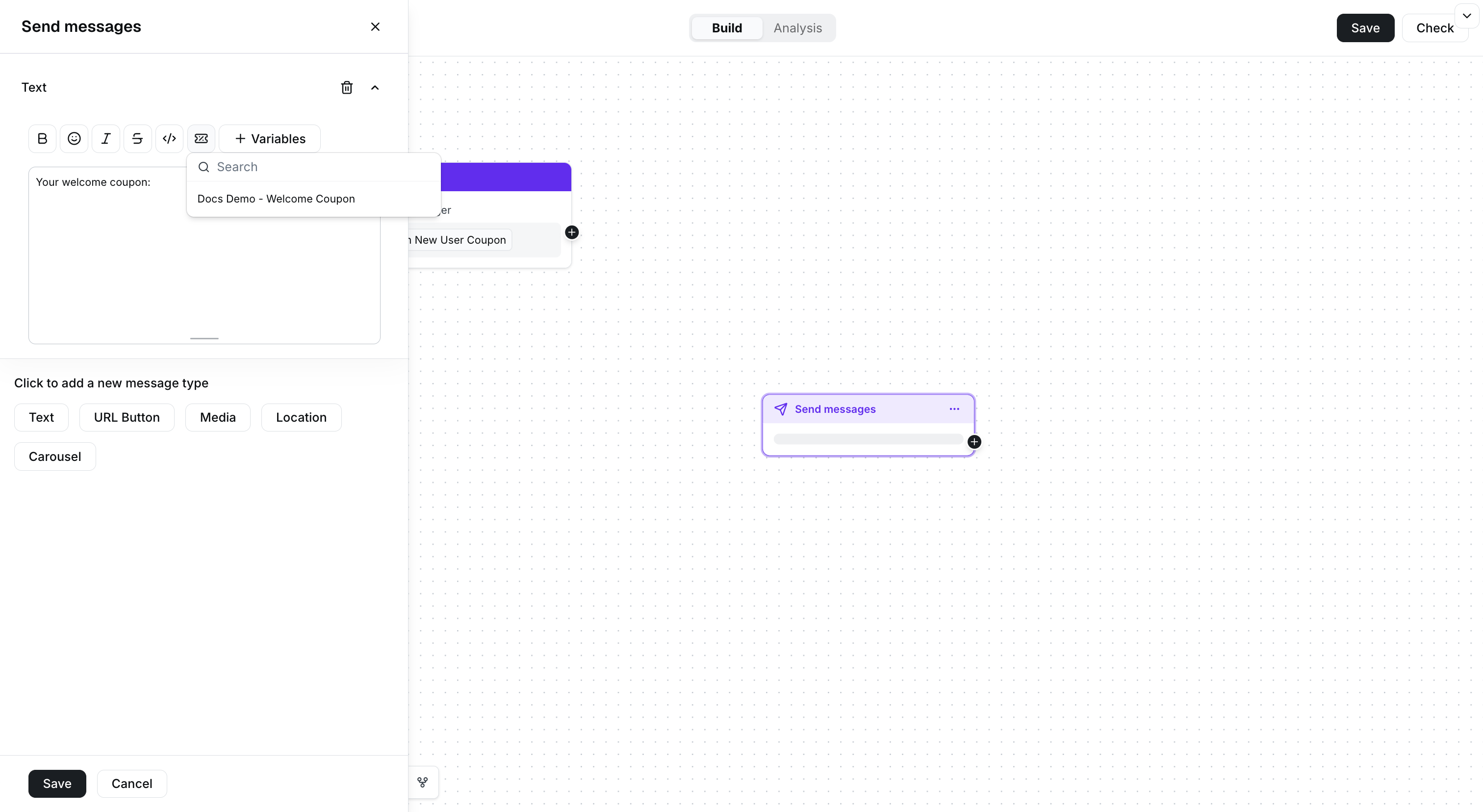
Select the coupon campaign from the Coupons menu.
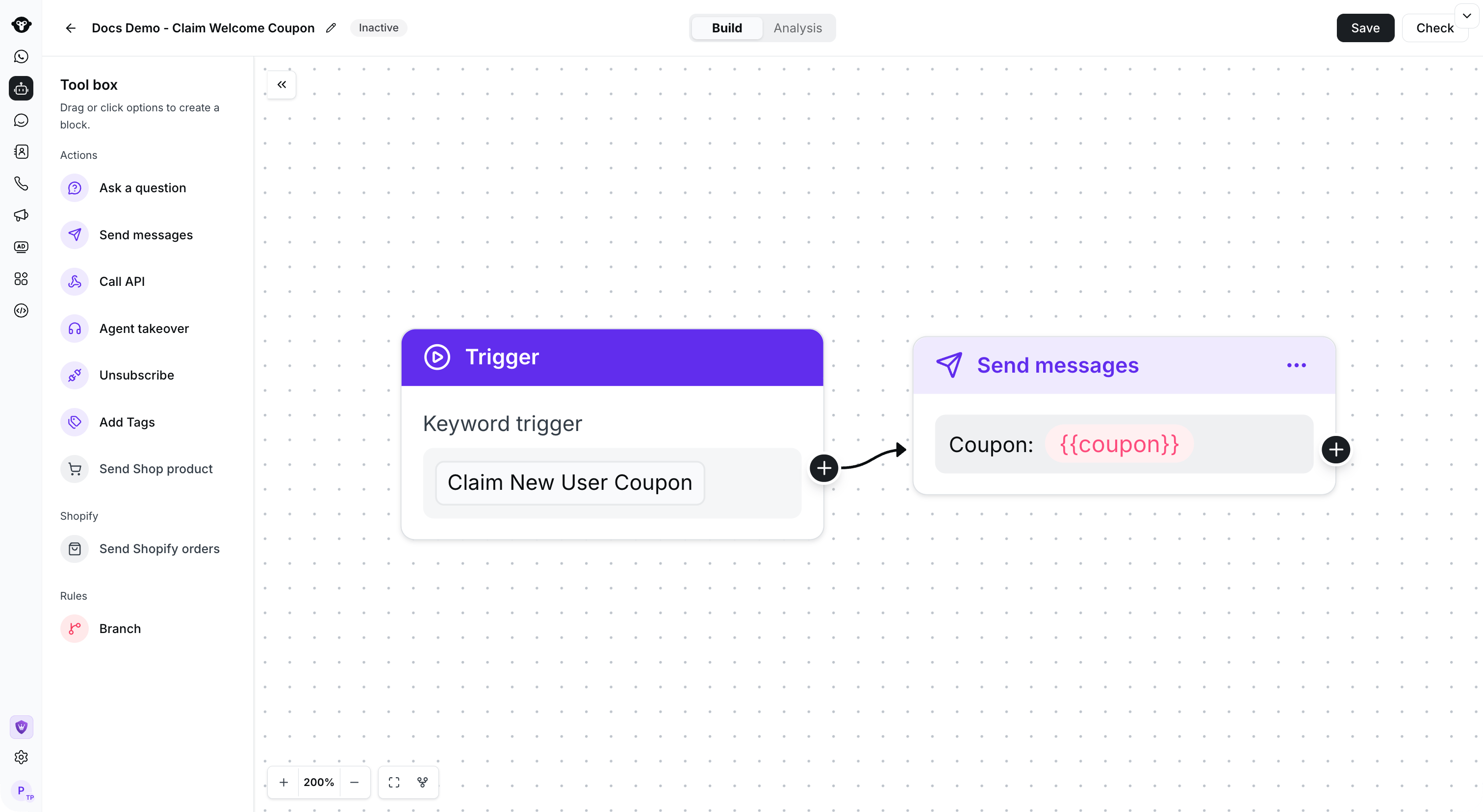
Connect the trigger to the coupon reply and save the flow. This example remains inactive.
步骤 3:生成用于分享的二维码(可选,仅适用于扫码领券场景)
为号码生成二维码,并将关键词设置为: Claim New User Coupon。查看详细的对话链接配置教程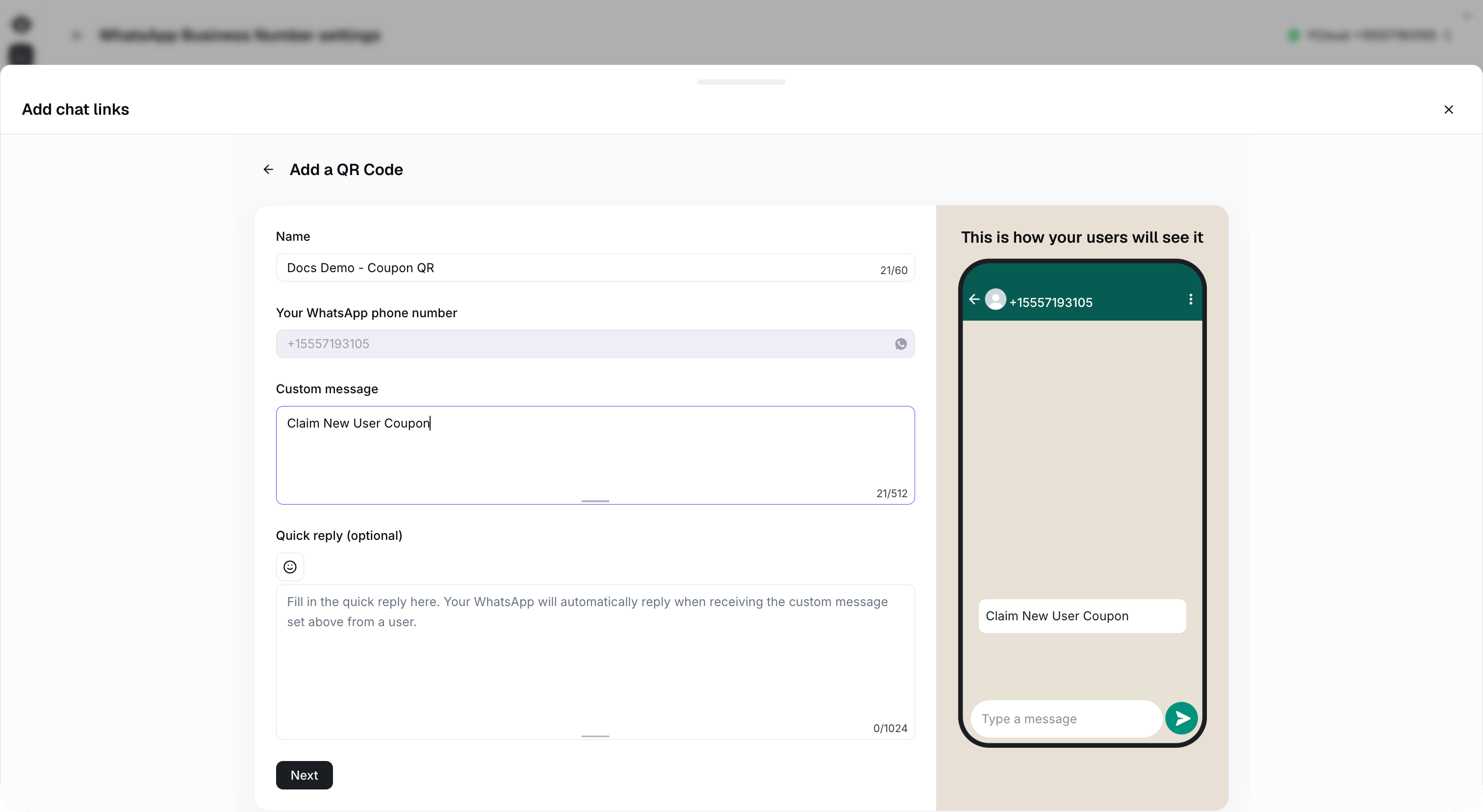
Use the same custom message as the rule-based flow keyword: Claim New User Coupon.