

1. Open Campaign Analytics
Go to Campaign and find the completed Campaign. In the Action column, select Analytics.
Open Analytics for a completed Campaign.
2. Review and export data
Use Analytics to view the Campaign summary. Select a status or a tracked button to open Logs with the related records. If you have permission to export Campaign logs, select Export in Logs. Complete verification if prompted, choose the time zone for exported timestamps, and wait for the export to finish.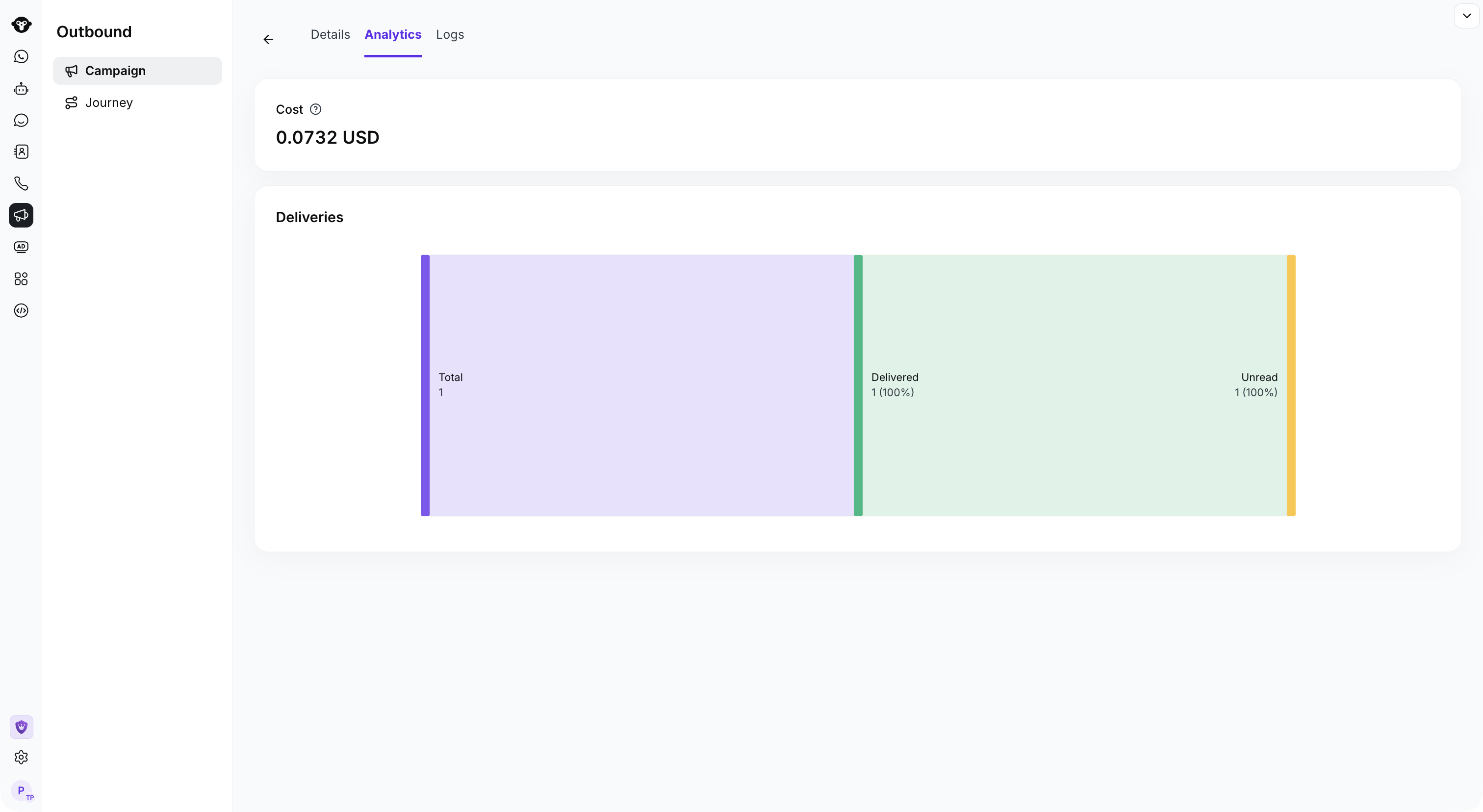
Review actual delivery results in Campaign Analytics.
Campaign metrics
These metrics are not mutually exclusive. For example, a message recorded as Read is also included in Delivered, so do not add the displayed metric values together.