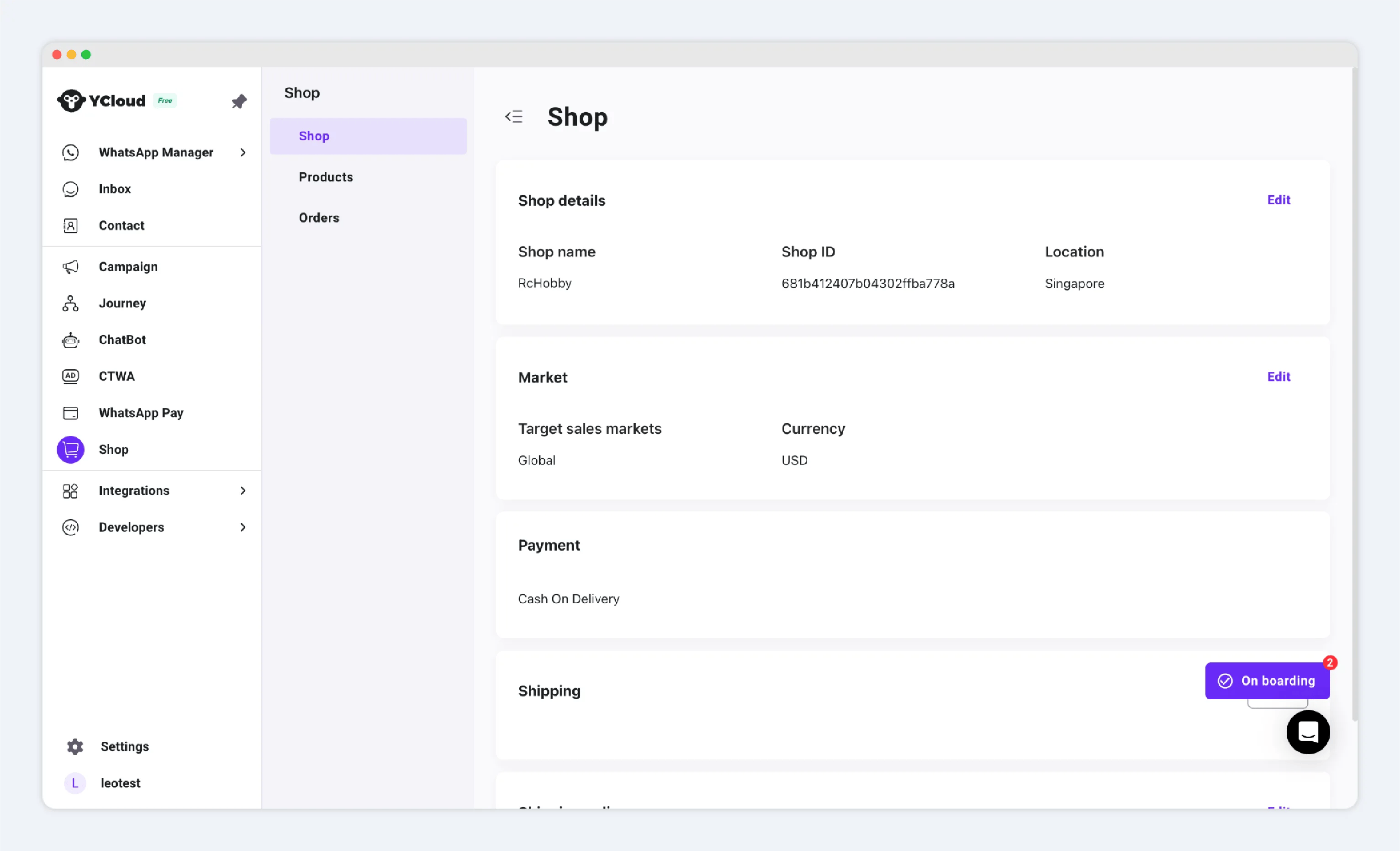
Install Shop
You can install one store for each company. To create another shop, first create a new company.Learn more about companies
Install a store
- Sign in to the YCloud console.
- Go to Shop → Install.
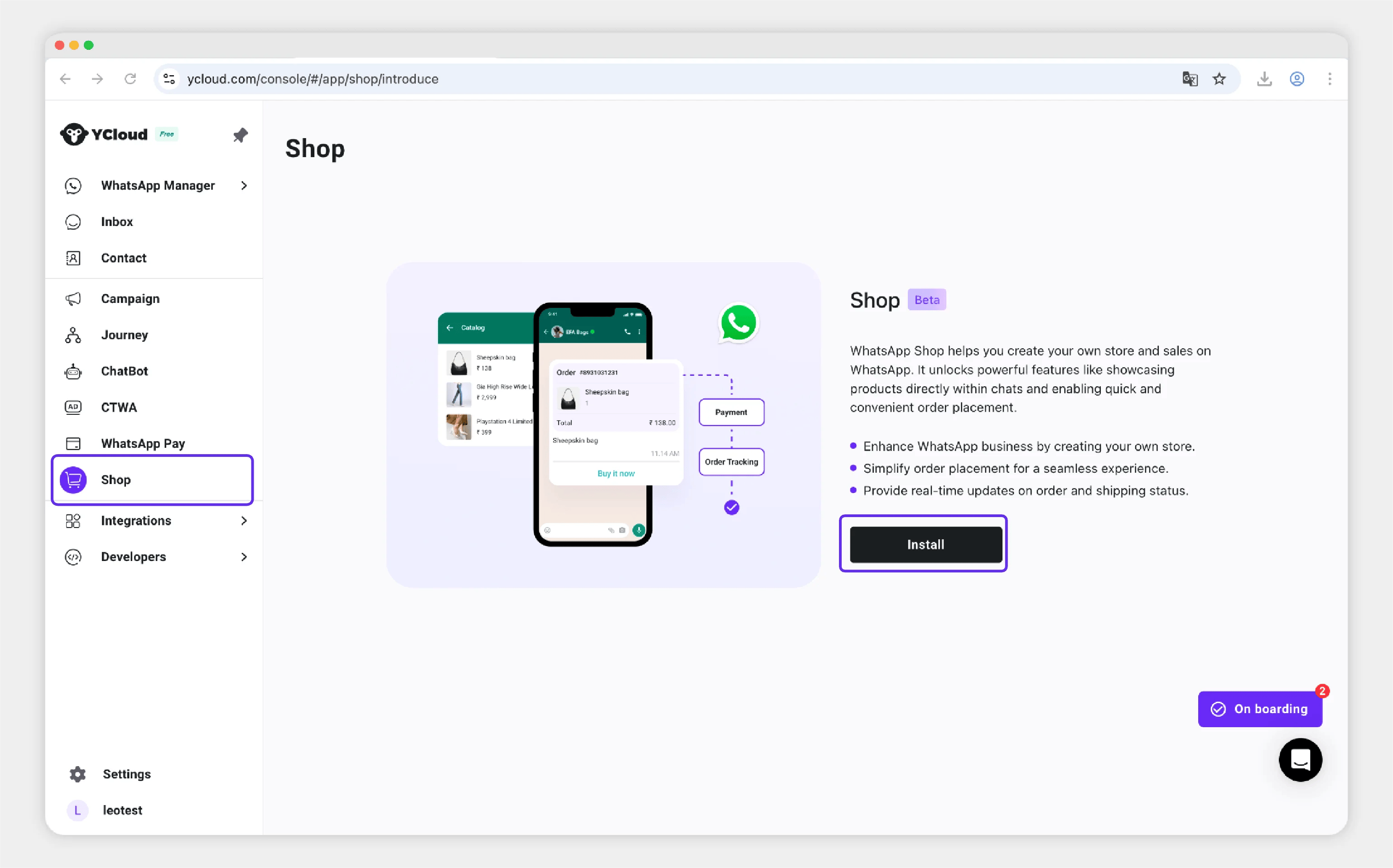
Enter store information
Enter the basic information for your store.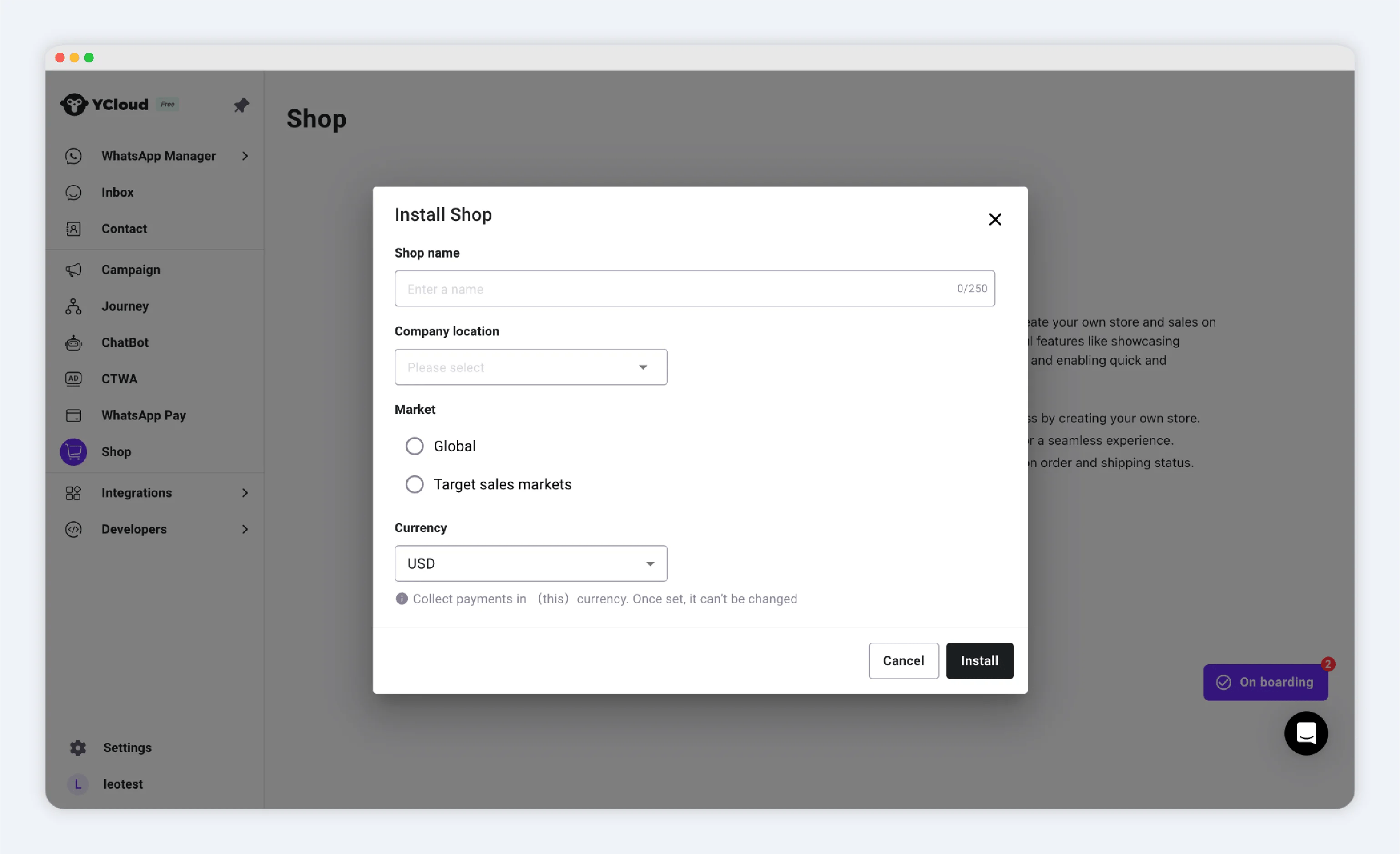
- Shop Name: The name of your store. You can change it later.
Customers may see the shop name in orders and WhatsApp messages.
- Company Location: Select the country where your company is based.
- Market: Choose the countries or regions where you sell products.
- Global: You sell to all countries and regions.
- Target Sales Markets: You sell only to the countries and regions you select. For example, if you select the United States and Canada, customers outside those markets cannot use their addresses for delivery.
Choose your settlement currency
When you create a shop, choose one settlement currency. Product prices, shipping fees, and other charges use this currency.Supported currencies
The following table shows the currency and an example of how a price appears to customers.PayPal Wallet currency supportPayPal Wallet supports only some shop currencies. If you plan to offer PayPal Wallet, make sure that your selected settlement currency is supported by PayPal before you create the shop.