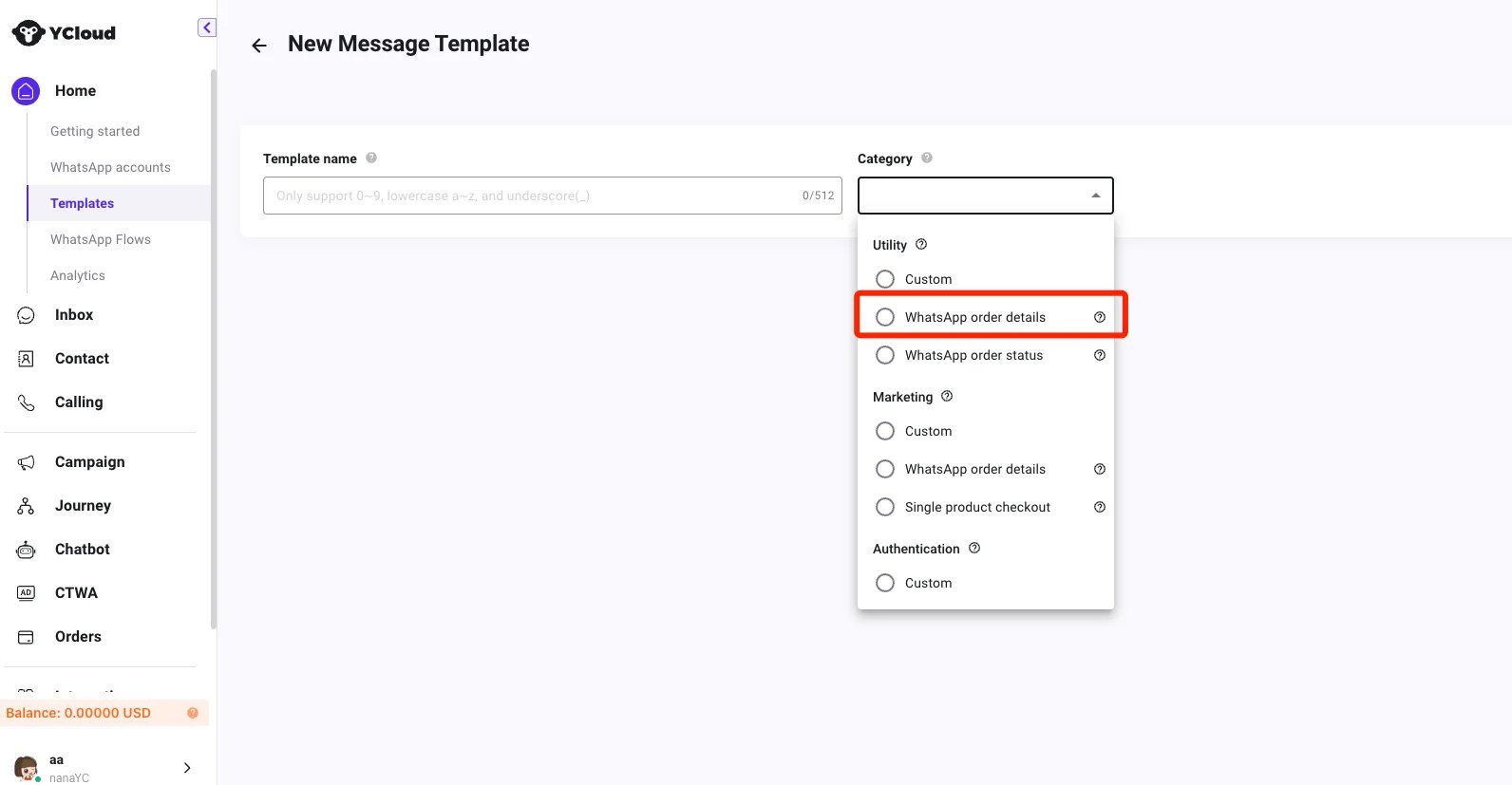
Before updating the order status
Before updating the order status, make sure the order has been paid. YCloud will push you the paid status via this webhook. You will receive updates when the status of the user-initiated transaction changes. It occurs when the payment status changes tocaptured (when the payment is successfully completed), or pending (when the user attempts but has yet to receive a successful transaction signal).
Sample:
Order status enumeration value
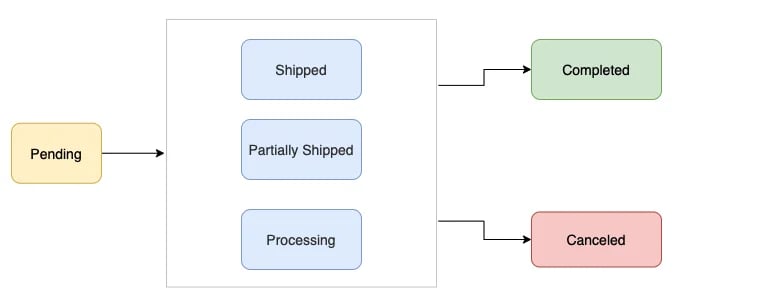
How to notify customers about changes in order status?
You can notify customers by sending an Order Status Updates template when an order is comfirmed or shipped. e.g. When an order has been shipped, you can send an Order Status Updates template to the customer, informing them about the updated status.Create order status update template
The prerequisite is that you have linked your payment account.
- Create via api
- Create on YCloud