

Single Manual Import
Step 1
Log in to your YCloud account, open Contact, and select New contacts.
Open Contact and select New contacts.
Step 2
Select Add a new contact, enter the contact details, and select Submit.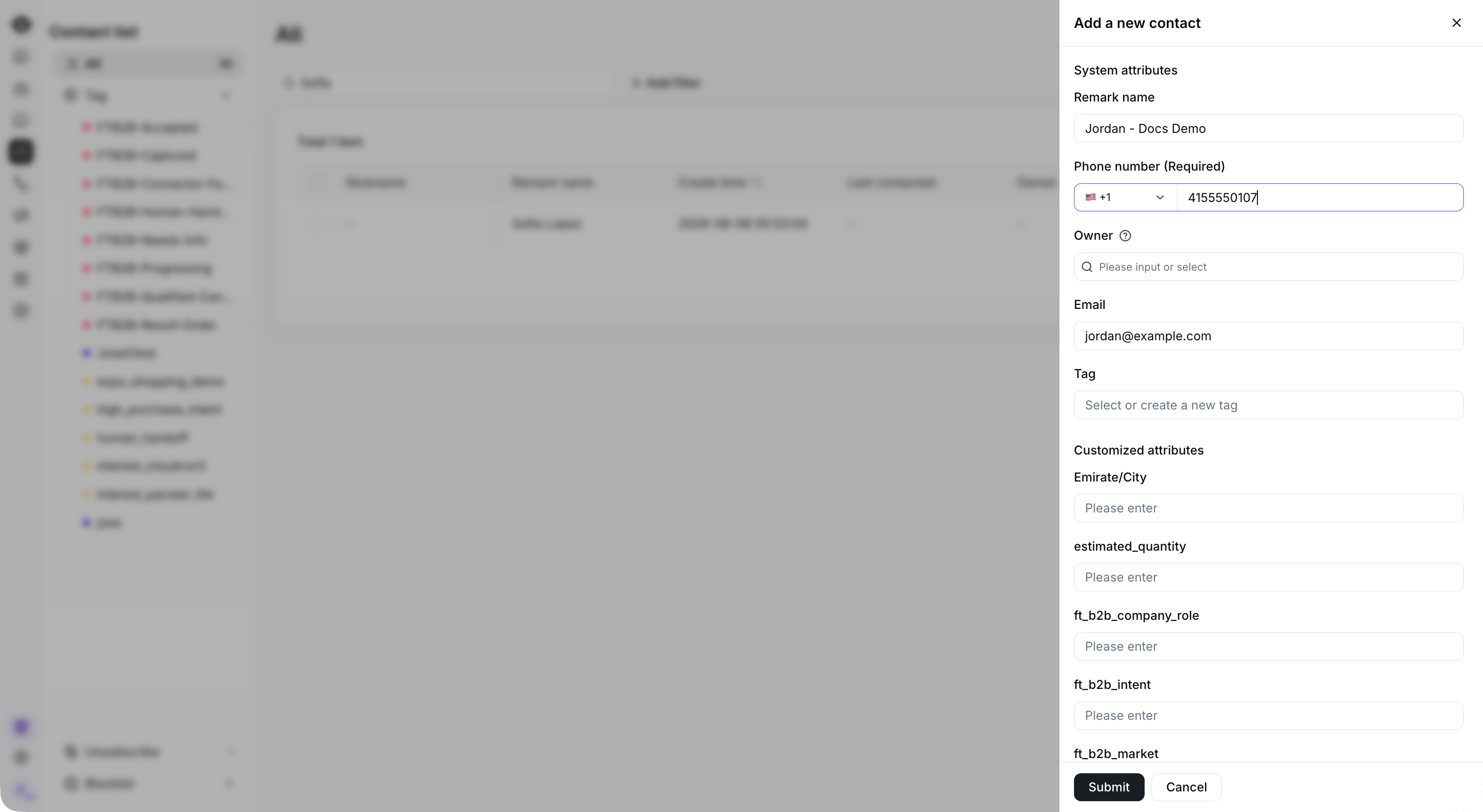
Enter the required phone number and optional contact details, then select Submit. This example has not been submitted.
Bulk Manual Import
Step 1
Log in to your YCloud account, open Contact, and select New contacts.
Start a bulk import from New contacts.
Step 2
Select Upload a file, choose your contact spreadsheet, and select Next.
Download the template, prepare your contact data, and select Upload the file.