Subscription Expiration
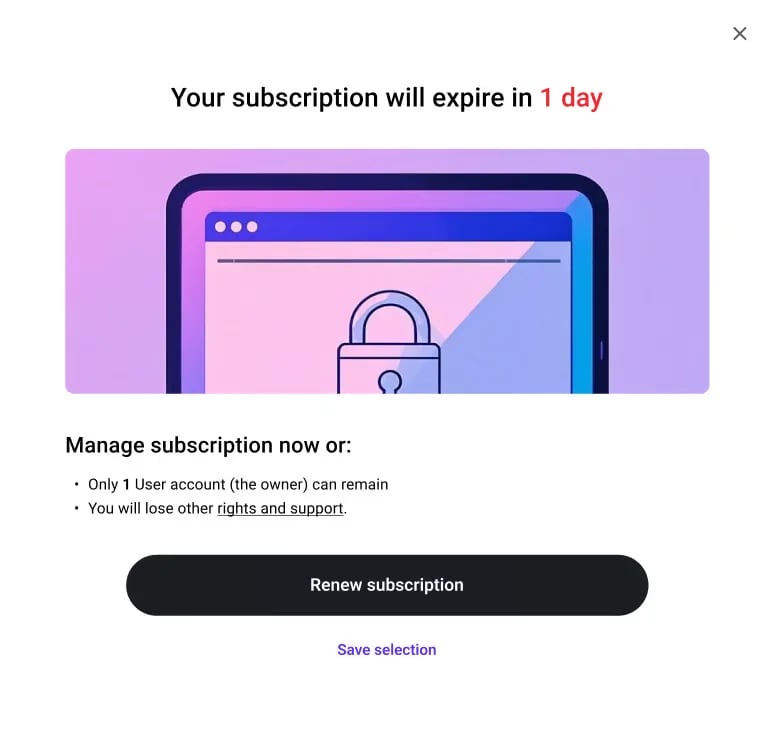
Before your subscription expires, you will receive a reminder email. You can go to the corresponding interface of the system through the subscription link in the email to renew your plan. At the same time, a floating notification will also appear at the top of the system page, reminding you that your subscription is about to expire. Before the expiration, if the number of user accounts in your account exceeds the plan’s limit for the next cycle, we will pop up a dialog box for users who have the right to manage “Settings” - “Users and Teams”, alerting them the expiration.