

消息状态规则
使用 消息状态规则 ,根据联系人是否 已读 或 回复 了在同一旅程中之前发送的模板消息来对其进行分流通路。 例如,您可以向已阅读模板但未回复的联系人发送跟进消息。开始之前
在添加消息状态规则之前,请先添加并配置要评估的 发送模板 步骤。 您只能选择当前旅程中前面的 发送模板 组件所使用的模板。配置规则
- 在 发送模板 步骤后添加 消息状态规则 。
- 选择要评估的模板消息。
- 选择 已读 或 已回复 作为要检查的状态。
- 设置等待时间。您可以设置 1 分钟到 30 天之间的时间段。
- 连接两种结果的后续步骤。
- 匹配分支在等待期内满足所选状态时执行。
- 未匹配分支在等待期结束且未满足所选状态时执行。
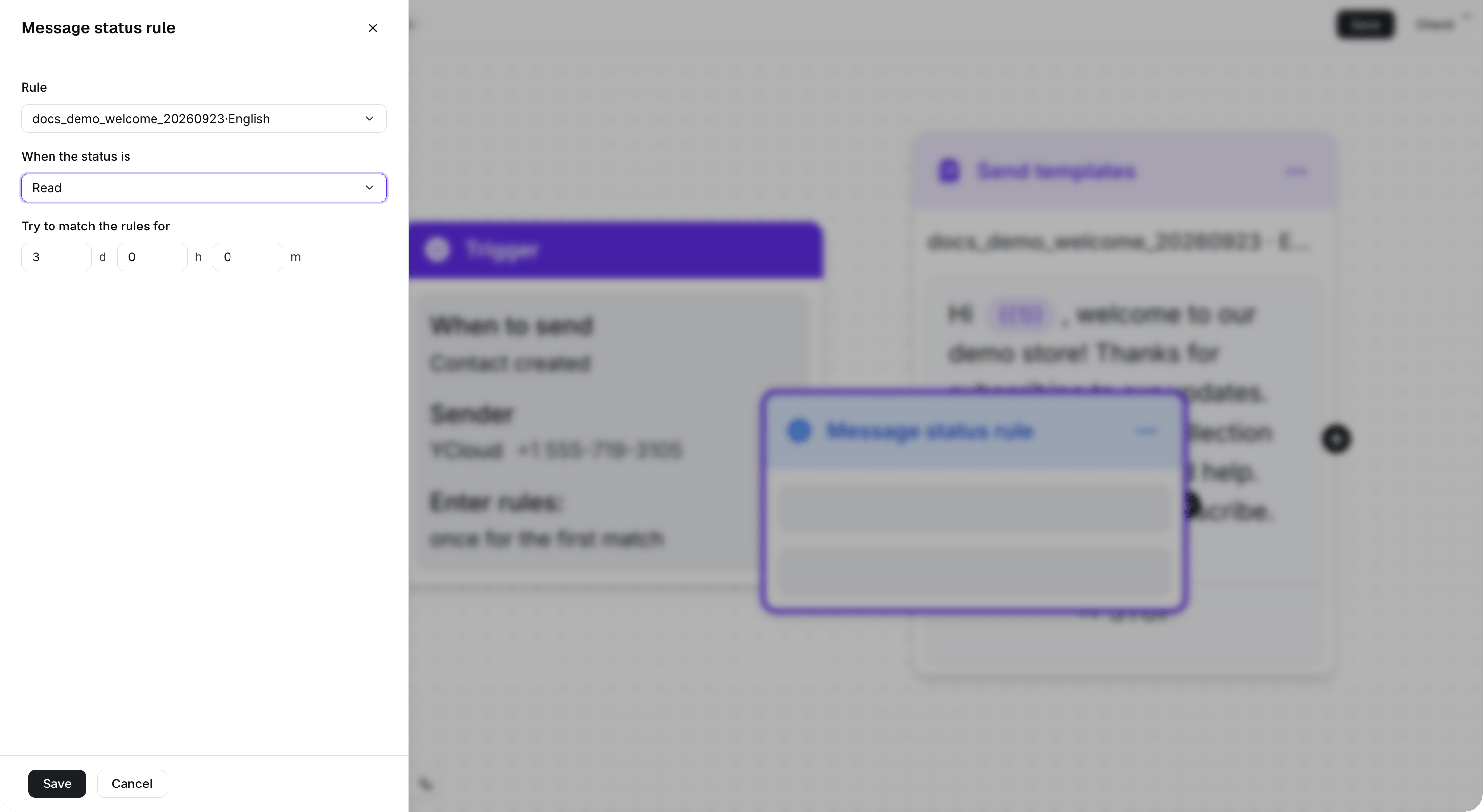
This example checks whether the selected welcome template is read within three days.
从“发送模板”步骤添加规则
将鼠标悬停在“发送模板”组件后面的连接点上,然后选择用于检查消息是否已读或已回复的可用选项。旅程将自动添加并连接一个新的消息状态规则。
Use Read or Replied after the template node to add a connected status rule.
手动添加规则
手动添加消息状态规则时,请在组件设置中选择模板消息和状态,然后将其连接到相应的前后步骤。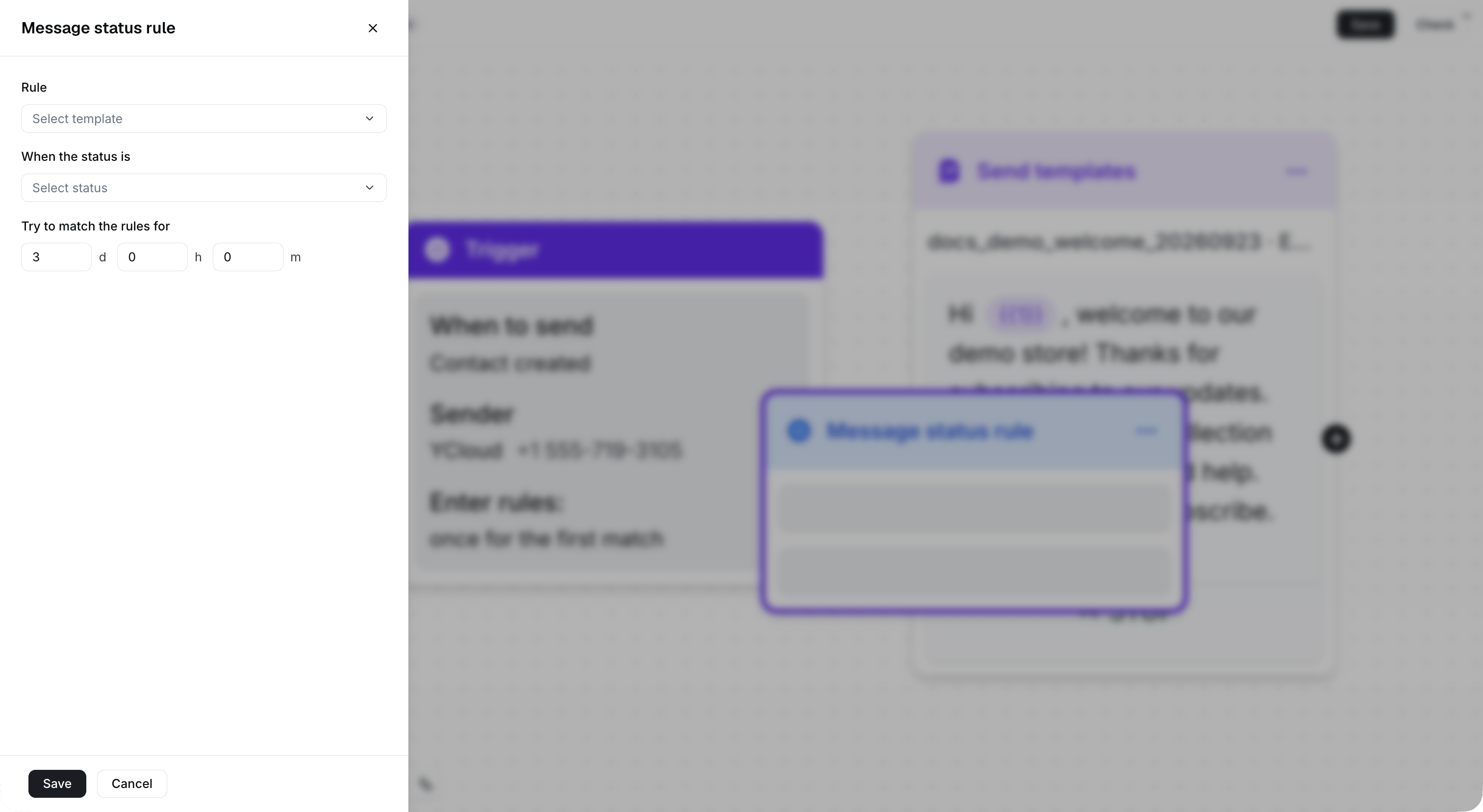
Select Message status rule from Step Tools, then configure the template and status.
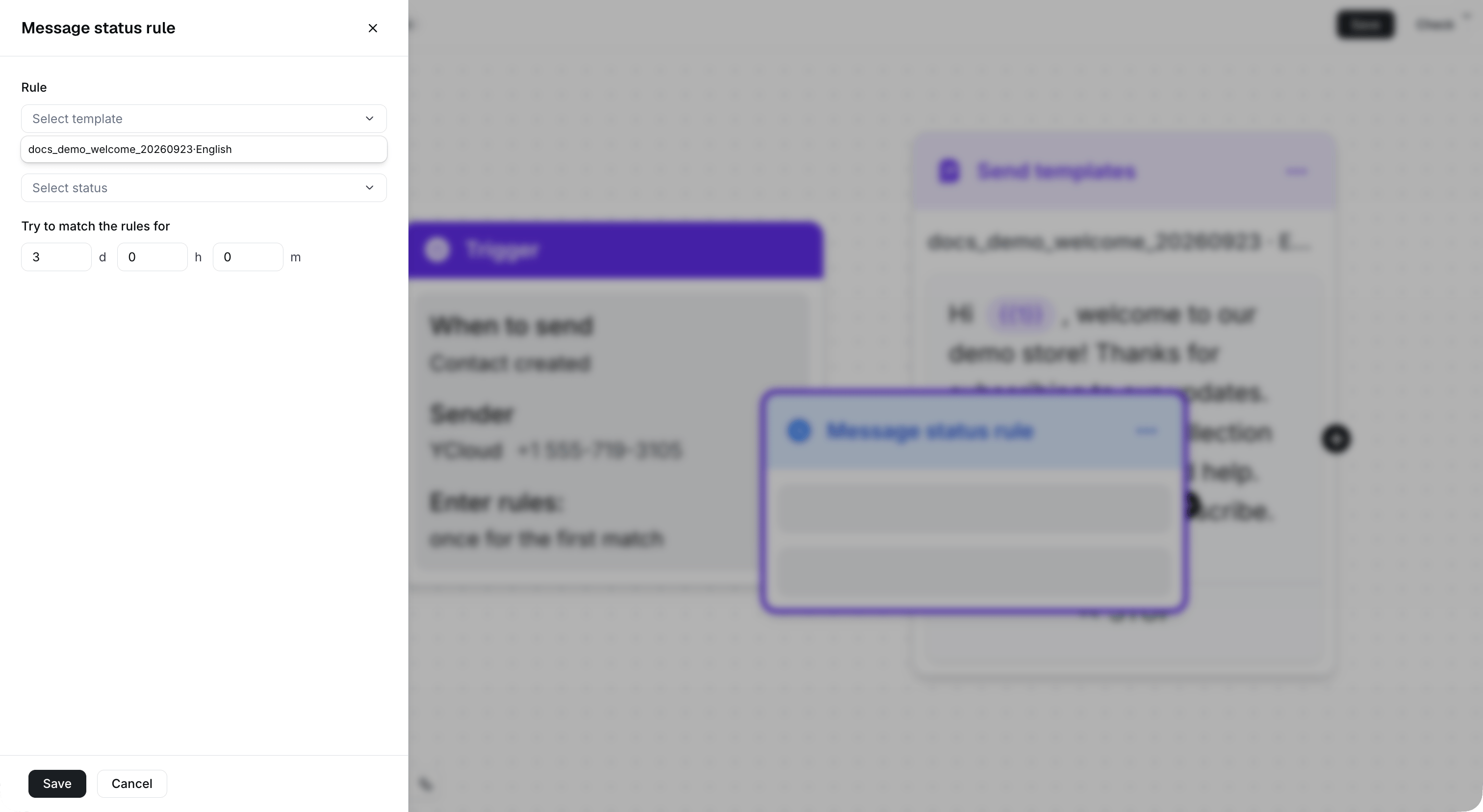
Select the template used by the preceding Send templates step.