

等待
使用 等待 延迟 Journey 中的下一个步骤。 例如,您可以在发送跟进消息或检查联系人是否已回复之前进行等待。配置等待时间
- 向 Journey 中添加一个 等待 组件。
- 设置运行下一步骤前的等待时长。
- 将“等待”组件连接到流程中的下一步骤。
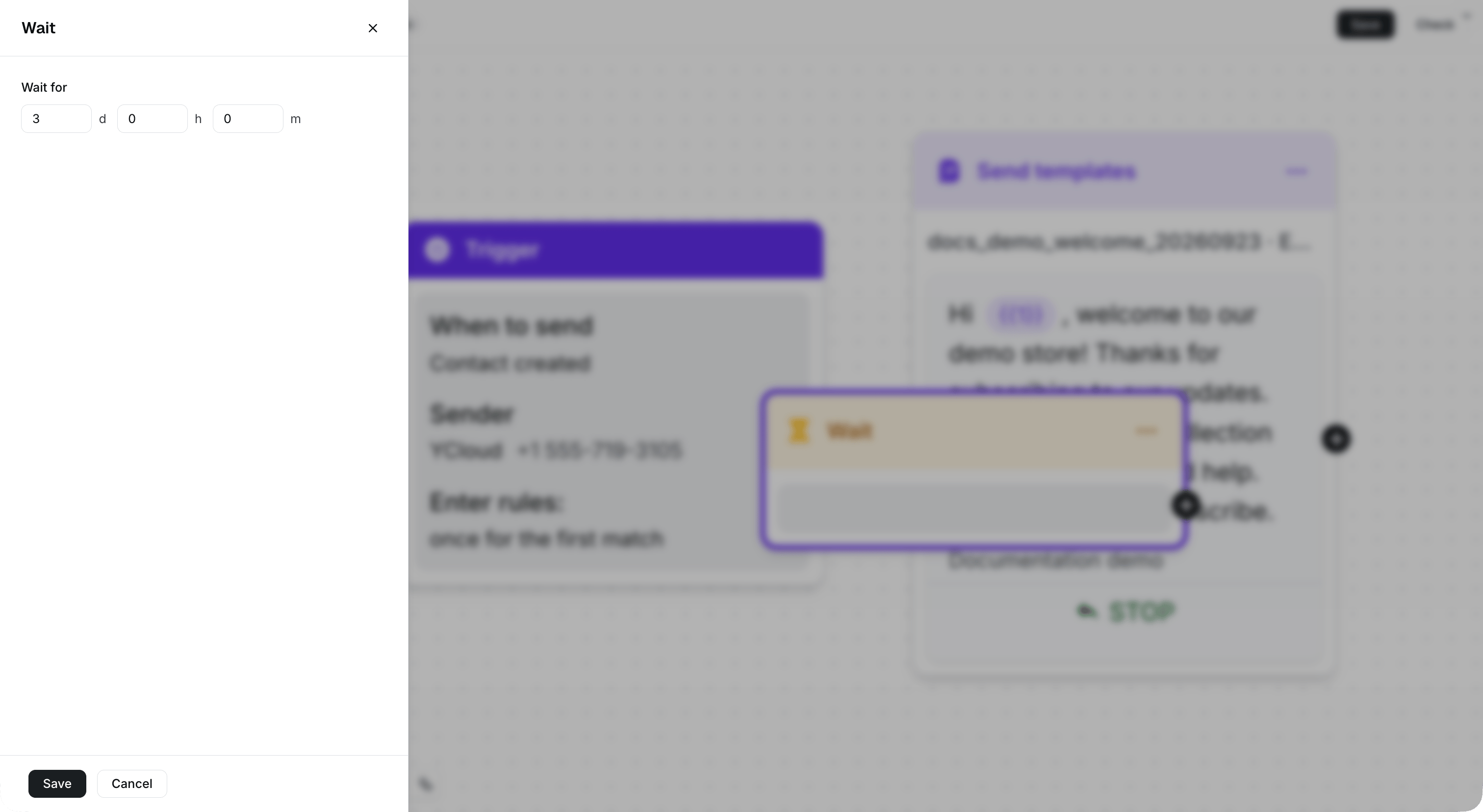
Set the delay in days, hours, and minutes while keeping the surrounding Journey visible.
在跟进流程中使用“等待”
- 发送模板消息。
- 等待指定的时间。
- 发送跟进消息、添加标签或继续使用其他 Journey 组件。