

发送模板
使用 发送模板 向在 Journey 中到达此步骤的联系人发送 WhatsApp 模板消息。开始之前
在添加此步骤之前,请先配置 Journey 触发器并选择其发送方。此步骤中可用的模板与为该 Journey 选择的发送方关联。选择模板
- 向 Journey 中添加一个 发送模板 组件。
- 搜索并选择您要发送的模板。
- 当模板支持多种语言时,选择对应的语言。
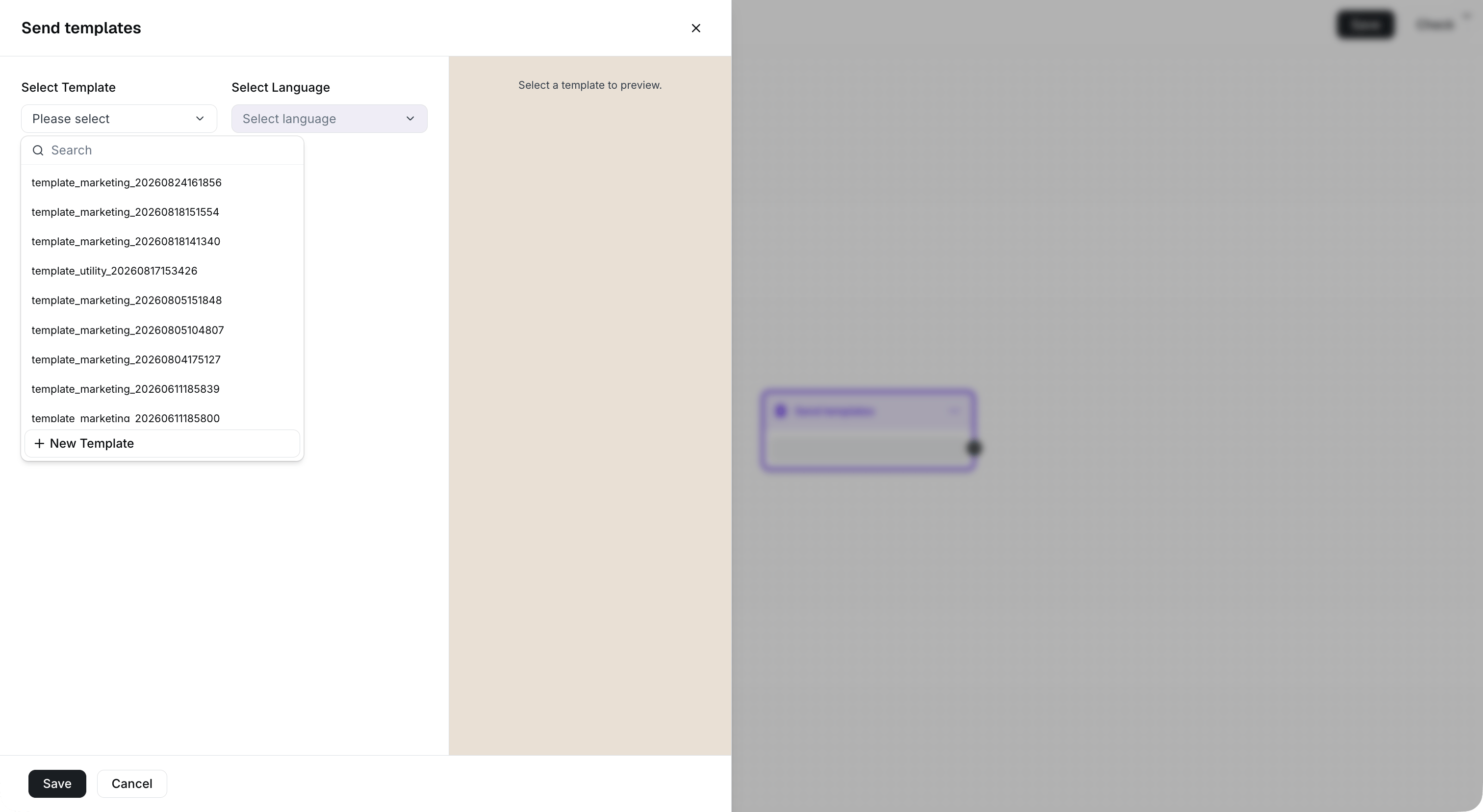
Select a template available to the sender configured in the trigger.
设置模板变量
如果您选择的模板包含变量,请在保存步骤之前为每个必填变量输入值。 不含变量的模板无需配置变量。
Map each template variable to a contact attribute or fixed text before saving.