- Character limit for SMS
- SMS status
- Sender ID
SMS Character Limit
Each SMS has a character limit of 160. Messages not using GSM-7 encoding are limited to 70 characters. Large messages (over 160 characters) will be split into multiple individual SMS messages, but most smartphones will recreate them as a single message.SMS Encoding
GSM-7
GSM-7 is the standard encoding for GSM messages, being the 7-bit default alphabet. Since SMS messages transmit 140 octets of 8 bits at a time, GSM-7 encoded SMS messages can carry up to 160 characters. Large messages will be segmented into 153 characters each. For example, 163 characters will be sent as two messages. One with 153 characters and another with 10 characters. GSM-7 is a basic character set, which can be found here. For the following characters, two characters will be used for encoding:UCS-2
UCS-2 is a character encoding standard where characters are represented by a fixed-length 16-bit (2 bytes). The basic character set can be found here. UCS-2 encoded messages are limited to 70 characters each, and large messages will be segmented into 67 characters each. For example, 80 characters will be sent as two messages. One with 67 characters and another with 13 characters.How does YCloud encode your messages?
When you use YCloud to send messages, we automatically send them in the most compact encoding. If your message contains any non-GSM-7 characters, we will automatically switch to UCS-2.How to check my message encoding?
This page provides a tool that displays the encoding type and SMS count after you input your message.SMS Status
First, let’s clarify some confusion about SMS delivery reports and their meanings. SMS delivery reports are messages you receive from the SMSC (Short Message Service Center) informing you that an SMS message sent from your device has been delivered to the intended recipient. In other words, SMS delivery reports show the current status of the SMS you submitted to the carrier.Sender ID
The Sender ID shows who sent this message. With a Sender ID, you can send SMS from a custom sender (brand name or website name) instead of a random string of numbers.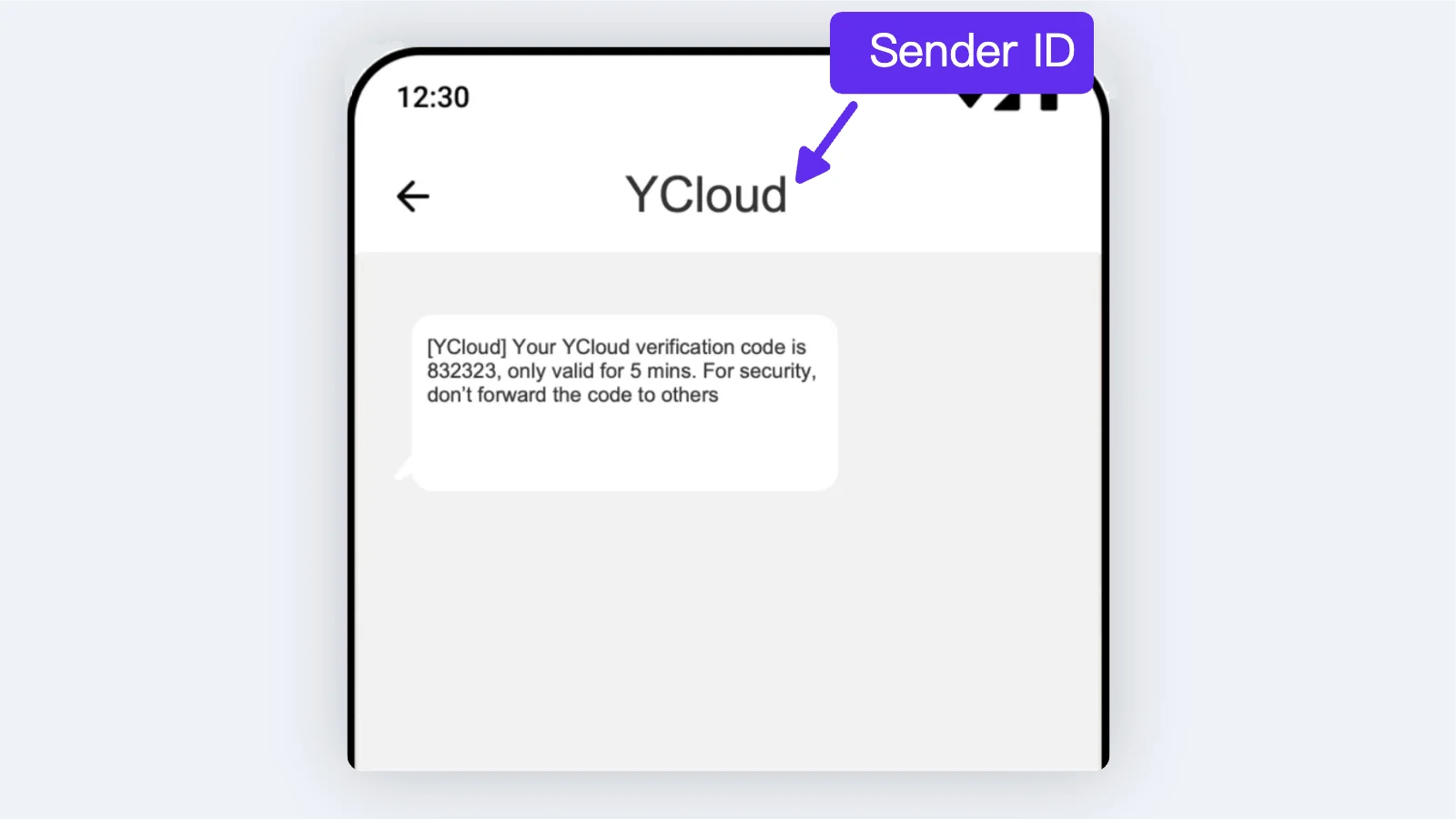
Create My Sender ID
Step 1:
Although the registration of Sender ID is free, the service is for customers with an account balance of over $100. Therefore, you should at least recharge $100.Step 2:
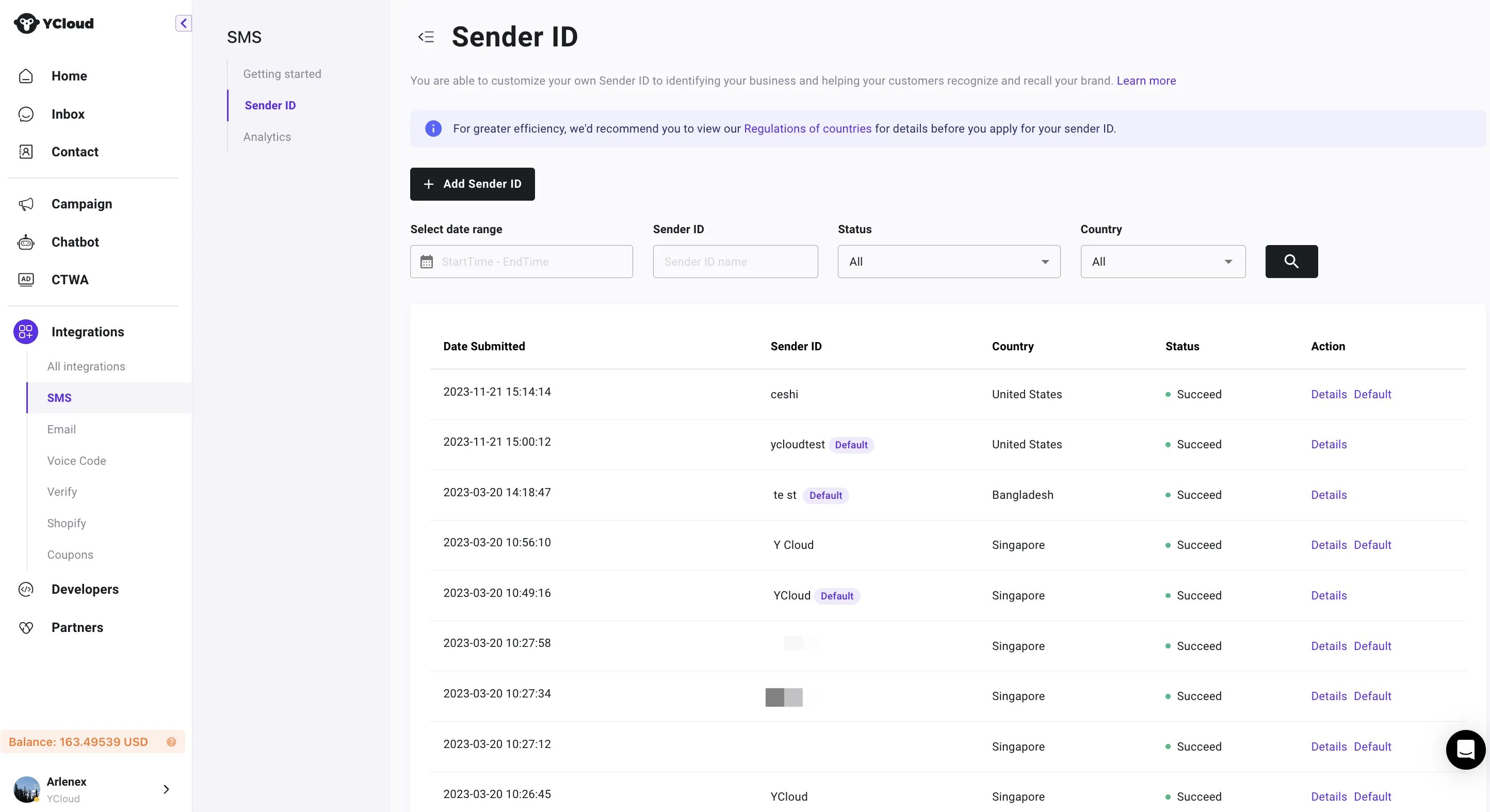
Go to Integration > SMS > Sender ID. You need to provide the following information for registration:- Sender ID;
- Target country;
- Company website;
- Typical template;
- Industry;