

Recognize the request and its scope
Requests can arrive through WhatsApp, a preference page, email, or your support team. WhatsApp’s Business Messaging Policy requires you to honor opt-outs made both on and off WhatsApp. A customer may stop promotional offers while still requesting updates for an active order. Preserve clear category preferences when your system supports them. If the request is broad or ambiguous, do not interpret it as permission for continued campaigns. Do not assume that authentication, utility, or service messages are always exempt from the customer’s stated preference or applicable law.Apply the decision before the next send
A reliable process should:- Record the request and its scope.
- Update the relevant unsubscribe or preference record.
- Remove the customer from pending audiences and follow-up sequences.
- Ensure retries and manual operations use the same decision.
- Synchronize the change with connected systems.
Manage opt-outs in YCloud
YCloud provides an unsubscribe list and a rule-based agent workflow for adding unsubscribers. The Unsubscribers API records a customer and channel together. These records are distinct from deleting a customer contact. Confirm which of your sending paths enforce suppression automatically. Do not assume that an opt-out recorded in one campaign also blocks every custom API caller, integration, or separate account.Important API distinction: suppression is not identical across send paths
The current YCloud queued endpoint,POST /v2/whatsapp/messages, supports filterUnsubscribed. It defaults to false. When enabled, an applicable unsubscribe can stop the send and produce RECIPIENT_UNSUBSCRIBED in the message error.
That option does not apply to POST /v2/whatsapp/messages/sendDirectly. If your integration uses direct sending, enforce the relevant preference check in your workflow instead of assuming the queued endpoint’s filter protects it.
Similarly, the queued endpoint’s filterBlocked is a separate option for your block list; it is not proof of customer consent.
Source: YCloud OpenAPI contract. These are API behaviors, not a claim about every console product’s default suppression behavior.
Define the handler behind an opt-out button
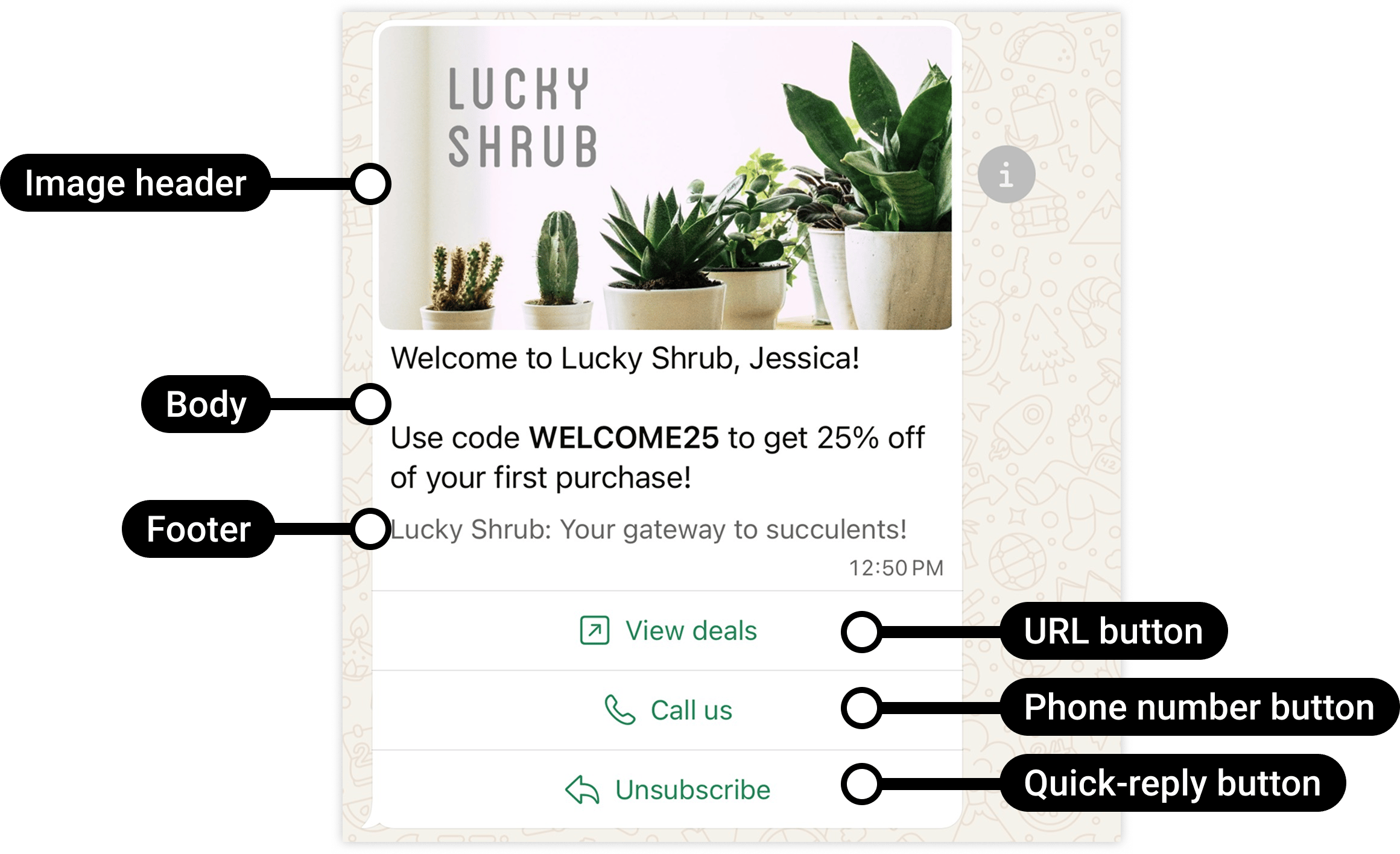
The Unsubscribe button returns a response. Your workflow must record the preference and suppress later offers.
- Recognize the inbound response or configured payload.
- Resolve the correct customer and WhatsApp channel.
- Record the scope and time of the request.
- Add the appropriate suppression.
- Prevent pending campaigns and follow-up automations from contacting the customer for that purpose.
- Send only a permitted, non-promotional acknowledgement if needed.
STOP. Broad requests such as “Do not contact me again” need broader handling than stopping one campaign.
Make the process testable
Use a test customer to check:
Also test natural-language requests and the languages your customers use.
Resubscribe only after a new decision
A customer can change their mind, but a manual deletion from the unsubscribe list is not evidence of renewed consent. Record the new opt-in and its scope before removing the relevant suppression. Keep enough history to distinguish a genuine resubscription from an accidental import or administrator action. See Customer opt-in for evidence design.Avoid harmful practices
Do not switch to another business number to continue an unwanted campaign. Do not make stopping messages harder than subscribing. Do not send a new promotional message simply to ask why the customer unsubscribed. Clear opt-out handling protects customer trust and supports message quality.Frequently asked questions
The customer said stop to a human agent, not the rule-based agent. What should happen?
The customer said stop to a human agent, not the rule-based agent. What should happen?
The agent must be able to record the request with its scope and effective time. Apply it before the next relevant send, including queued or retried messages. Do not require the customer to repeat the request using an exact keyword or button.
An opted-out customer asks about an existing order. Must we ignore them?
An opted-out customer asks about an existing order. Must we ignore them?
No. Understand the scope: stopping offers is different from refusing every contact. Respond to the customer’s current service request using an eligible message and the applicable window, without silently restoring marketing permission or adding a promotion to the reply. Respect a broader no-contact request according to its scope.