

Choose a creation method
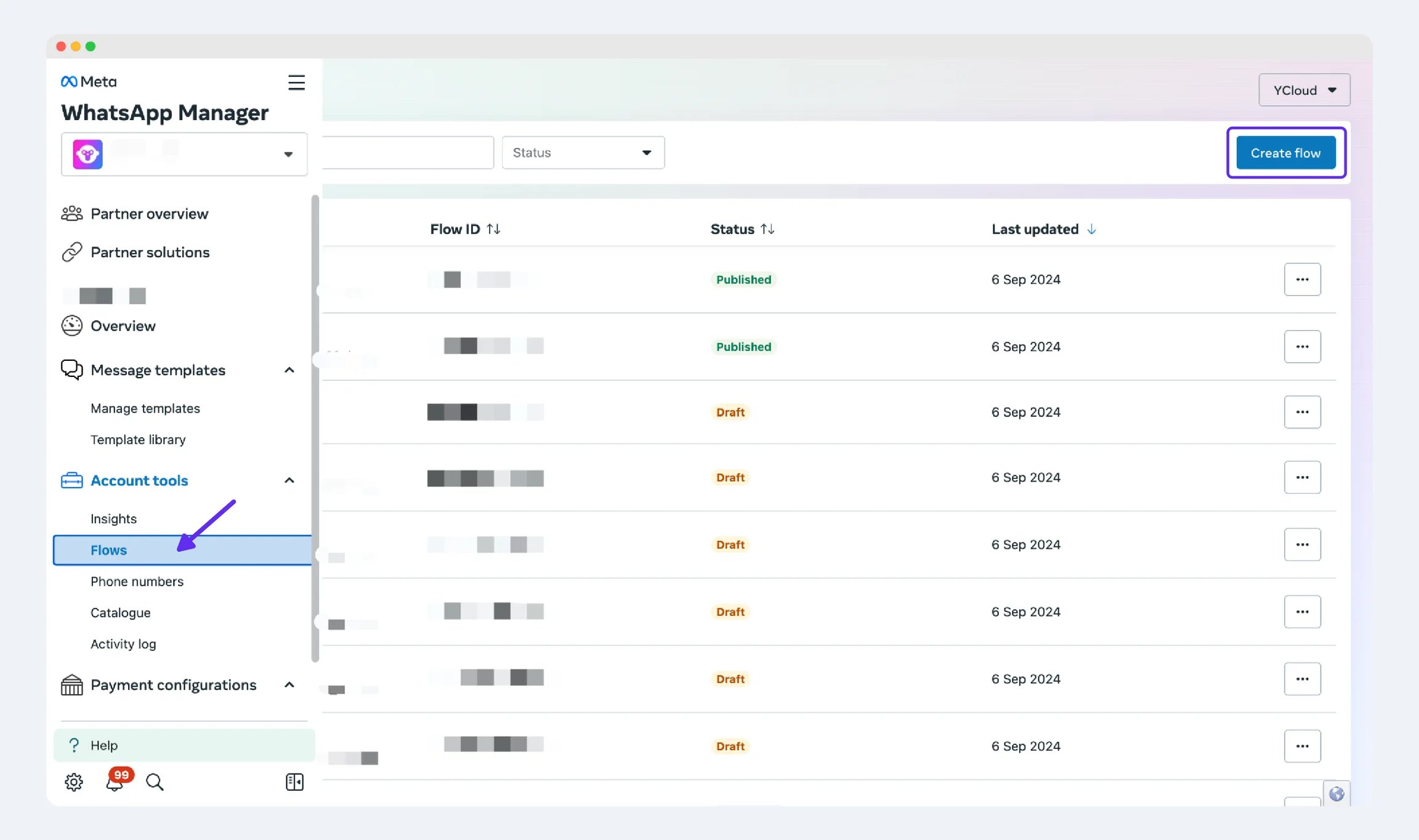
You can manage Flows through the YCloud Flows API. You can also use the Flow-building tools available for your WABA in WhatsApp Manager. API support and console-editor availability are separate. Confirm the options shown for your account rather than assuming every YCloud screen includes a Flow builder.
In YCloud, open WhatsApp Flows and select Create Flow to review the creation options available for your WABA. This demonstration WABA has no existing Flows.
Prepare and test
- Select the WABA that will own the Flow.
- Define the screens, fields, and completion result.
- Decide whether the Flow needs a data endpoint.
- Create a draft and address validation errors.
- Preview the full customer journey with synthetic data.
- Publish only after the form and downstream processing are ready.
Define the data before the screens
For an appointment request, write a small field specification:
Use the minimum fields needed. A preferred time is not a reserved slot; name it accurately until the booking system confirms availability.
Decide what each screen receives, returns, and displays on failure. For a dynamic Flow, the endpoint must handle stale availability and invalid selections even when the form normally restricts those values.
Validate the draft in stages
- Structure: retrieve the Flow and inspect
validationErrors. Fix the indicated JSON locations, not just the first visible error. - Navigation: test each forward, back, and completion path.
- Data: test empty required fields, maximum expected values, and selections that are no longer valid.
- Endpoint: test unavailable data, timeouts, and a rejected business operation.
- Completion: confirm the response reaches the correct customer context exactly once.