Documentation IndexFetch the complete documentation index at: /llms.txtUse this file to discover all available pages before exploring further.
Fetch the complete documentation index at: /llms.txt
Use this file to discover all available pages before exploring further.
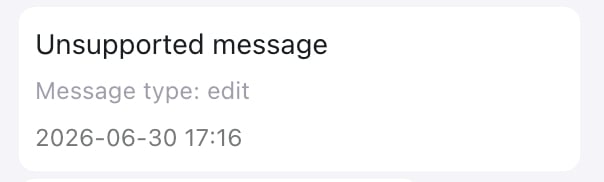
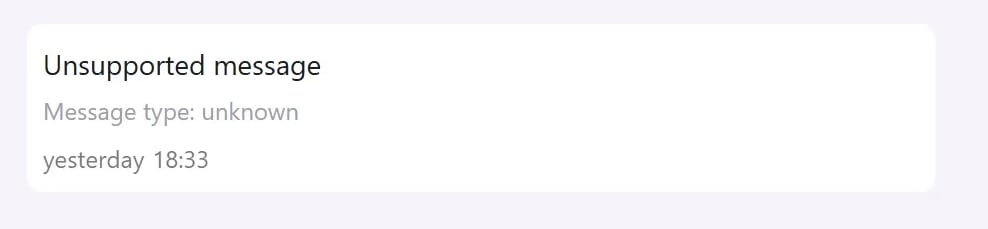
了解收件箱可能显示为不支持的 WhatsApp 消息类型。
poll_creation
poll_update
edit
pin
group_invite
gif
keep_in_chat
link_preview
product
order
reaction
button
list
interactive
image
location
media_placeholder
hsm
errors
type: unsupported
unsupported.type