

What is a Rule-based Agent?
Use a rule-based agent for a predictable workflow. It triggers preset responses from keywords or message buttons and supports settings such as a welcome message, auto-close timer, and fallback behavior.How to configure a rule-based agent?
In the YCloud Dashboard, open AI Agent > AI Agent. Select Create Agent > Rule-based Agent, enter a name, and select Create. Then open the agent to configure its profile and flows.Profile
Avatar and name You can set up the agent’s name and avatar as you need.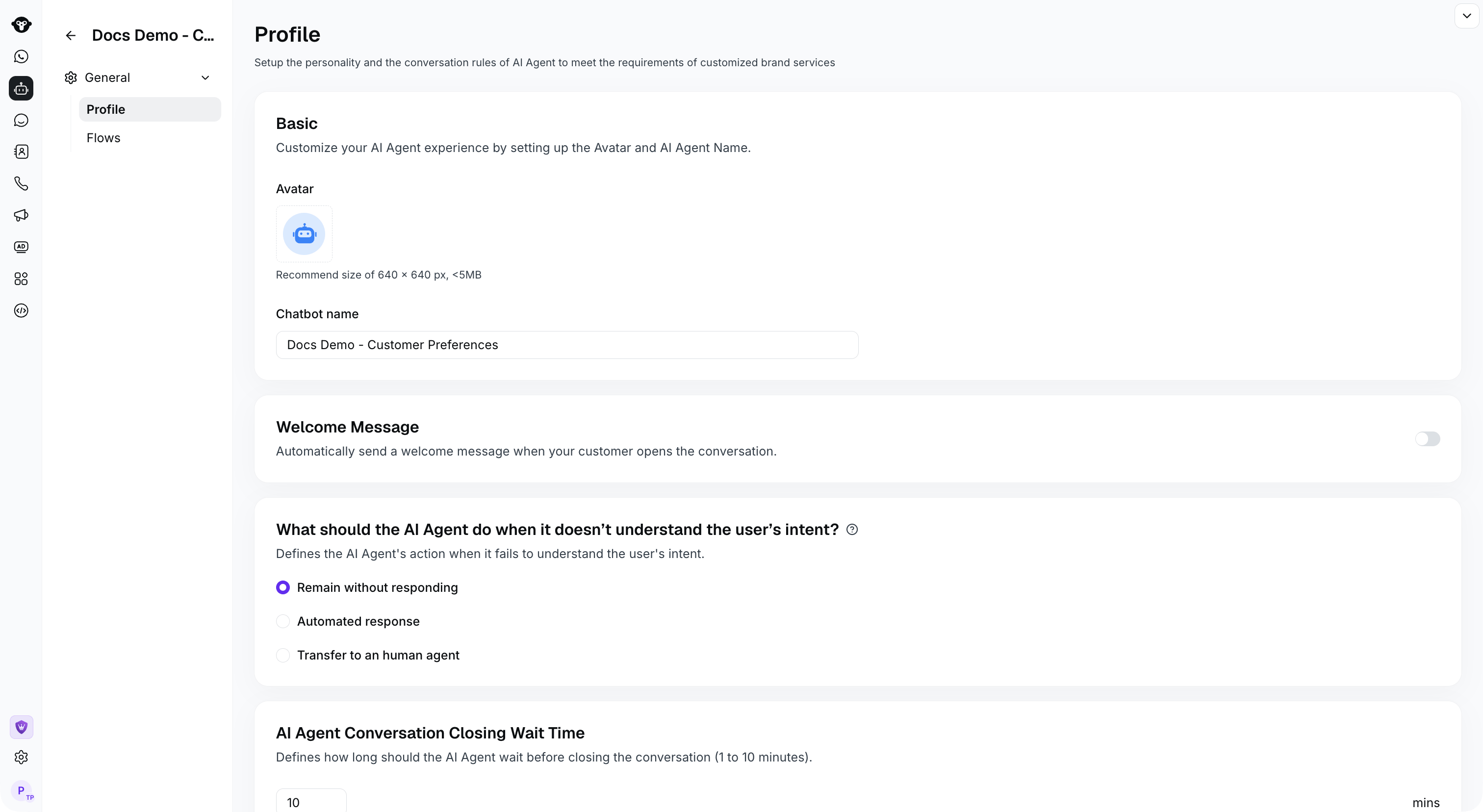
Configure the agent profile, welcome message, and fallback behavior.
- No response.
- Automatic reply. Selecting this option will automatically reply to questions that cannot be understood based on the reply content you configured
- Transfer the conversation to a human agent. You can send a message before the transfer to let the customer know they may need to wait.
Flows
Build flows for a Rule-based Agent in the visual editor.
Open Flows in your rule-based agent to create and manage its flows.