

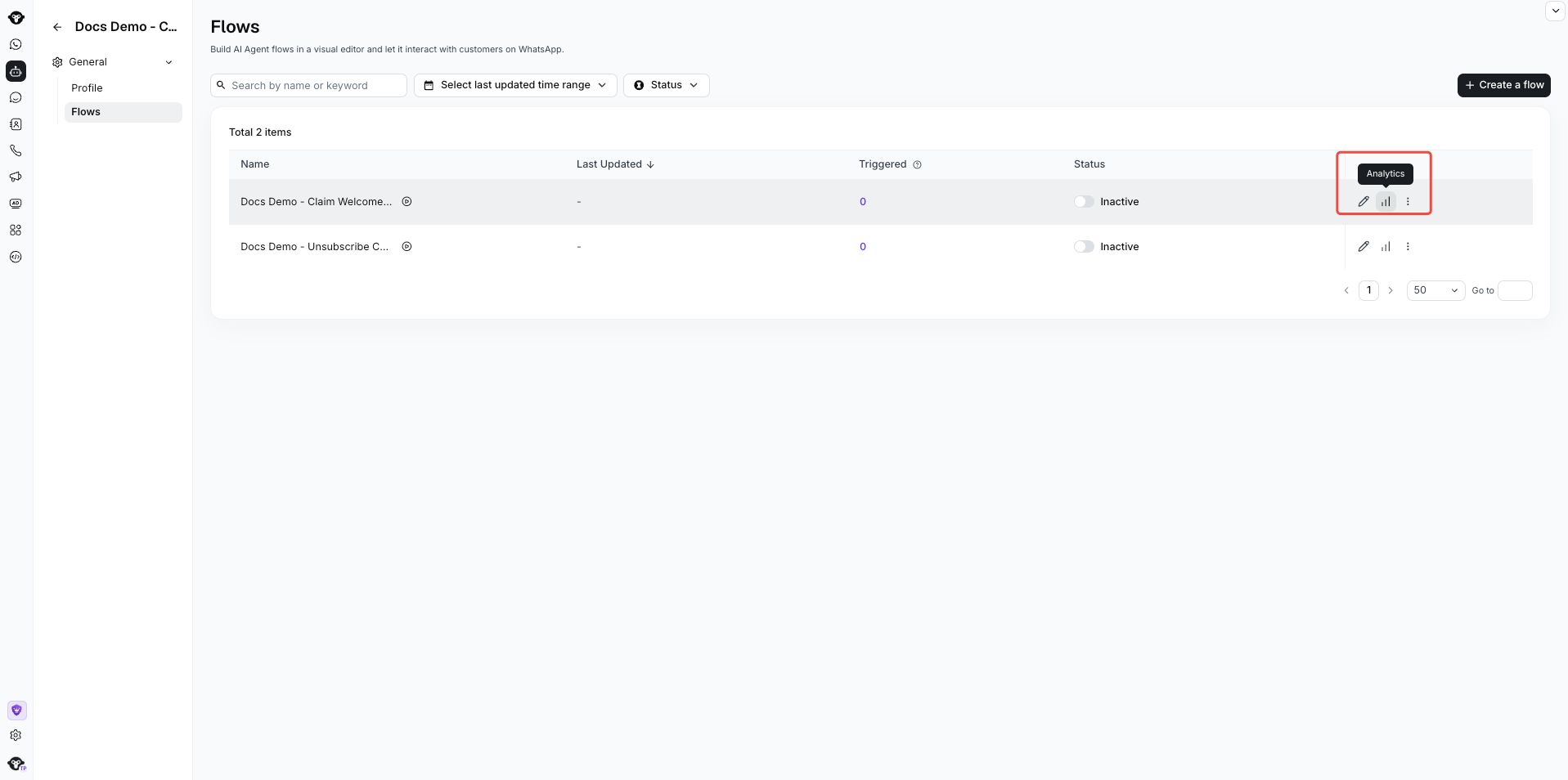
Select Analytics for a flow to open its Analysis workspace.
View flow triggers
In Flow overview, use filters such as time and customer country to see how often the flow was triggered. The line chart shows trigger trends and the customers who entered the flow.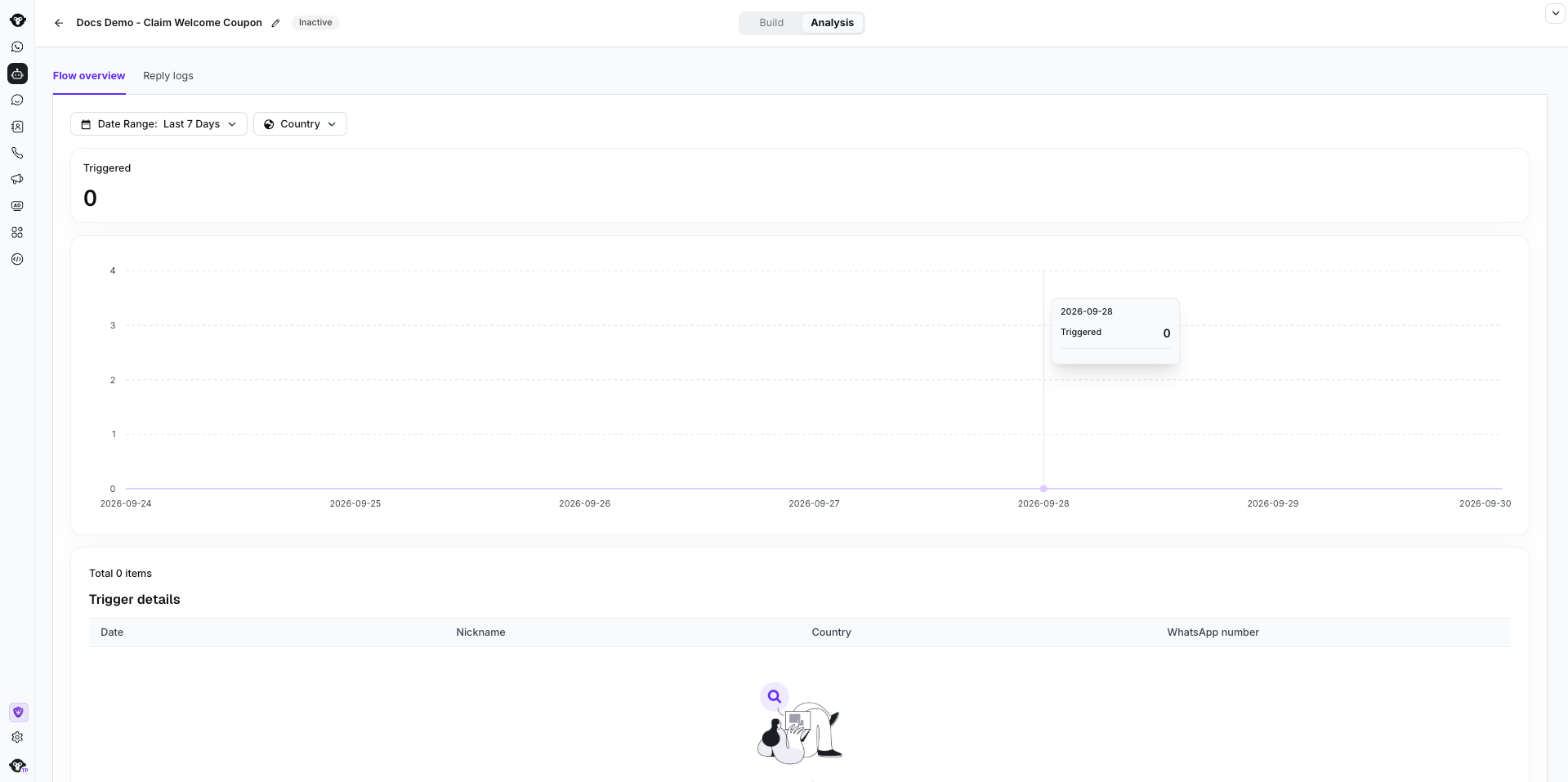
Filter flow triggers by date and country. This inactive demonstration flow has no triggers.
View button replies
In Reply logs, review which buttons customers selected in the Ask a question component. Select Export to analyze the results outside YCloud.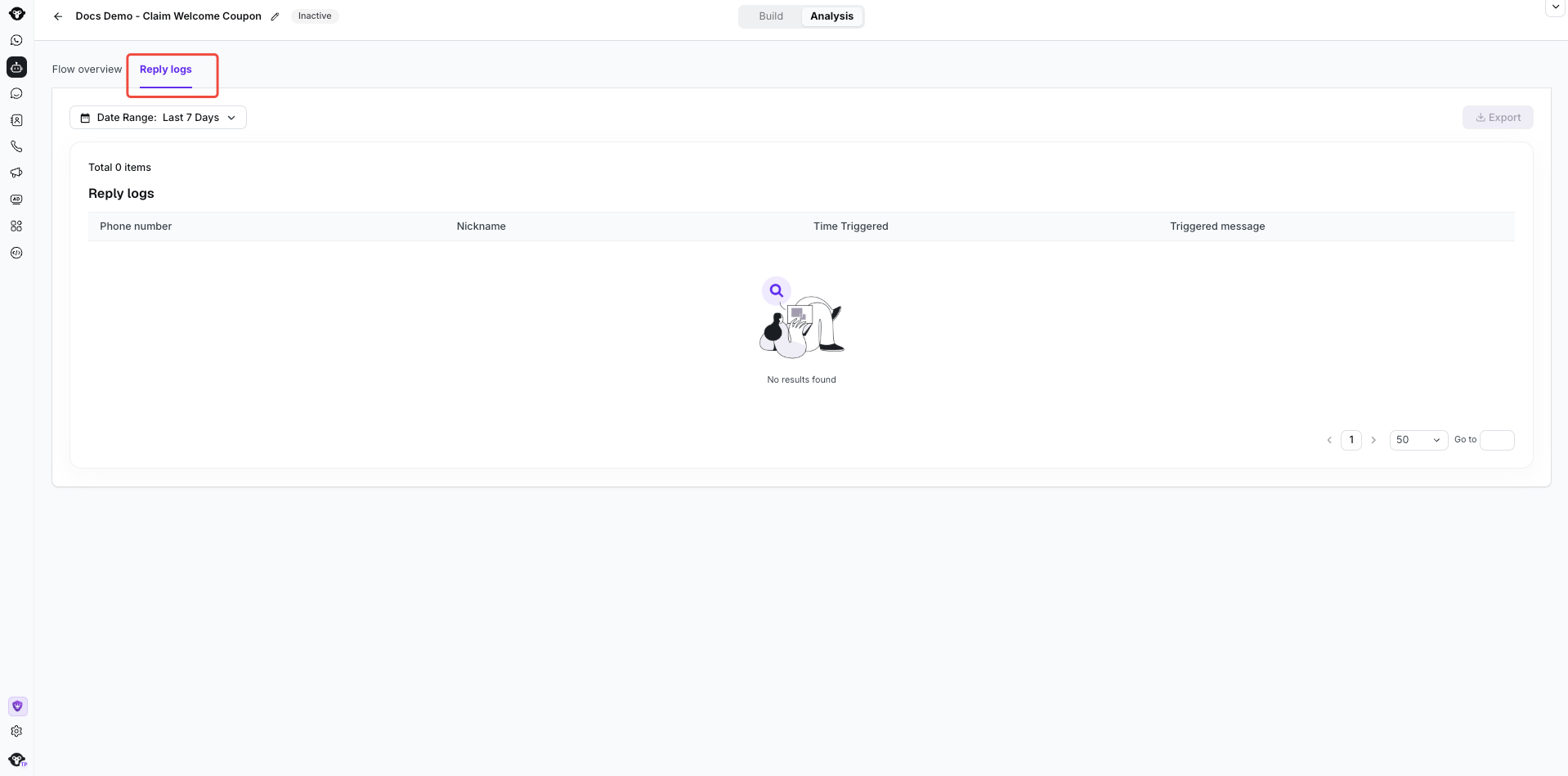
Open Analysis > Reply logs and choose a date range. This inactive example has no replies, so Export is disabled.