

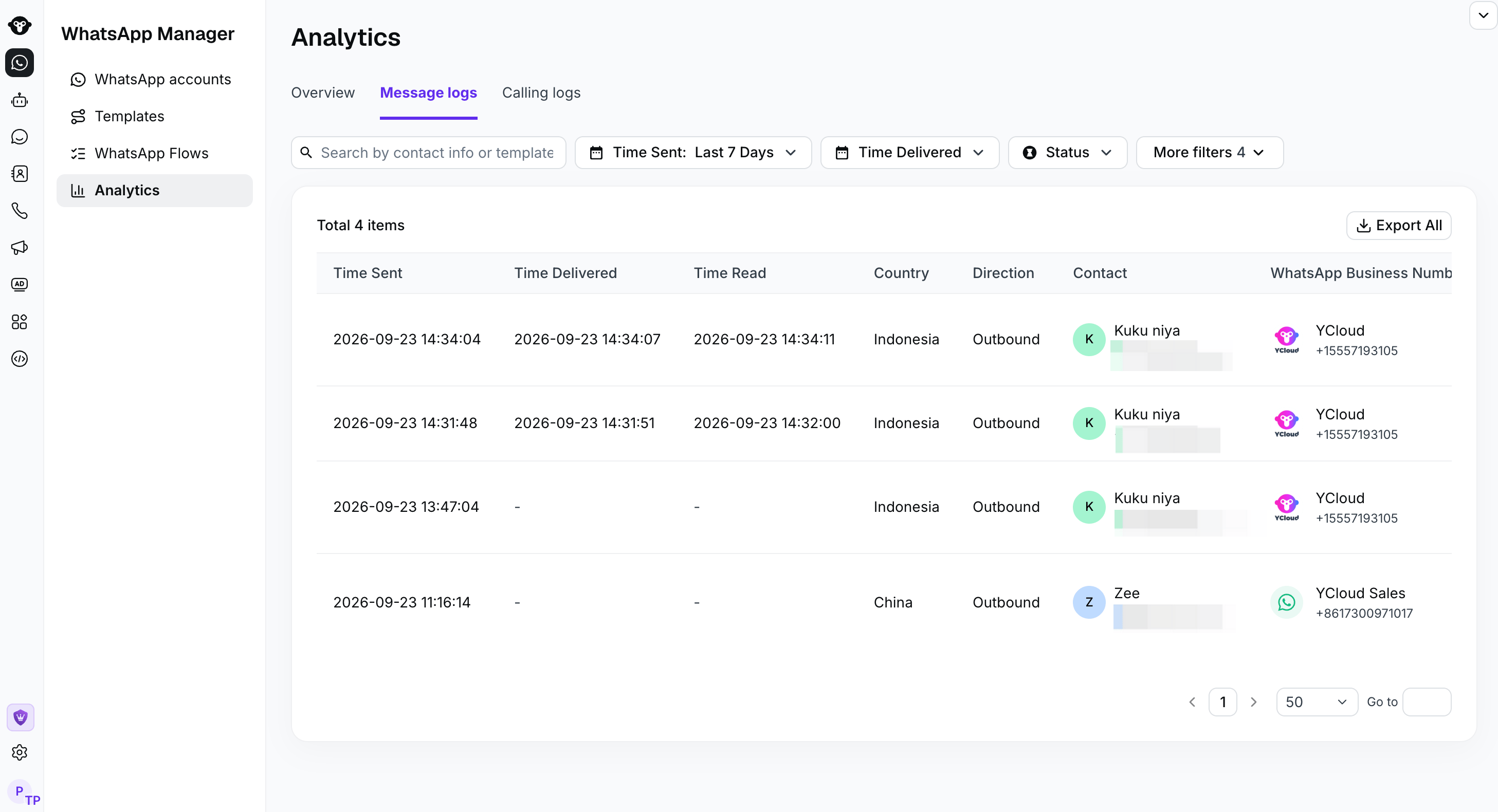
Search and filter messages
By default, Message Logs displays outbound messages. To view messages received from customers, open the Direction filter and select Inbound. Available filters include:- Contact information or template name
- Time sent
- Time delivered
- Country
- Direction
- WhatsApp Business Number
- Status
- Message type

Open Direction and select Inbound to inspect received messages. This view has no matching records.
Understand the log fields
Each record can include:
For failed messages, open the record or view its failure details to identify the reason before retrying.
If an outbound message does not appear in Message Logs, confirm that the original request was successfully accepted by YCloud.
Export message logs
Click Export to download the filtered message records. During export, you can select the timezone used for the exported timestamps. Exporting is permission-controlled:- Account administrators can export logs.
- Other members must be granted the appropriate export permission.
- The person performing the export must complete two-factor authentication (2FA).
Frequently asked questions
Why is the message status Failed?
Why is the message status Failed?
Messages can fail for different reasons. View the failure details for the record to see the specific error, then resolve the reported issue before sending the message again.
Why is the read time empty?
Why is the read time empty?
A read time appears only after WhatsApp reports a read receipt. If the recipient has disabled read receipts, YCloud may not receive a read status.