

Search and filter calls
By default, Calling Logs displays outbound calls. To view calls initiated by customers, open the Direction filter and select Inbound. Available filters include:- Contact information
- Time dialed
- Country
- Source
- Direction
- Status
- WhatsApp Business Number
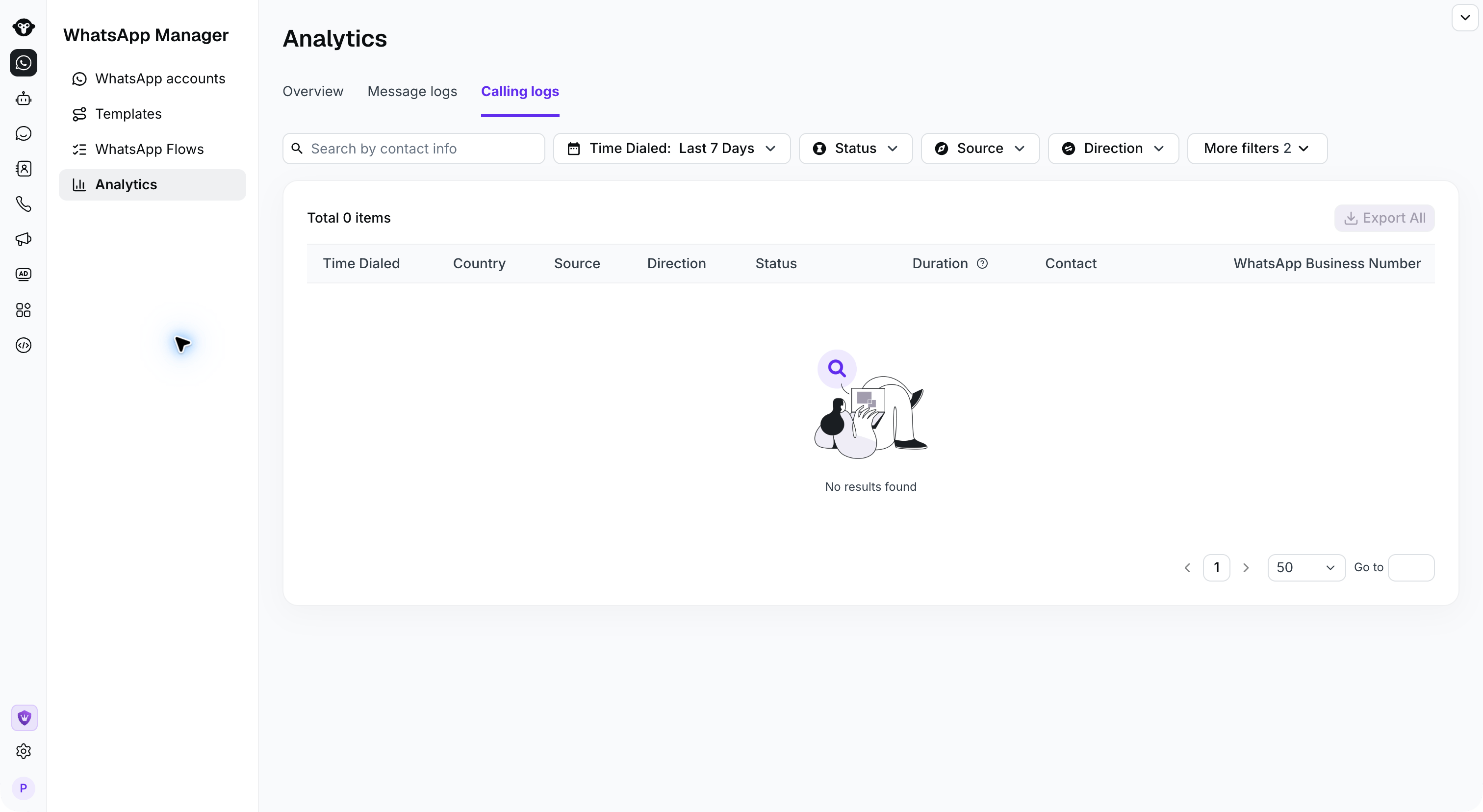
Understand the log fields
Each record can include:
Use the status and duration together when investigating whether a call connected and how long it lasted.
Export calling logs
Click Export to download the filtered calling records. During export, you can select the timezone used for the exported timestamps. Exporting is permission-controlled:- Account administrators can export logs.
- Other members must be granted the appropriate export permission.
- The person performing the export must complete two-factor authentication (2FA).