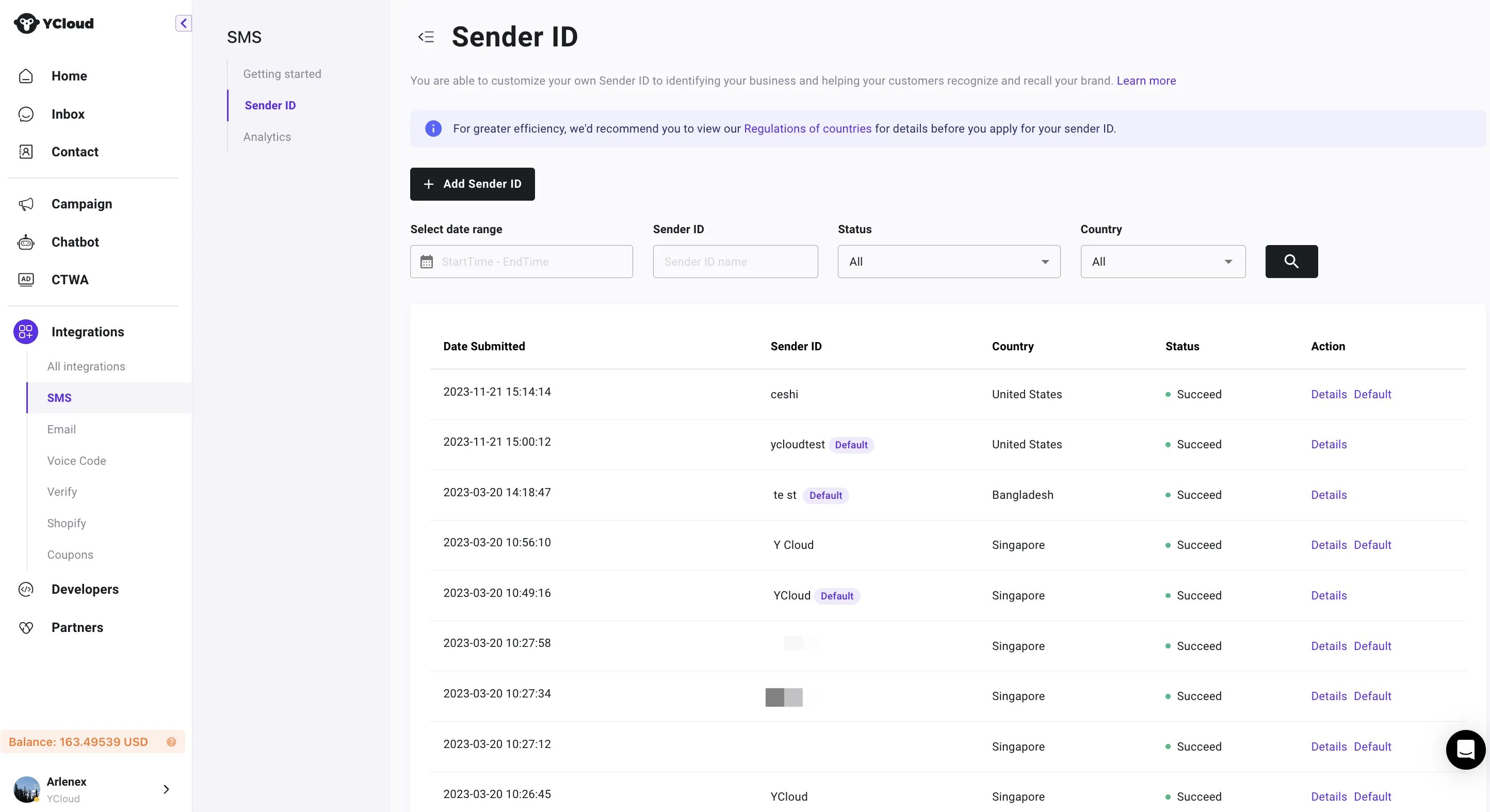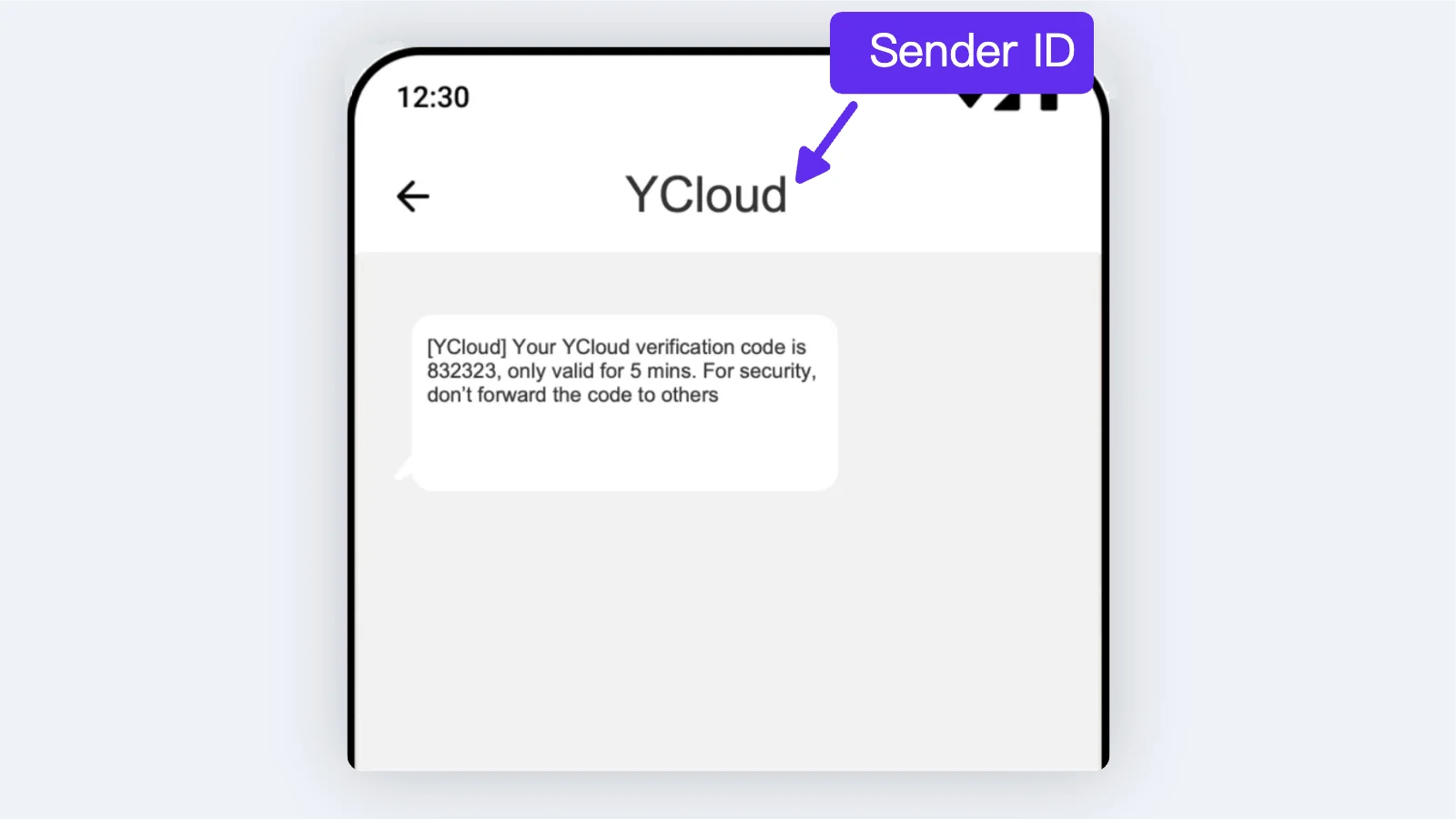
Sender ID displays who sent this message. With Sender ID, you can send SMS from a custom sender (brand name or website name) instead of a random string of numbers. YCloud product screenshot If you have not registered a Sender ID, YCloud will randomly assign an ID for you to send messages. Therefore, you can send messages without registering. The rules vary greatly from country to country, and not all countries offer Sender ID registration. Some countries charge for the ID, subject to the local operator’s policies. Therefore, please check country availability and pricing or contact our customer service before submitting an ID.

Create My Sender ID

Step 1: Although the registration of Sender ID is free, the service is for customers with an account balance of over 100.Therefore,youshouldatleasttopup100. Therefore, you should at least top up 100. Step 2: Go to Integration > SMS > Sender ID. You need to provide the following information:
  1. Sender ID;
  2. Target country;
  3. Company website;
  4. Typical template;
  5. Industry;
YCloud product screenshot Step 3: Submit the Sender ID after confirming it is correct, and wait for registration and review. Review times may vary by region.