

Steps
-
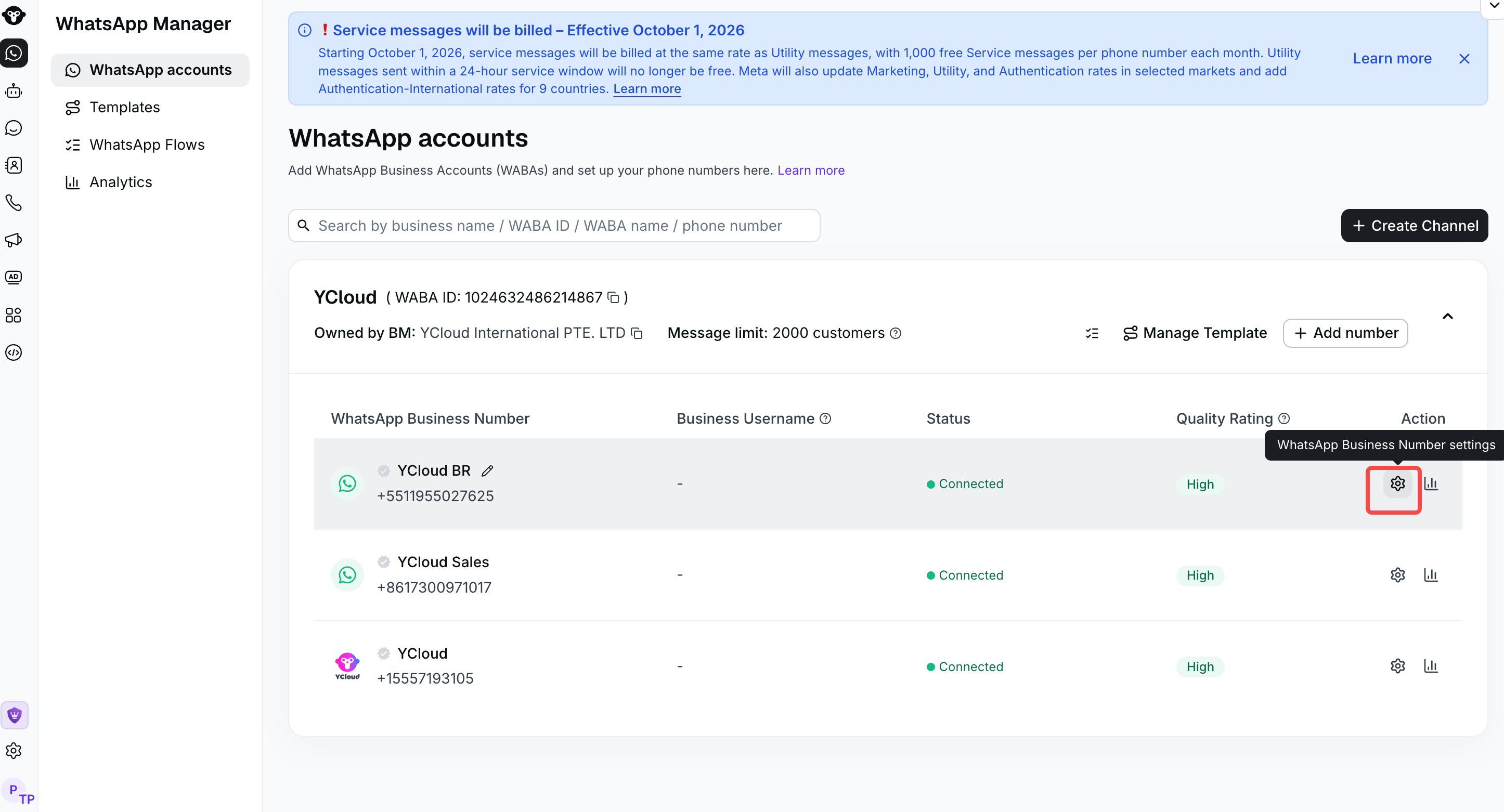
Log in to your YCloud account > WhatsApp manager > Click the settings icon.
-
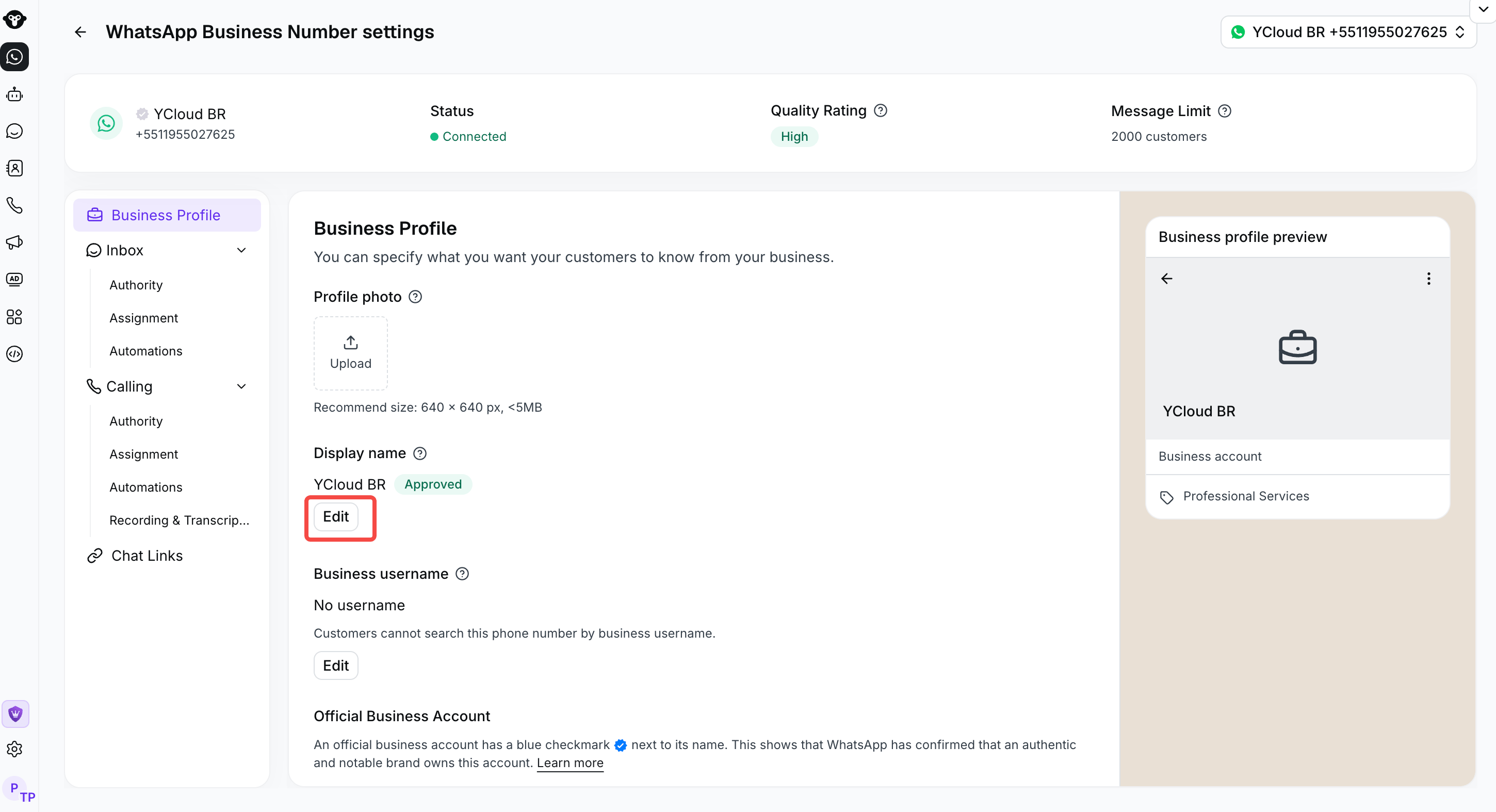
Enter the display name for the number, and click Submit to save it.
Frequently asked questions
Why was my WhatsApp display name rejected?
Why was my WhatsApp display name rejected?
Your display name must be clearly related to your legal business name or brand.During Business Verification, you provide business registration documents and a business website. The display name should therefore match or be clearly associated with at least one of the following:
- The legal business name shown on your registration documents
- The domain name of the website submitted during Business Verification
- A brand name clearly presented on that website
Will customers stop seeing my business phone number after the display name is approved?
Will customers stop seeing my business phone number after the display name is approved?
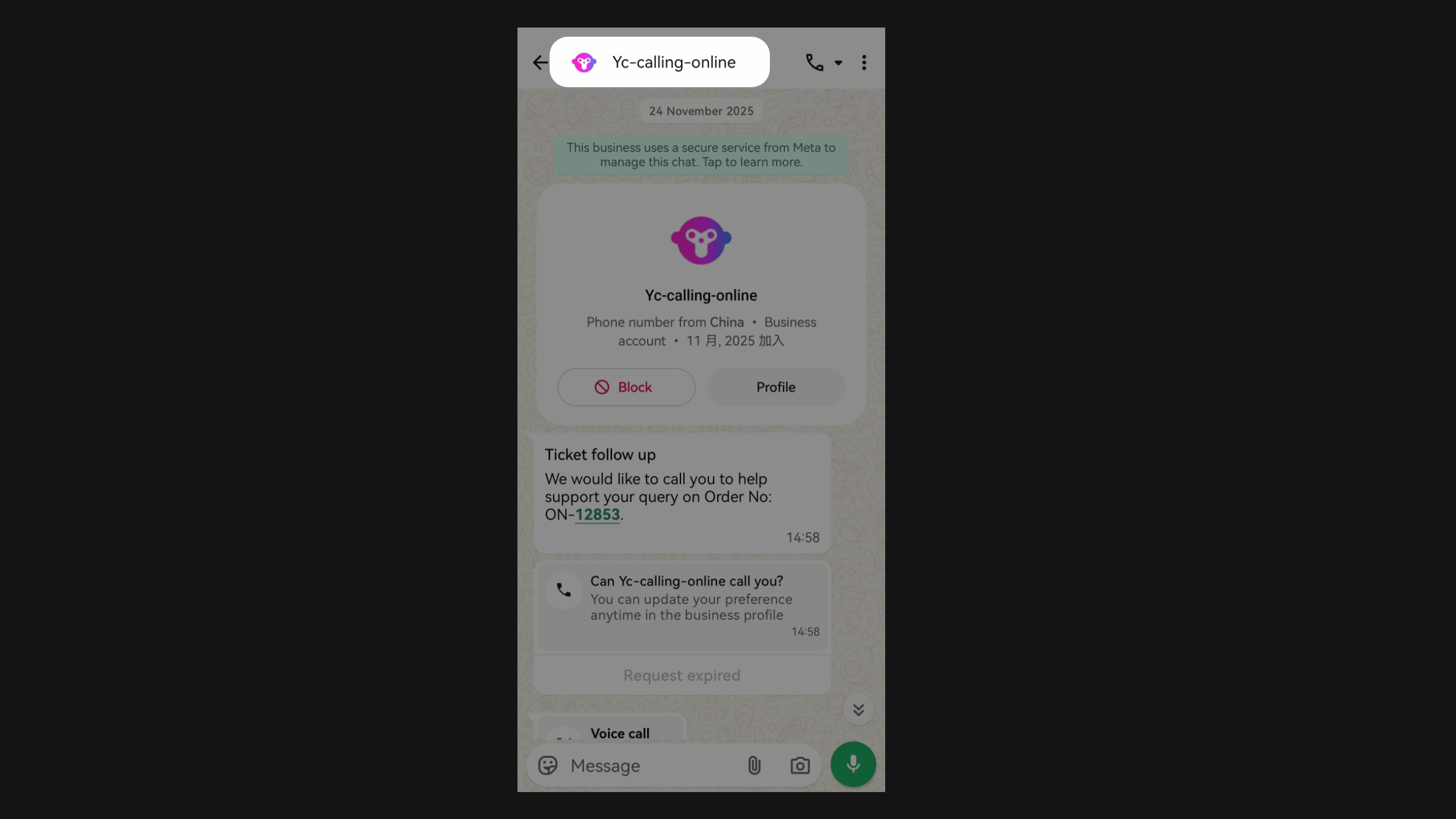
No. After approval, WhatsApp displays your business display name by default in the conversation. Customers can still open your business profile to view the phone number.
Why do I still see the phone number after my display name was approved?
Why do I still see the phone number after my display name was approved?
WhatsApp gives priority to the name saved in the phone’s contacts. Check whether this business number is already saved in your phone’s address book. If it is, WhatsApp may display the saved contact name instead of the approved business display name.