

The phone number profile includes descriptions such as profile photo and company information.

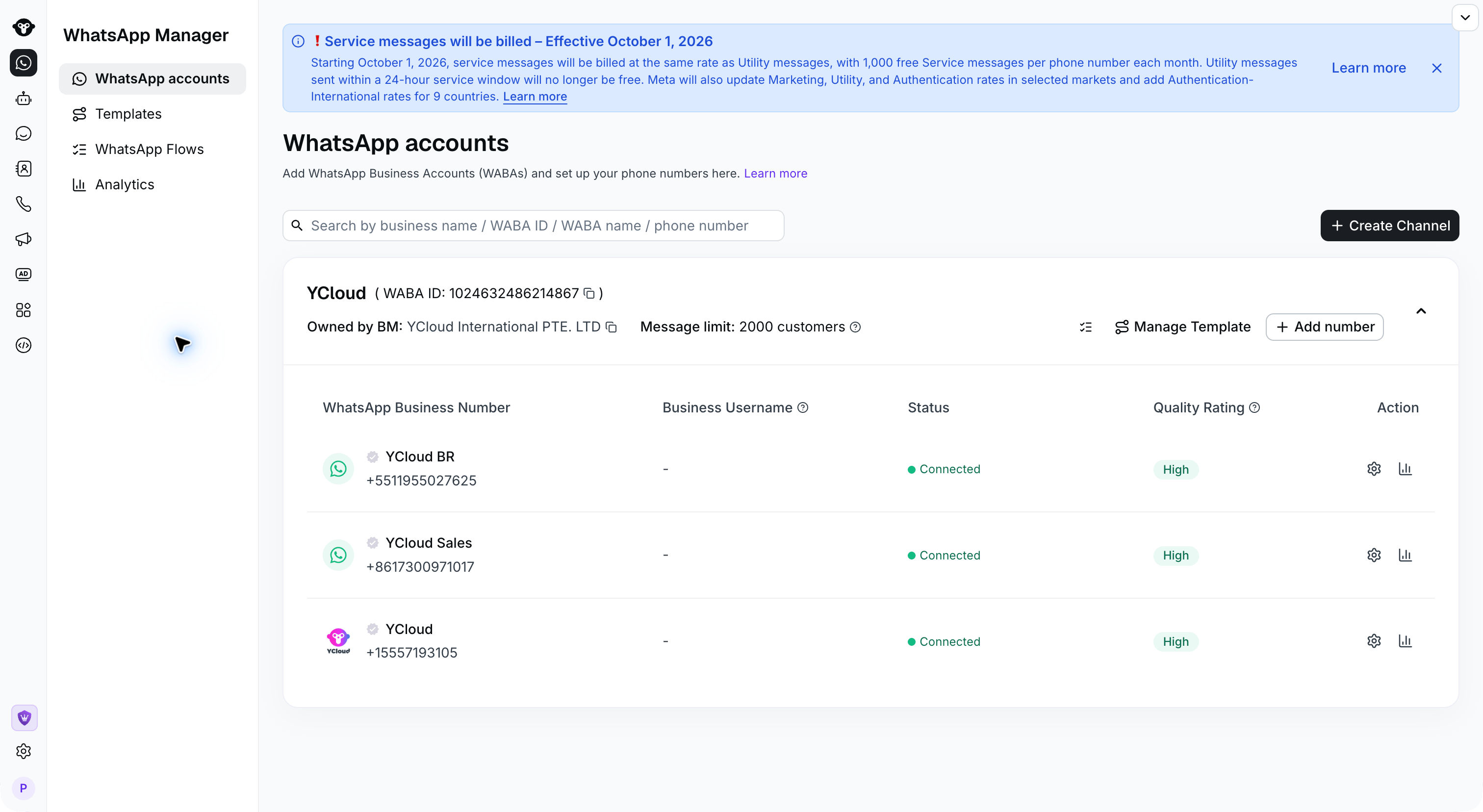
Step 1: Access Profile Settings

Go to the WhatsApp accounts page and click on the Settings of the phone number. WhatsApp accounts with settings actions for each phone number Step 2: Edit Profile Open Business Profile to edit the information. Scroll down to find the description and contact information, then save your changes.
Business Profile settings and customer-facing preview for a YCloud demonstration number.

Review the profile photo and business identity in Business Profile.

Description, address, email, and website fields in Business Profile.

Scroll down to edit your description and business contact information.