

Enable or disable Inbox
Use Enable Inbox to control whether messages for a WhatsApp Business Number enter Inbox. This setting applies to the selected number. Keep Inbox enabled for numbers that your team or AI agents use to handle customer conversations. Turn it off for numbers dedicated to sending one-time passwords (OTPs) or notifications when you do not need to handle conversations in Inbox. In Inbox > Authority, turn Enable Inbox on or off.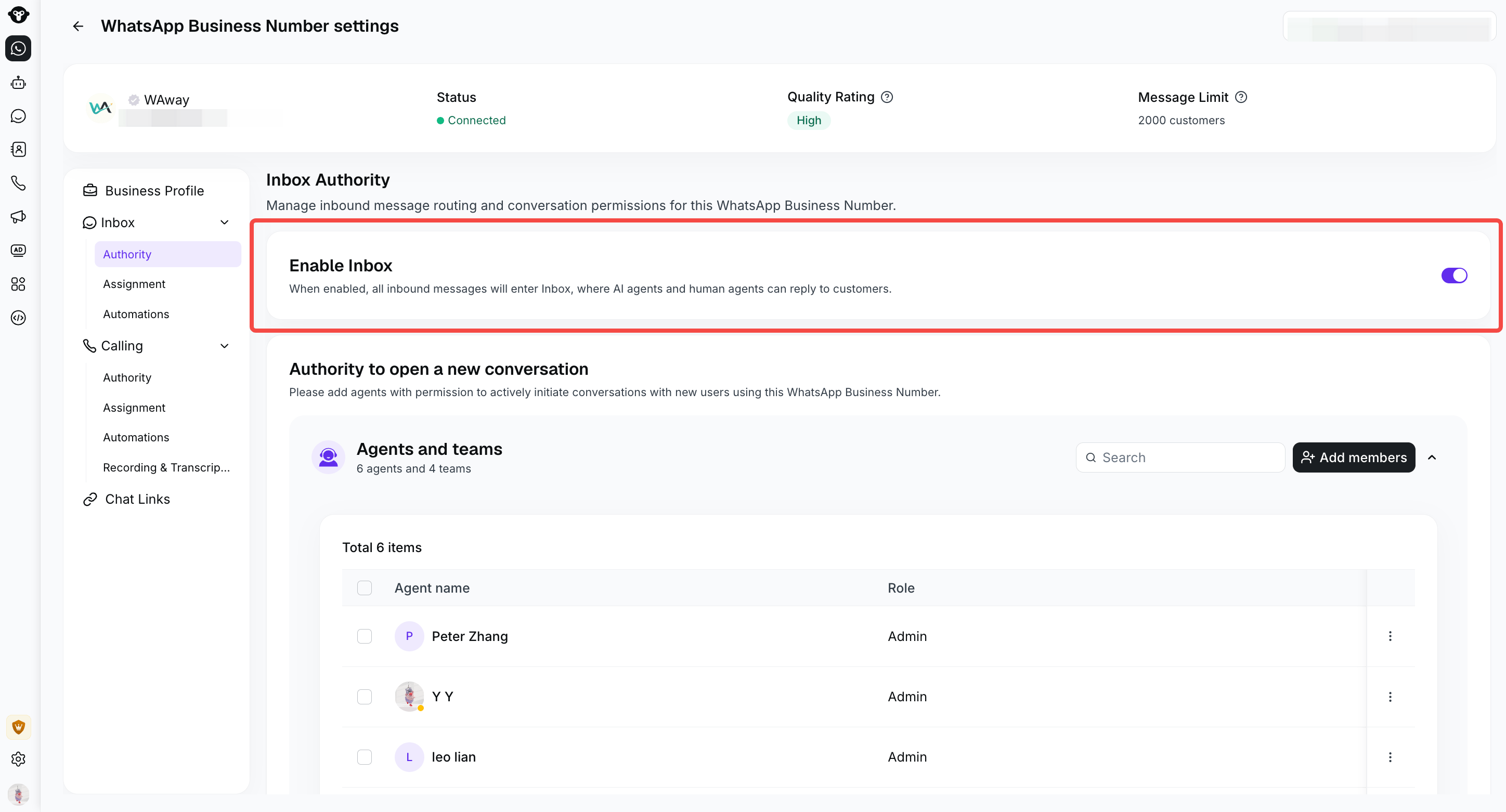
Use Enable Inbox under Inbox > Authority to control whether this number's messages enter Inbox. The switch is on in this example.
Authority to open a new conversation
Use Authority to open a new conversation to choose which agents and teams can use this WhatsApp Business Number to proactively send messages to customers from Inbox. For example, if a number belongs to a particular sales team or product line, give the relevant team permission to start conversations using that number.Add agents or teams
- In Inbox > Authority, find Authority to open a new conversation.
- Under Agents and teams, click Add members.
- Search for and add the agents or teams that should be allowed to start conversations using this number.
Keep Enable Inbox on for numbers your agents use in Inbox. Granting permission to open a new conversation does not turn Inbox on.