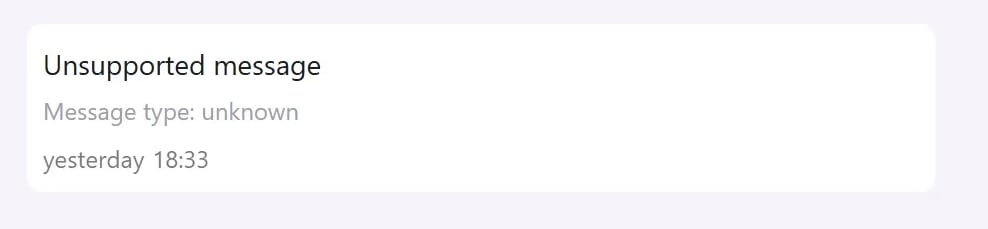
When Inbox shows Unsupported message, WhatsApp does not support the message type through its API, or WhatsApp could not make the message content available. Inbox can therefore show only a placeholder, not the original content. This can affect any WhatsApp message type, but it usually occurs infrequently. In a Coexistence setup, the first message sent from the connected WhatsApp Business app may occasionally appear as unsupported when WhatsApp cannot make its content available. The placeholder does not confirm the underlying cause. Ask the customer what they sent, or ask them to resend it as text, an image, a video, an audio message, or a document.

Identify the message type

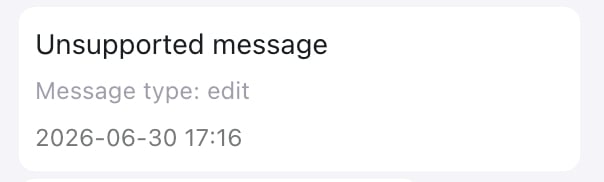
If Inbox shows a value after Message type, use the following table to identify what the customer sent. An unsupported Inbox message with the message type edit
If the type is unknown

An unsupported Inbox message with an unknown message type If Inbox shows Message type: unknown, WhatsApp did not provide a recognizable message type. Inbox cannot determine the original content from the placeholder alone.

What happens next

For payload examples and error details, see WhatsApp Inbound Message Webhook Examples.