

Send template
Use Send template to send a WhatsApp template message to contacts who reach this step in a Journey.Before you start
Configure the Journey Trigger and select its Sender before you add this step. The templates available in this step are associated with the Sender selected for the Journey.Select a template
- Add a Send template component to the Journey.
- Search for and select the template you want to send.
- Select a language when the template supports more than one language.
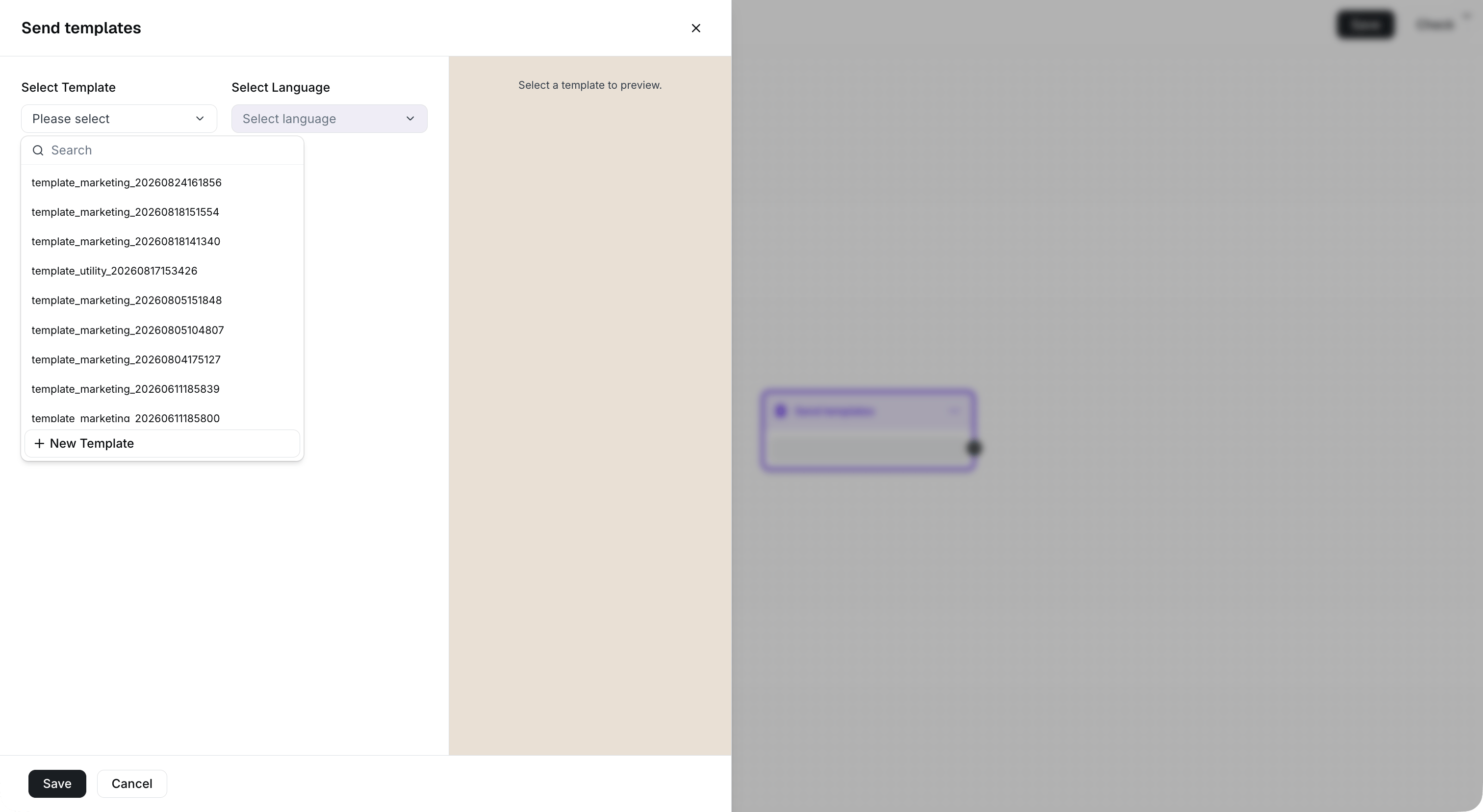
Select a template available to the sender configured in the trigger.
Set template variables
If your selected template contains variables, enter a value for each required variable before you save the step. Templates without variables do not require variable configuration.
Map each template variable to a contact attribute or fixed text before saving.