

Wait
Use Wait to delay the next step in a Journey. For example, you can wait before sending a follow-up message or before checking whether a contact has responded.Configure a wait period
- Add a Wait component to the Journey.
- Set the duration before the next step runs.
- Connect the Wait component to the next step in your flow.
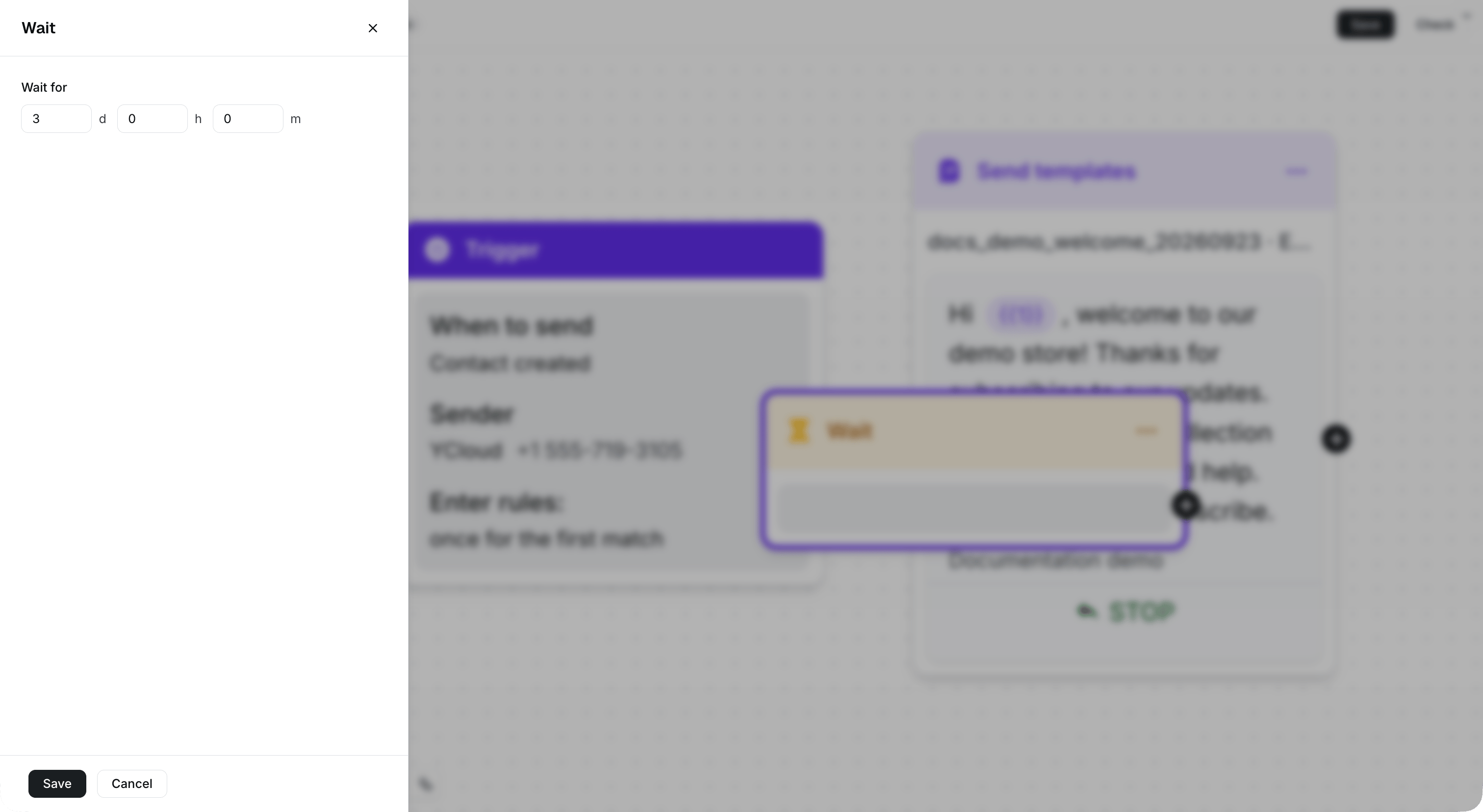
Set the delay in days, hours, and minutes while keeping the surrounding Journey visible.
Use Wait in a follow-up flow
- Send a template message.
- Wait for a defined period.
- Send a follow-up message, add a tag, or continue with another Journey component.