

Customer service window
The customer service window lasts 24 hours. Under Meta’s current service-message rules, a WhatsApp user’s message or call starts the window. Another user message or call refreshes it. Your own outgoing message does not, by itself, refresh the window. Sending a template is therefore not the same as receiving a customer response. See Meta’s Service messages documentation for the platform rules. For a Business app coexistence setup, also check the app and API behavior described in that guide.Example timeline
All times below use the same time zone.Choose what to send
The service window determines whether you can send free-form messages. Pricing and free-entry-point rules are separate. Check the current WhatsApp pricing instead of treating every open window as the same billing situation.
Free-form message types
The YCloud Messages API supports the following outbound content types in addition to templates.
These are API capabilities. The controls available in Inbox or another YCloud product may be a subset. Use the guide for the workflow you are using.
Interactive messages
Choose an interaction based on the next action you want the customer to take.
Interactive types have their own prerequisites, required fields, and platform availability. A type appearing in the API does not mean that every number, region, or console workflow can use it.
See Send a WhatsApp message, WhatsApp Flows, and WhatsApp Calling for the relevant next step.
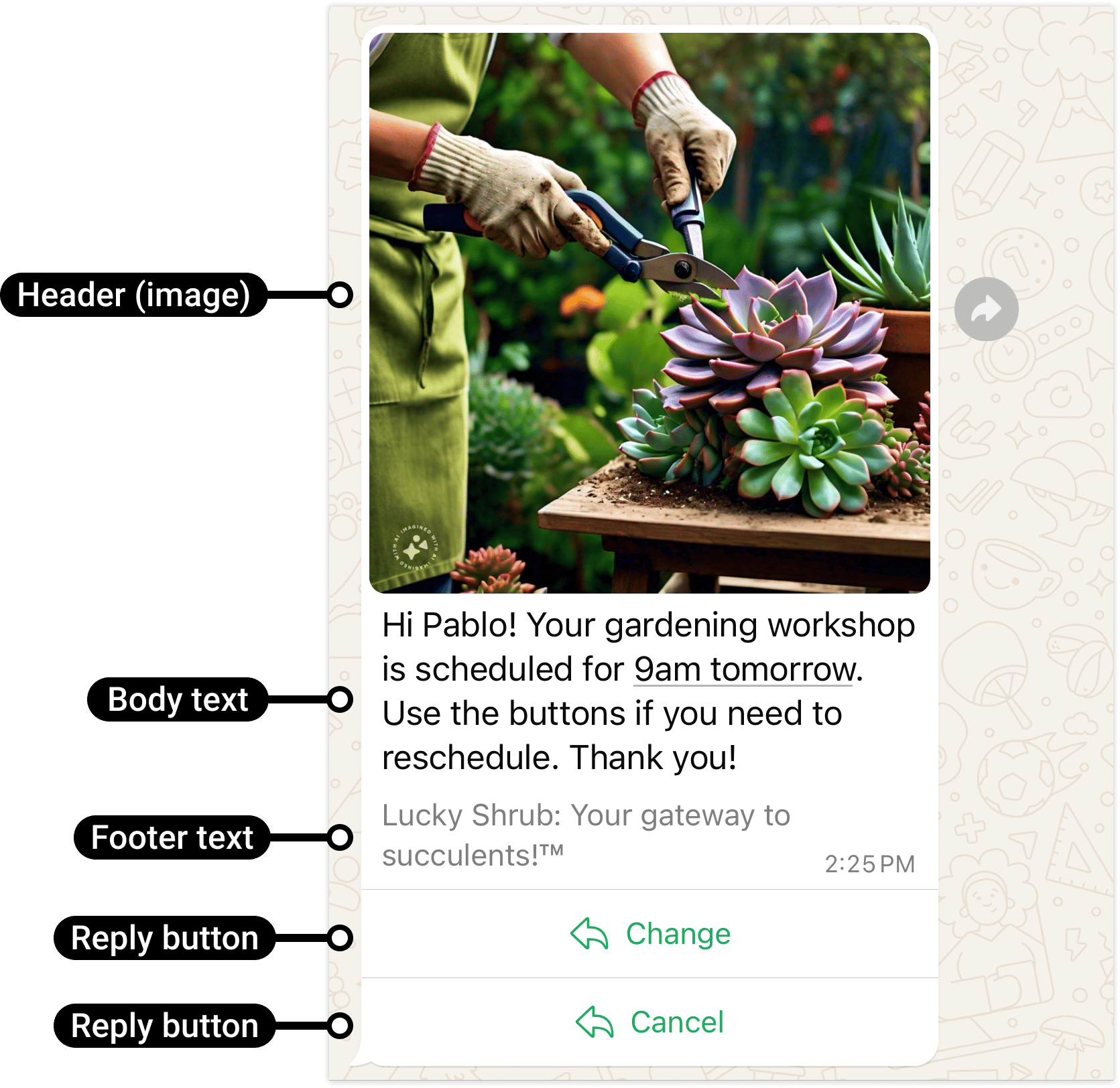
An interactive reply-button example for an open service window. Buttons return a choice to the business.
Practical limits for common free-form messages
These are YCloud API constraints for the specified message type, not the limits for template buttons.
For reply buttons and lists, use stable IDs that map to your workflow. For example,
track_order is an action identifier; Track my order is the text the customer sees. Handle the returned ID rather than depending only on the displayed label, which may differ by language.
Example: a short service menu
While the window is open, a delivery business could ask:Media checks that prevent avoidable failures
- Confirm that the sender can use the media reference and the service can retrieve any link.
- Match the message type to the actual file format. Renaming a file extension does not convert it.
- Use the supported MIME type and size for that media type.
- Preview image text and documents on a phone, not only a desktop.
- Keep media links available for delivery; do not rely on an expiring authenticated browser session.
- Do not use a media caption as a substitute for a template’s body or header parameters.
Common media formats and size limits
For images, use 8-bit RGB or RGBA. For video, Meta supports H.264 video with AAC audio, with a single audio stream or no audio. For OGG audio, use the OPUS codec and mono input; changing the extension is not sufficient.
These platform limits do not make every format available in every YCloud composer. For example, the template sample-media contract accepts a narrower set than general service-message media.
Sources: Meta media formats, image requirements, sticker limits, and the YCloud OpenAPI.
When a queued reply crosses the window boundary
A reply drafted at 08:59 may be sent after a window expires at 09:00. Check eligibility at dispatch, not only when an agent opens the conversation or an automation starts. If it has expired, select an approved template that matches the follow-up purpose. Do not send a template and immediately assume you can append free-form details: the template does not reopen the service window by itself. An ad-related 72-hour free-entry-point window is a pricing rule, not 72 hours of unrestricted free-form replies. Continue applying the 24-hour service-message rule.Keep the reply useful
- Choose the simplest format that lets the customer understand or act.
- Avoid asking for information you already have.
- Keep buttons and list options clear.
- Check the window when the message is sent, not only when it is drafted.
- Respect opt-out requests.
Next steps
- Reply through Inbox.
- Send through the API.
- Use a template outside the window.
- Check message delivery statuses.
Frequently asked questions
A customer messaged yesterday and my agent only opened the chat today. When does the window start?
A customer messaged yesterday and my agent only opened the chat today. When does the window start?
The customer’s qualifying interaction starts the window—not when an agent is assigned or opens Inbox. Use the timestamp of the latest qualifying customer interaction and check again at dispatch. If the window has ended, send a suitable approved template and wait for a qualifying customer response before returning to free-form messaging.
Can I send a list message to restart an inactive conversation?
Can I send a list message to restart an inactive conversation?
Not as a free-form workaround. Lists and ordinary reply-button messages are service-message formats and need an open window. Outside it, use an approved template with supported components and a purpose the customer expects.